Creative Tools · ICUNI Labs
Crerater
Finding the useful moment in a personal video collection and carrying it into an edit.
The build story 8 minute read

Crerater: Find Your Footage, Keep the Moment, Build the Edit
At a glance
- Purpose
- Finding the useful moment in a personal video collection and carrying it into an edit.
- The build
- A local edit desk indexes video and image collections, supports browsing and tagging, and hands exact source/time ranges from Reels into Cutroom.
In this story
By Menelek Makonnen · ICUNI Labs
A creator-and-curator edit desk for finding local media, reviewing its labels and carrying precise selections into an editable composition.
Crerater helps creators find local media, keep the useful moments and turn those choices into an editable composition. It connects browsing, tagging, clip selection and an edit desk, so footage has a route out of storage without spawning a new file every time you notice a good shot.
A large media collection can produce a surprising amount of work before the editing begins. Find the file. Find the useful part of the file. Remember why you saved it. Make another copy, just in case. At some point the hard drive becomes a family tree in which every relative is called Export_02.
I developed Crerater as a desk for that earlier part of the creative process. Its name joins creator and curator: work you have made and material you have deliberately collected both need a route from storage to a useful edit.
Think of an editor gathering behind-the-scenes footage, a creator reviewing their own work or a curator assembling permitted reference material. The practical journey is the same: locate a source, decide which moment matters and carry that decision into the next stage. Crerater gives those choices a connected workspace.
Find the material without relocating the originals
The catalogue records local media while originals remain in their source locations. Configured roots can represent created work, a local video collection and curated material. Crerater's database and derived records belong to Crerater; they do not silently become another product's catalogue.
Manual synchronisation refreshes that account. A worker walks the selected roots and records what it actually covered. Existing paths can refresh their metadata, new media gets an identity, and same-named files from different sources remain distinguishable.
The important rule appears when a drive is unavailable. Existing rows are only marked missing for a root whose scan completed. An inaccessible drive should not be interpreted as a successful discovery that the owner's collection has ceased to exist. The catalogue needs to distinguish absence from lack of evidence.
That decision is quietly valuable in a desktop workflow. Creators move between internal storage, external drives and working collections. A disconnected cable should not have the editorial authority of a deliberate removal.
Compare candidates before committing to the edit
The unified Library brings video, still images and GIFs into a shared browsing experience. Search, sorting, grouping and media-type filters help the operator choose the view that answers the current question. Source, folder, people, albums, tags, aspect and size can each be useful ways into the same collection.
Results are paged and bounded rather than loaded as an unlimited wall. Cached rows can keep the desk browsable when a fresh catalogue read fails, with a visible retry route.
Selection then becomes a working decision. The operator can gather candidates, inspect a source and decide what belongs in the next edit. The interface's warm paper and graphite treatment, cobalt selections and ochre accents make it feel like an edit desk rather than a control panel that has misplaced its spacecraft.
I kept that visual purpose connected to the work. Grid density, aspect treatment and grouping help somebody compare the material. The point is to find a useful shot, not to win an argument about how many thumbnails fit on a monitor.
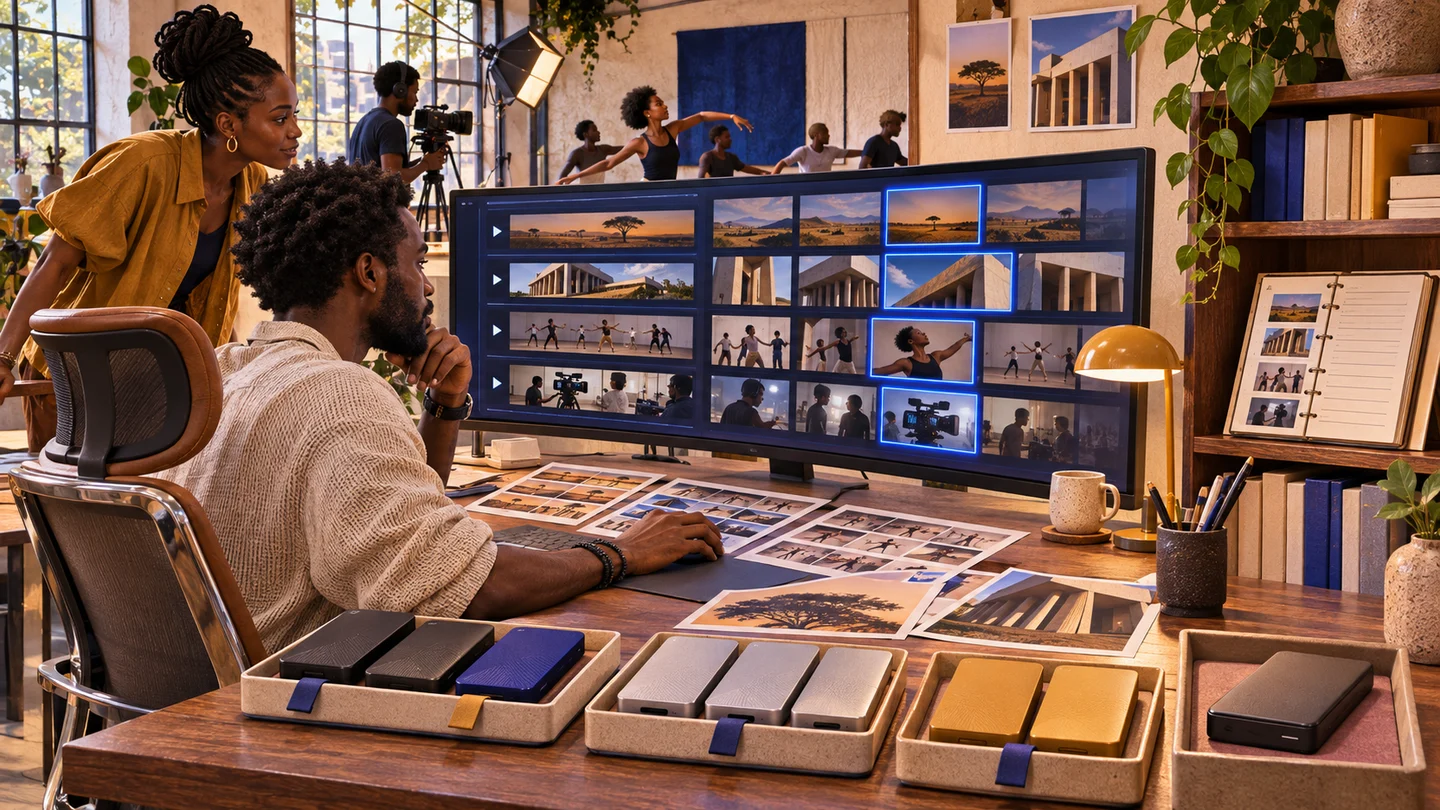
Catalogue and discovery: keep sources distinct, understand scan coverage and choose useful material.
Make the collection easier to search without losing later work
Tags can make a collection searchable. They can also become a second collection that needs organising. Slightly different names accumulate, and an innocent merge can alter more material than the operator expected.
The Tagger treats merge, rename and delete as reviewed operations. It prepares a plan, snapshots the relevant user-authored state and reports impact and warnings before applying anything. Destructive deletion requires an explicit confirmation phrase.
If somebody changes the relevant tags while a plan waits, Crerater asks for another review. That protects the decision you actually made: agreeing to merge two labels yesterday should not quietly approve a different set of changes today. The implementation checks a digest of the scoped state before applying the plan.
Undo follows the same care. It restores the captured state only while the present state still matches the recorded result of that operation. An undo should not quietly erase someone else's later work simply because its button has a comforting arrow.
The fast tag-suggestion route uses local statistics such as proximity, co-occurrence and earlier transitions. It is separate from model inference. That distinction helps explain the feature: a useful suggestion can come from the collection's structure without asking a language model to improvise a biography for a thumbnail.
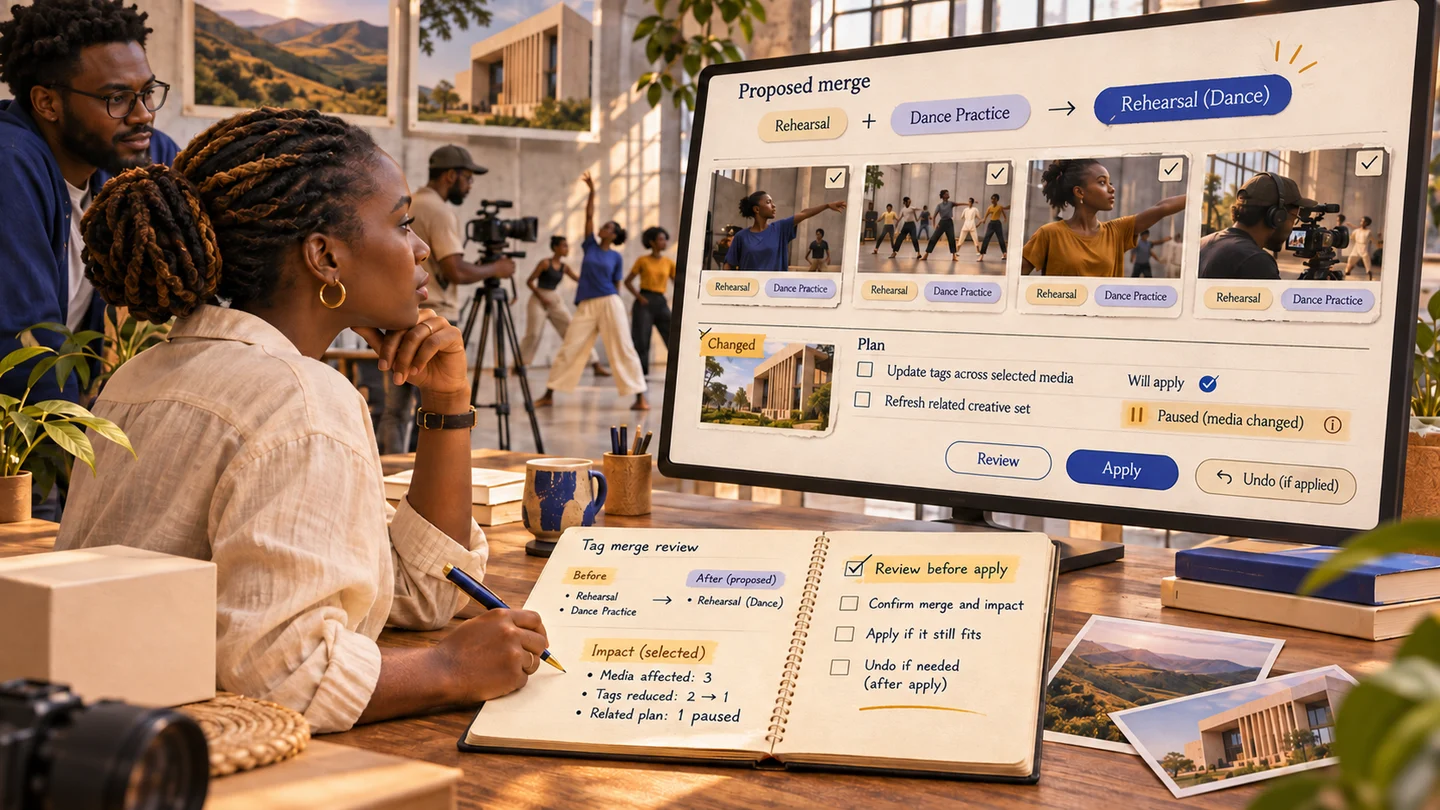
Tag operations: inspect the plan, check the current state and keep undo conditional on what has happened since.
Save a moment as a reference
In Reels, the operator marks IN and OUT points, adds an optional title or tags and puts the bounded range into Clip Bin. The bin stores the source reference and timing decision. It does not make another media file.
That gives the selection its own durable place without multiplying the footage. Duplicate ranges can return the existing entry, and the bin has a defined capacity. Reordering or removing an entry changes the working selection while leaving the original media alone.
The request also belongs to the current selection. A late response from a video the operator has already left should not appear as success for the new one. That is a small state boundary with a direct creative consequence: the software must remember which moment the person meant.
The Cutroom bridge turns a valid bin entry into an edit decision carrying source, range, duration, name and tags. Cutroom owns the later playback resolution. A handoff is more useful when each side knows what it has received and which responsibility comes next.
Make the composition, then request the render
Cutroom is the composition workspace. Video, stills, text and audio can occupy separate tracks, with timing, transforms, colour controls, volume, speed, effects and keyframes. The operator can arrange, trim and split, refine the preview and save a named project.
This is where the earlier curation becomes an edit. The chosen range is no longer just a note in a bin; it has a position and purpose in a sequence. A title can sit over the picture, added sound can carry the rhythm, and the project stays editable while those choices develop.
For export, the project compiles into a format-specific request for Ender, the separate rendering application. The compiler translates timing into frames, distinguishes base picture from overlays and creates explicit audio layers. Codec, container, dimensions and quality belong to that request.
The handoff requires approval and uses a stable identity so the same request can be recognised. It can receive a queue acknowledgement or write to a mailbox path.
That distinction protects the creative workflow. The next task is to observe the renderer and inspect the delivered picture and sound. A mailbox is an excellent place for a request; it is a disappointing place to hold a premiere.
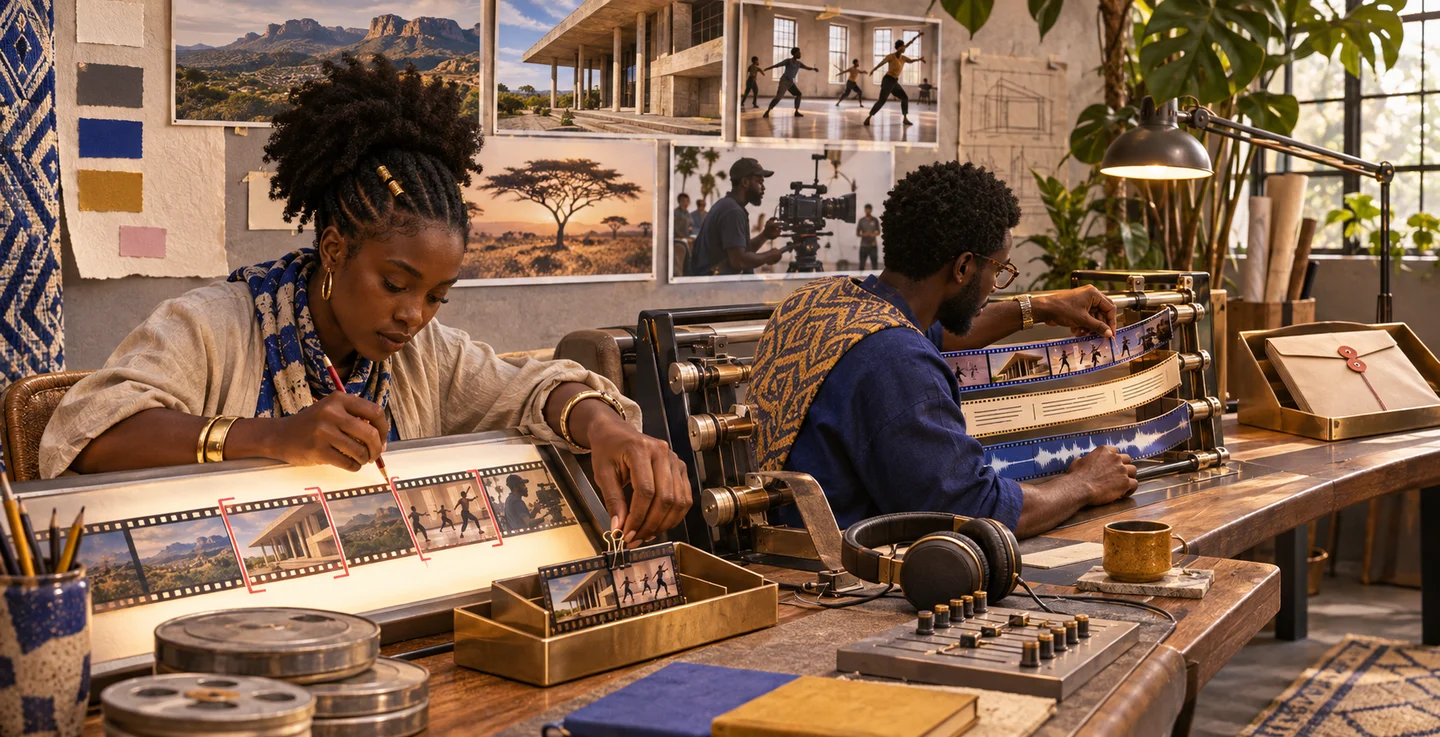
Reels to Cutroom: preserve the chosen moment, build the composition and make the rendering handoff explicit.
Know whether an item is hidden, removed or waiting on a render
The library distinguishes hiding an item in the application, moving a file to the Windows Recycle Bin and permanently deleting it. Those actions have different consequences and deserve different controls. File-changing handlers record an operation plan before mutation and retain phases that can identify recovery work.
Related Brain records preserve identities, conflicts, imports and handoffs. Model assistance is a separate layer, with local Ollama and an explicitly registered cloud option in the inherited application surface. Proposed external editing actions need their own approval and receipt. Neither a chat response nor an imported name match should silently become a catalogue mutation.
The implementation and the strength it sharpened
Crerater starts from the an existing media application application foundation. I carried its established media surfaces forward while giving this sibling its own catalogue, settings, caches, runtime records and source-root policies. Reuse should not mean opening the wrong library.
The desktop uses TypeScript, React and Electron, with JavaScript/Node.js services and SQLite for local records. Python supports engine work. Worker boundaries keep scans and selected intelligence away from the main interface thread; source references and compiled requests connect the desk to downstream editing and rendering.
Building the sibling reinforced the importance of product boundaries during reuse. I can preserve a valuable application foundation while deciding exactly which storage, settings and receipts the new product owns. That is more useful than changing a title and hoping the databases understand the announcement.
The creative strength is in the same continuity: find a source, preserve a time decision, review a metadata change and carry the result into a composition. The engineering follows the operator's intention through those handoffs instead of forcing them to reconstruct it at every screen.
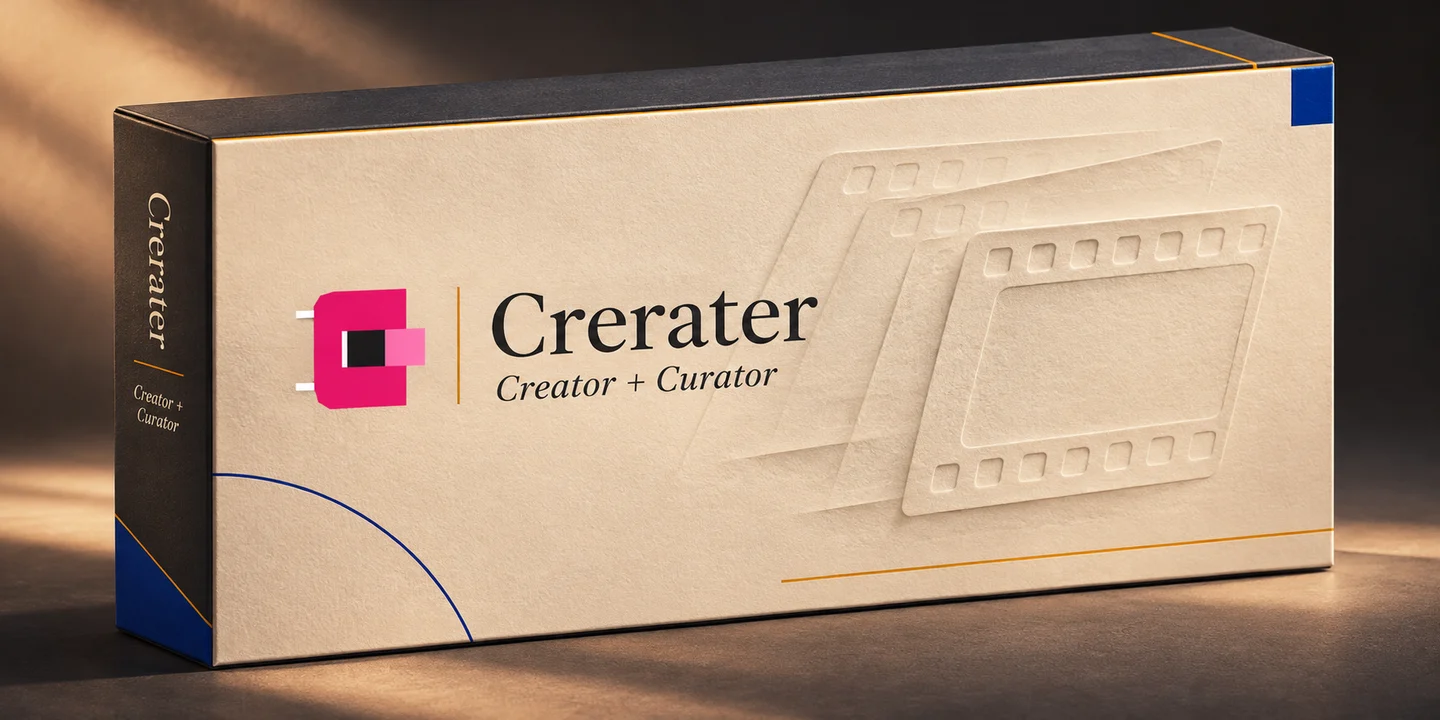
Crerater: Creator + Curator.
Let the next copy have a reason
Crerater gives a growing collection a practical route into editing. Keep the originals where they belong, understand the catalogue, review its labels, select the exact moment and build a composition from that decision.
The next exported file should exist because the edit needs it. Export_02 can remain in the family, but it no longer has to raise all the children.
Back to the story’s beginning ↑
Project details
A local edit desk indexes video and image collections, supports browsing and tagging, and hands exact source/time ranges from Reels into Cutroom.
Inside the workflow
A local edit desk indexes video and image collections, supports browsing and tagging, and hands exact source/time ranges from Reels into Cutroom.
Have something in mind?
Bring the problem, the audience and what you want to make possible.
Discuss your project