Creative Tools · ICUNI Games
GodMod
A game mod-manager concept for keeping modifications organized and manageable.
The build story 5 minute read

GodMod: Bring Order to a Skyrim Modding Session
At a glance
- Purpose
- A game mod-manager concept for keeping modifications organized and manageable.
- The build
- A mod-manager workflow for organizing game modifications and applying a selected setup.
In this story
By Menelek Makonnen · ICUNI Games
Personal Skyrim Anniversary Edition workflow tooling for bringing guide entries, archives, installer choices and Mod Organizer profiles into one local desk.
GodMod helps me follow a Skyrim Anniversary Edition mod guide without losing track of the downloads, installer choices and profile changes along the way. It puts those preparation tasks in one local desk, so I can inspect how an entry becomes an installed mod rather than trying to reconstruct the journey from a pile of archives.
A dragon is at least considerate enough to announce that it is a problem. A misplaced plugin can wait until the loading screen before revealing its ambitions.
I built GodMod to bring order to the work around a Skyrim Anniversary Edition mod guide. It is a personal downloader and installer-management tool, rather than a standalone game or a replacement for the modding ecosystem.
For a modder following an ordered guide, the useful questions are practical: which entry failed, what needs another download, which package options apply and what reached Mod Organizer 2? GodMod brings those answers into the same workflow. A single installation button should not make the underlying decisions disappear.
Start from the guide, not a pile of archives
The dashboard presents the mod list alongside download and installation state. Search, filters and details give an individual entry a place within the larger guide.
That context matters when several archives have similar names or one entry needs a retry. A downloaded file, an extracted package and an installed mod are different achievements.
The tool does not make third-party mod choices original GodMod content. Skyrim belongs to Bethesda's game ecosystem; Mod Organizer 2 and the authors of the individual mods supply the software and creative work this workflow depends on.
Check which files the package intends to install
The installer extracts an archive into a temporary directory. It supports ZIP and other archive paths through available Python libraries or tools.
Next, it checks for a FOMOD installer: a structured set of package options that can determine which files should be copied. Guide choices can inform that selection.
If there is no applicable installer mapping, the code looks for the game's data root within the extracted structure. Meshes, textures, scripts, interfaces and other familiar data folders help identify the intended contents.
That is a practical parsing problem, not just a file-copy problem. An archive can wrap its useful files in several directory levels, while optional packages can contain mutually different choices.
If the installer returns no mappings, the fallback needs inspection. I still need to know whether the package was understood before trusting the selected files. An automated guess becomes much less charming when it is wearing my load order.
Keep the installed files and the profile in agreement
Selected contents are copied into a mod-specific directory under Mod Organizer. The installer writes metadata, counts the resulting files and discovers top-level plugin files.
Separate helpers update mod-list and plugin information. Batch installation connects those operations to the ordered guide entries rather than merely walking an arbitrary folder.
The configuration surface includes archive-tool paths, Anniversary Edition and Creation Club choices, and FOMOD options. Those inputs can change the intended installation, so they belong beside the workflow rather than in an unexplained script.
The user-facing point is simple: a mod's presence on disk and its place in a profile need to agree.
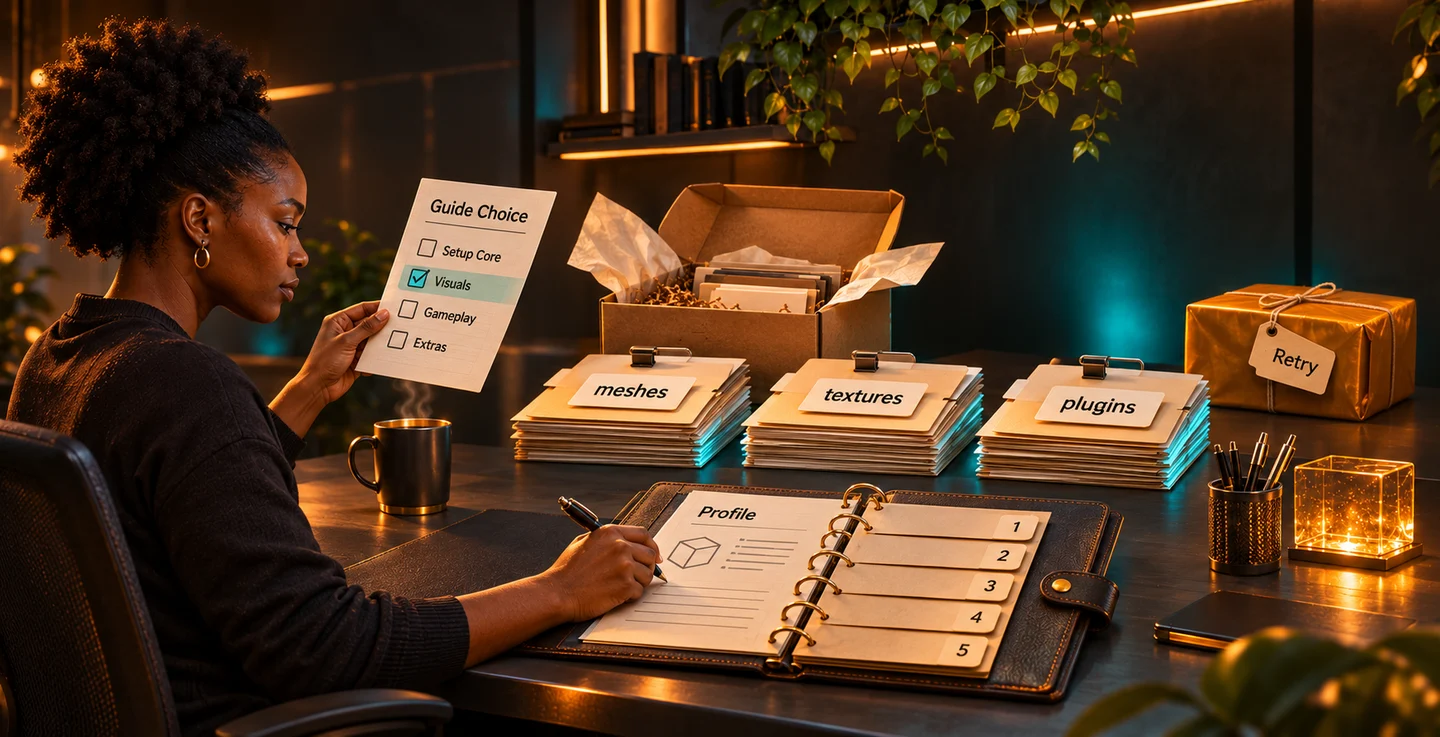
Guide, archive, installer choices and profile order in one local workflow.
A local tool still needs a boundary
The backend uses Python and FastAPI, with SQLite for tracked records. A JavaScript, HTML and CSS dashboard provides the browser-facing controls.
The current server includes checks for a loopback client, expected host and origin, request size and a local capability before allowing API work.
The distinction matters because installation operations can modify downloaded archives and Mod Organizer profile files. The interface has to make consequential work understandable; running on the same computer does not make every request harmless.
GodMod's dark glass surfaces, amber focus and cyan status accents give the operator a view across the pipeline. Mods, mod list, plugins and configuration have separate destinations, while logs and notes provide a place for detail.
The dashboard can show preparation state, but a working game session remains the useful final test. I do not want file counts to take credit for compatibility they have not established.
What the tool taught me
GodMod sharpened my ability to join automation with an existing specialist workflow. The task was to respect a guide's structure, an installer's choices and Mod Organizer's expectations instead of assuming that every archive is a bag of files.
It also sharpened my definition of completion. File counts, installation status and profile updates are useful observations.
That is a useful boundary to preserve. A tool can solve a real personal problem before it has earned a public installer.
GodMod: personal mod workflow tooling.
Leave the dragon to the game
GodMod brings the preparation work into one account: what the guide asks for, what arrived, what the package contains and how it enters the profile.
That gives me a clearer place to inspect preparation before testing the actual game. The dragon can keep its dramatic entrance. The mod list should have fewer surprises.
Back to the story’s beginning ↑
Project details
A mod-manager workflow for organizing game modifications and applying a selected setup.
Inside the workflow
A mod-manager workflow for organizing game modifications and applying a selected setup.
Have something in mind?
Bring the problem, the audience and what you want to make possible.
Discuss your project