
Business Systems · ICUNI Consult
ICUNI Print
Helping print demand find the right products, briefs and office connections.
The build story 7 minute read

ICUNI Print: The Print Request Should Arrive Before the Panic
At a glance
- Purpose
- Helping print demand find the right products, briefs and office connections.
- The build
- The demand-side catalogue connects an office directory, order requests, custom briefs and partner onboarding. Office-facing print operations are handled through the PrintFlow family.
In this story
By Menelek Makonnen · ICUNI Consult
ICUNI Print helps people in Ghana find print options, locate offices and turn a printing need into an organised order request or custom brief. Customers can start with a catalogue item or explain a more unusual job; coordinators receive the details needed to review what should happen next.
“I need something printed” sounds simple until someone asks about format, quantity, artwork, deadline and collection. I built the product to keep those details together before the conversation becomes fifteen messages and an attachment called FINAL-final-really-this-one. The paper may be flat. My file-naming confidence has always been three-dimensional.
The goal is to make requesting print easier to understand from both sides. A customer can see how to begin; the person handling the job has a request with enough context to ask the right questions. Confirmation, payment and production remain subsequent steps, rather than implied promises attached to a cheerful button.
Start with the print, or start with the question
The shop supports search across product names, descriptions and categories, with category chips for a more directed browse. A customer can choose a known format and add it to the cart, where repeated additions merge and quantities remain editable.
That suits familiar jobs: printed cards, booklets or another catalogue item whose starting price and format can be shown. A custom request takes a different route. Instead of forcing an unusual requirement into the nearest convenient product card, the interface can open a brief.
The quote form asks for contact details, category, deadline and an explanation of the work, with an optional reference file. Those fields give the next person something concrete to review. They do not automatically produce a binding quote or establish that the artwork is ready for print.
I like this two-way entrance because it reflects how people ask for a service. Sometimes they know the specification. Sometimes they know the problem and need a conversation to reach the specification. Both deserve a place in the product.
Give the coordinator the details to move your job forward
Checkout collects the customer's details and the fulfilment choice, with an address when delivery requires one. Display totals combine product starting prices, quantities and the configured delivery fee.
The demand backend independently resolves catalogue records and recomputes prices. It validates the fulfilment choice, bounds the number of lines and quantities, and rejects quote-only items from ordinary checkout. The browser can explain a total; the server still has to determine what it will record.
After submission, the customer has an awaiting-confirmation request, with payment pending. That gives the coordinator a job to review before committing to production. If no office is explicitly supplied, it goes to the ICUNI routing desk. The map helps with discovery; it does not automatically assign a nearby office or assume that proximity means available capacity.
For a small team, this keeps enquiry handling from depending on whoever remembers the last phone call. Review the requested items, resolve the appropriate production route and communicate the next decision. The system preserves the demand while a person makes the commitments that still need judgement.

Choose samples, define the request and review its next step.
Explore the request journey before connecting a live service
When no remote service is configured, the order journey creates a local awaiting-confirmation record in browser storage. It can demonstrate the receipt and subsequent local retrieval, and the checkout states that no payment is taken in the demo.
The local mode does not send a production job to a real partner. Its quote and office-claim paths return demonstration identifiers without persisting those requests. That difference matters: a local order record and a simulated quote response do not have the same storage behaviour.
Tracking also has a defined scope. The browser checks recent locally remembered orders before requesting the server, so a familiar order can be a cached snapshot rather than a fresh status. Server tracking uses the customer's email or a matching authenticated session.
You can therefore walk through catalogue selection, checkout and local order retrieval without submitting a real production job. Configured services are needed for the operational journey beyond that demo. I want a useful walkthrough, not a receipt with the logistical authority of a theatre ticket to a building that has yet to open.
Explain the unusual job without squeezing it into a product card
That is intake storage, not artwork certification. Those are further responsibilities for a production service.
The backend records the request and activity, then attempts customer and support email. Failed messages can be queued.
A reference can communicate what a customer means far more clearly than “make it pop,” a request which has pursued designers across several generations. Keeping it beside the deadline and job description gives the coordinator a brief they can discuss. Reviewing print suitability and providing a quote still require their expertise.

Describe, attach and review.
Find offices while keeping their status clear
The office directory combines search across location and capabilities with office-type filters. The Leaflet map uses OpenStreetMap tiles, selectable markers and fitted bounds to help the visitor relate supplied locations to the directory.
Seeded locations remain distinct from verified partners. A supplied address is useful directory material.
The same applies to payments. The code contains a guarded verification helper, but the current order flow leaves payment pending and does not invoke that helper as a complete integrated checkout. I present the working public product slice and its integration work together, with no automatic-routing or payment-completion promise.
Design for the customer with a phone and the team doing the work
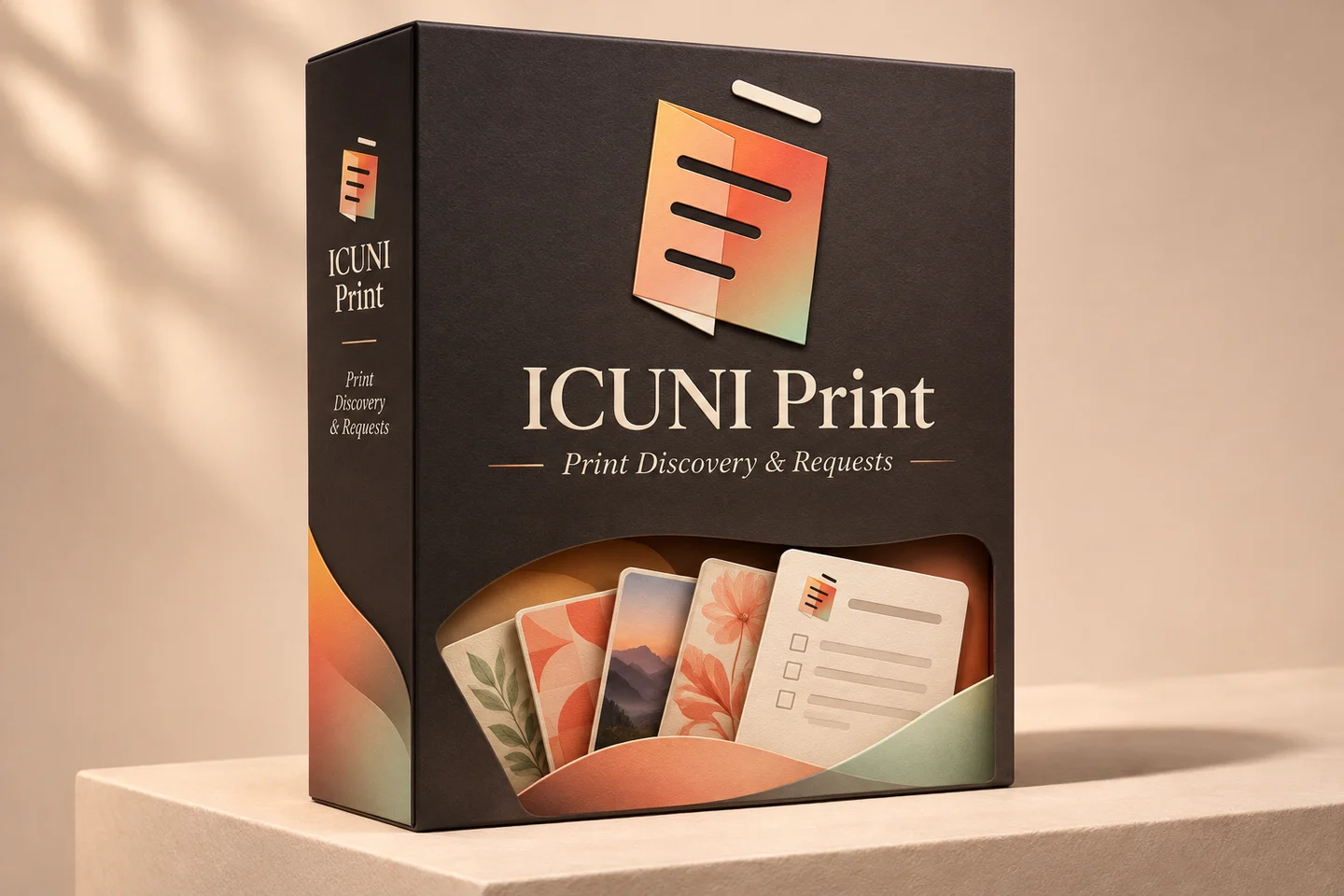
The active interface uses React, JavaScript, Vite and CSS, with an Apps Script and Google Sheets demand backend. Its print identity combines warm charcoal, cream, amber, coral and mint, with Inter and Outfit typography. The folded-paper SVG mark carries the print identity through the interface.
On smaller screens, a bottom navigation bar brings Home, Shop, Offices, Cart and Track within reach. The cart drawer and focused modals let the visitor work without constantly losing the catalogue context. Print samples, forms and requests share one visual language.
Building this taught me that making a service easy to request means understanding how the work will be handled. Catalogue prices, reviewed quotes, office assignment and payment each answer a different customer question. I kept their states distinct in the design. Request identifiers and write locks support the backend, with spreadsheet writes and retry behaviour still needing further hardening before a full transactional guarantee would be justified.
The next development stage is concrete: strengthen those writes and retries, repair partner invitation and approval, and finish the payment integration. That work follows the same purpose as the catalogue and brief form: make it easier for customers and coordinators to understand a job and move it forward.
Get the request into shape
ICUNI Print turns “I need something printed” into a request a person can act on. Customers can browse, find supplied locations, specify a familiar product or explain a custom job. Coordinators can review that information before promising a price, office or production outcome.
The conversation may still have a few folds in it. At least the request can arrive before the panic.
Back to the story’s beginning ↑
Project details
Project context: Ghana
A Ghana-focused print demand platform combining a product catalogue, office directory, order requests, custom briefs and partner onboarding. Separate from office-facing PrintFlow systems.
Design and technical decisions
The demand-side catalogue connects an office directory, order requests, custom briefs and partner onboarding. Office-facing print operations are handled through the PrintFlow family.
Inside the workflow
A Ghana-focused print demand platform combining a product catalogue, office directory, order requests, custom briefs and partner onboarding. Separate from office-facing PrintFlow systems.
Have something in mind?
Bring the problem, the audience and what you want to make possible.
Discuss your project