Websites · ICUNI Consult
ICUNI Studios
An editorial home for films, photography, music videos and a growing production slate.
The build story 6 minute read

ICUNI Studios: A Portfolio With a Viewfinder and a Memory
At a glance
- Purpose
- An editorial home for films, photography, music videos and a growing production slate.
- The build
- A studio portfolio and media archive connecting published work, short edits, studio news and project enquiries.
In this story
By Menelek Makonnen · ICUNI Consult
The ICUNI Studios website helps people discover films, photography and edits, explore the collections behind a showreel and start a creative project conversation. It connects a cinematic first impression to a browsable portfolio, so potential collaborators can inspect the work that interests them.
A reel can win attention in seconds. It is less helpful when someone returns to find one particular image and has to replay the entire introduction like a hostage watching a production company ident. I built the archive and project pages to give that attention somewhere specific to go.
The June 2026 rebuild established the website foundation for that experience. The current design adds a camera-inspired presentation around a practical archive: the visual character invites attention, while the structure helps the attention go somewhere useful.
See the style, then find the particular work
The home reel introduces the studio's visual practice. Persistent navigation then offers routes into films, music videos, archive collections, the slate and editorial material. Individual film slugs lead to detail pages, rather than requiring the reel to explain every project in passing.
Moving from a reel to a film page should feel like following an interest, rather than leaving one website for another. Shared content records provide consistent film, music-video and project details; route modules, loading skeletons and code warming support that movement. Bundled fallback records preserve an introduction if the remote content bootstrap is unavailable.
That is useful on a media-heavy site. The visitor should have a coherent route while the next part loads, not an empty screen requesting faith in the creative process. The work can be mysterious; the navigation has fewer artistic privileges.
Fallback content also has a precise meaning. A still-populated gallery and a fresh feed are different observations.
Explore a collection at the level that interests you
Photography, AI albums and video edits use an archive journey with search, category choices, album selection and a focused lightbox. The visitor can move from a collection summary into its media without loading an unlimited wall of files at once.
Someone scanning for a visual style can browse collections; someone considering a specific kind of shoot can open an album and inspect its media in the lightbox. I load album results in bounded pages and append them without duplicates, keeping larger collections manageable. Ordering and featured fields support a deliberate edit; missing albums receive an explicit state instead of a blank space practising conceptual art.
For someone reviewing the portfolio, that supports different levels of attention. They can scan a category, inspect one album or spend time with an individual image. The site gives the detail somewhere to live after the homepage has finished making its first impression.
Some public data arrives through Apps Script operations. Certain album sources use a separate archive route, with a serverless proxy checking request shape and limiting its wait. Local video-edit seeds and other available fallbacks remain distinct from those remote sources.
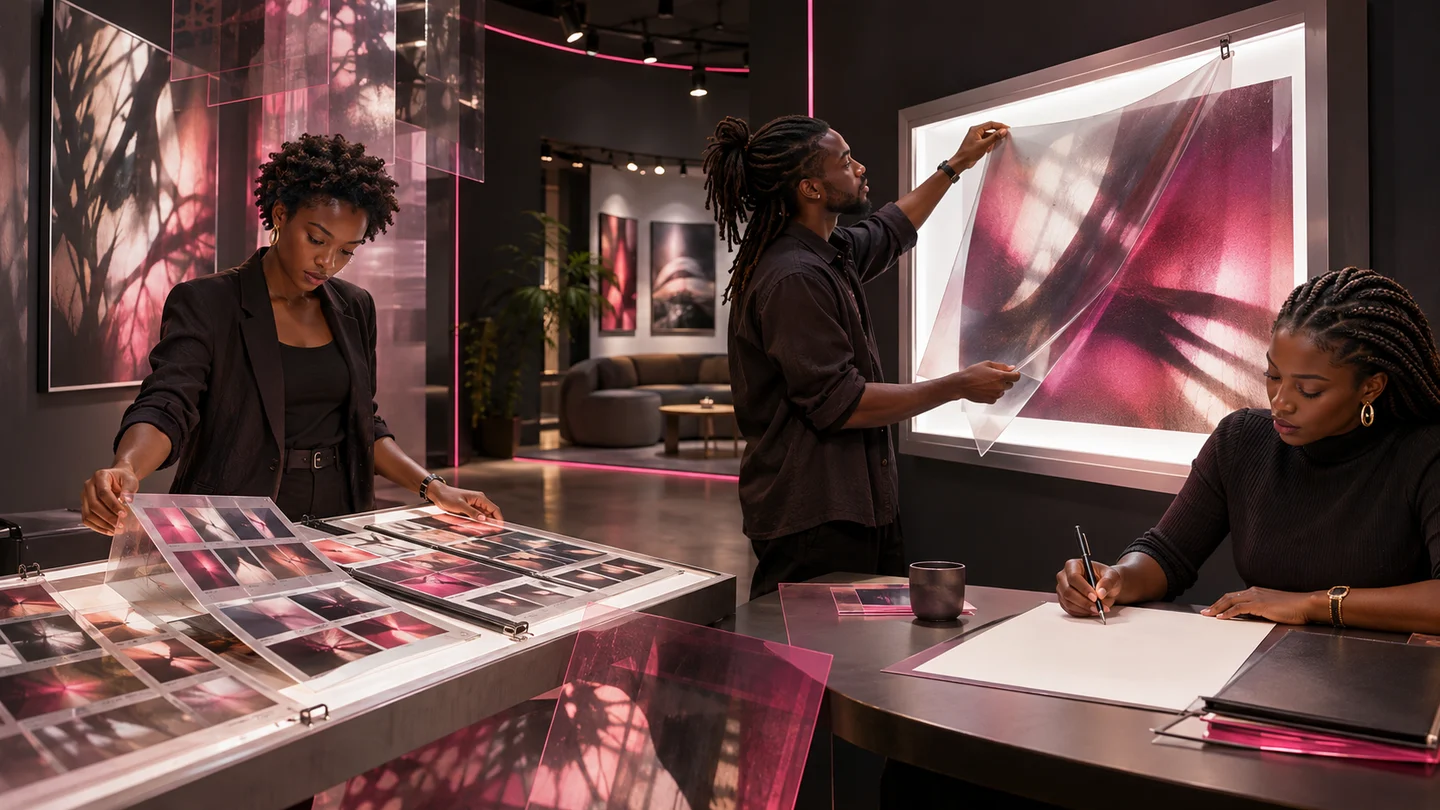
Discover, inspect and describe the next project.
Borrow the camera's language, keep the website's job
The camera shell is the site's distinctive framing device. A HUD can be compact or hidden, while exposure-style controls and overlays change the surrounding visual presentation. Grid, histogram and focus-peaking treatments bring a familiar visual vocabulary into the portfolio.
These controls frame the website; they do not operate a physical camera or turn the archive into a capture application. White-balance-style filters, grain and other display treatments belong to that presentation layer.
I wanted the metaphor to be participatory without taking over the work. A camera interface can suggest attention, framing and observation. It should not make the visitor pass a cinematography exam before finding the contact page.
The broader identity combines light pink-white surfaces, a vivid pink accent, dark film and archive regions, and Outfit/Inter typography. The source logo is an inline SVG play mark with circular rings. Mobile navigation and responsive media cards carry the same structure into a smaller viewport.
Make returning to an image less of a search party
The adapter caches bootstrap and album material in memory and browser session storage. A service worker caches eligible image requests from recognised media hosts, helping previously available images remain accessible.
That is bounded resilience, rather than a complete offline application or an offline copy of every video. External media and archive sources still have their own availability.
The benefit is modest and practical: available cached material can make returning to the archive more useful, while pagination and fallback records help the wider browsing journey. I learned to choose each mechanism for a particular interruption. A cache cannot preserve an image it has never received, which unfortunately rules out the version of software engineering where I simply manifest the files.
Bring an idea before you have every production detail
A potential collaborator may know the feeling they want before they know the deliverables. The creative brief gives that idea room: project type, intended feeling, current stage, timeline and detail, alongside a name and at least one contact route. Someone can explain the purpose of the work without pretending to have arrived with a finished production specification.
The request maps those answers into the operations intake with site and page context. The normal path waits for the API call, while failures retain an error and offer email as another route.
I built the site with TypeScript, React, React Router and Vite, with JavaScript serverless and service-worker components supporting the archive. The work I value here is connecting creative presentation to decisions a visitor can make: inspect a style, find a relevant collection and explain a new idea. The content access and intake services serve that journey.
Give attention somewhere to return
ICUNI Studios gives a potential collaborator a way to move from liking the look of the work to understanding it and discussing what comes next. The reel introduces the practice, the archive supports closer attention and the brief makes room for the next idea.
The visitor can still leave with an impression. When they return for the particular image that stayed with them, the website should do its share of the remembering.
Back to the story’s beginning ↑
Project details
A studio portfolio and media archive connecting published work, short edits, studio news and project enquiries.
Inside the workflow
A studio portfolio and media archive connecting published work, short edits, studio news and project enquiries.
Have something in mind?
Bring the problem, the audience and what you want to make possible.
Discuss your project