
Creative Tools · ICUNI Labs
Live Presentation Companion
Connecting a presenter’s desk with the people taking part in a session.
The build story 6 minute read

ICUNI LIVE: Present Deliberately and Keep the Audience Involved
At a glance
- Purpose
- Connecting a presenter’s desk with the people taking part in a session.
- The build
- A versioned room model coordinates the presenter console and attendee participation. Mixed presentation media, admission and published resources are distinct from the separate self-paced public deck viewer.
In this story
By Menelek Makonnen · ICUNI Labs
A presentation companion that separates the presenter's preparation from the audience's current view, then gives participation a place in the session.
ICUNI LIVE helps you run a presentation with deliberate slide control and an audience that can participate from their own devices. Prepare the deck, share a link or QR, preview privately and choose when to release the next slide. Questions, polls and resources stay connected to the session instead of becoming several separate tabs and a prayer.
A live presentation has two timelines: the one in your notes and the one where somebody asks whether everyone can see the screen. They rarely advance at the same speed.
I built the Live Presentation Companion for that practical tension: a presenter needs room to prepare while attendees need a clear view of what is happening now. It can suit a workshop, briefing or teaching session where the room should be able to ask, vote and return to useful material.
The central decision is simple: previewing the next slide is different from showing it. The software should preserve that difference, especially when the person presenting is also managing questions, timing and a room full of phones.
Prepare the session as a session
Creation begins with identity and schedule, then presentation material and audience access. The host supplies the title, summary, presenter details, time and timezone, deck or media, useful links and optional resources or poll choices.
PDF and PowerPoint imports become viewable slide images while retaining originals. Images and supported short videos can join the queue, and a template composer provides a direct way to author a slide. Legacy PowerPoint needs conversion, while animations need a video route if they must remain animated.
Those are practical format choices rather than generative slide creation. The application arranges and renders supplied material; it does not ask a model to invent the presentation on the host's behalf.
The prepared session retains its own identity and version, so the material the audience receives belongs to that event. Hosted preparation reserves the session and uploads local assets in chunks. If an import or upload fails, or the host account changes, it stops rather than presenting a half-prepared event as ready.
Preview privately, release deliberately
The presenter console brings the queue, stage and activity tools together. Moving the private preview forward does not move the audience's current slide. “Show to audience” is the explicit handoff.
That leaves the presenter room to prepare. Look at the next image, confirm the resource and decide whether the audience should see it now. The current screen remains intentional while the host thinks ahead.
The presenter can pause the stage, manage browsing mode, push a resource, operate a poll, reveal results and end the session with confirmation. Queue changes belong to the waiting phase rather than reshuffling an already-running event behind the attendees.
A session needs these distinctions because the slide is only part of the work. Sometimes the useful action is to hold the room on the question, let a discussion finish or release a resource without surrendering the presentation. The clicker should not become a tiny constitutional authority over the entire meeting.
Let attendees follow, ask and vote within the room’s rules
Admission can be open, protected by a pass key or restricted to approved usernames. A private join link carries its own access capability. The hosted path then loads the attendee-authorised manifest and uses server-side session authority.
Inside the room, participants can follow live or browse what the selected mode permits. Locked-live keeps the current slide in focus; other modes permit released history or self-paced access. Ending the room closes an active poll and preserves the released history for recap.
Participation tools include questions, chat, raised hands, reactions and polls. The room accepts configured poll options and rejects duplicate votes. Bounded question and message state keeps the interaction from becoming an unlimited second application hidden inside the first.
For an attendee, that means a clear place to follow the presentation and contribute without wondering which file or chat belongs to the room. For the presenter, private preparation remains private. Sharing a browser-based session should not mean surrendering the backstage area.
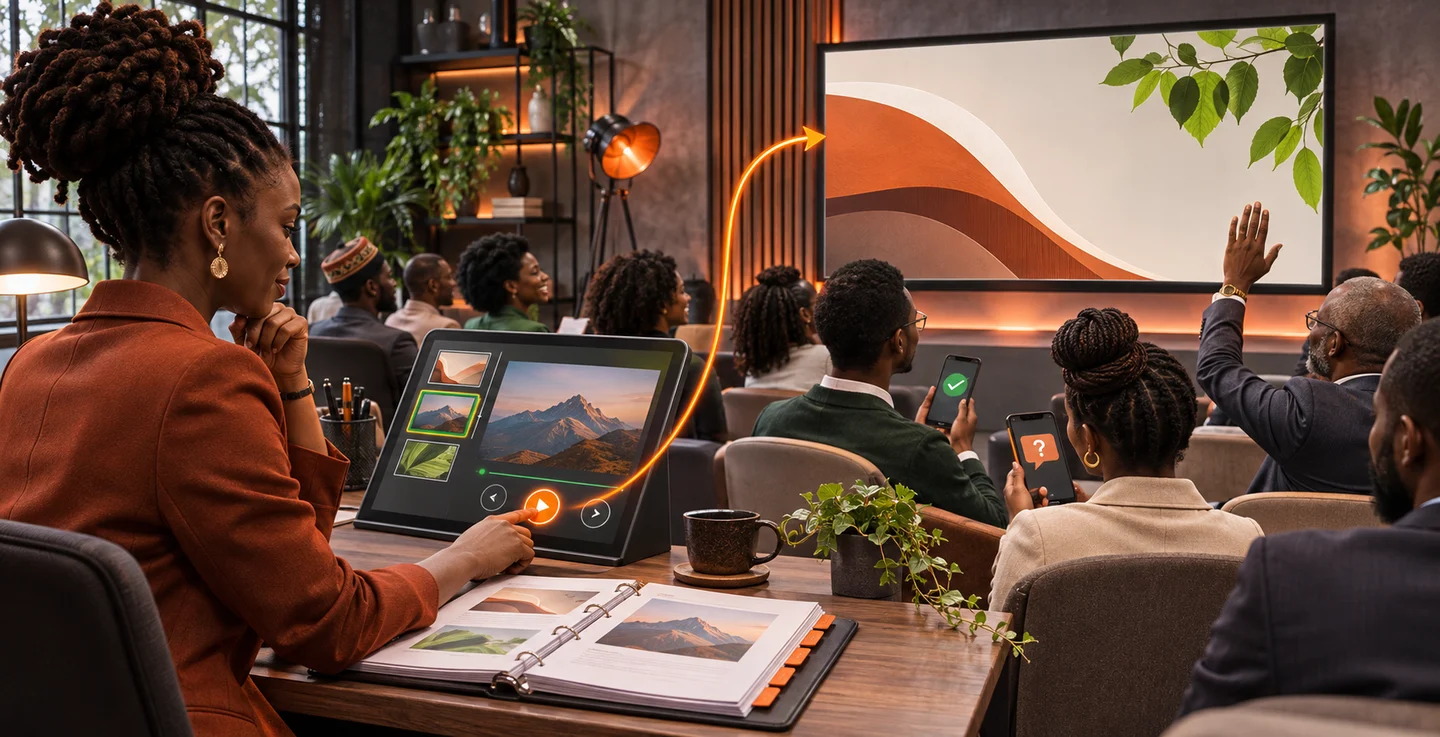
The live journey: prepare the deck, admit the attendee and release the intended material while participation stays connected.
Keep a public deck separate
A published presentation is another experience. Its public viewer is a static deck, with page navigation, timed playback, a faster skim, fullscreen, QR sharing and original-file links where supplied.
It does not borrow the mutable live-room state. Someone reading later can move at their own pace, while a link into a live event still goes through that event's lookup and admission process.
Image-readiness failures pause playback and offer recovery instead of marching through blank pages. Playback also pauses when its tab is hidden. Those details make the viewer feel like a deliberate reading tool rather than an unattended slideshow waiting to surprise the next person who opens the laptop.
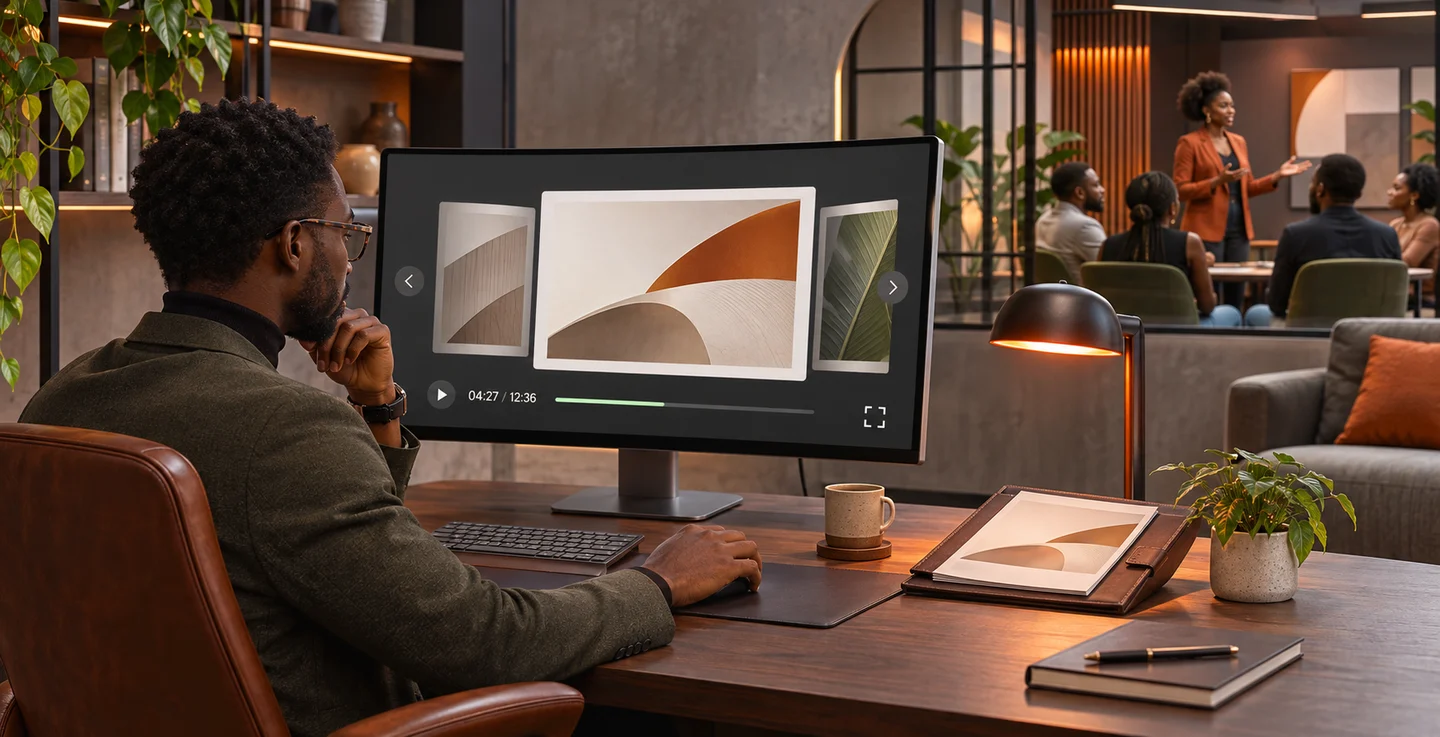
The public artifact: read and replay the published deck independently of a live room.
Rehearse locally; check the hosted journey before relying on it
Browser-local rehearsal stores its work locally and makes it possible to develop the session journey. It explicitly does not enforce the restricted admission rules of the hosted path. A rehearsal room is useful without being a security demonstration in disguise.
The hosted room uses a same-origin API route into Google Apps Script, with role-aware access, versioned media and polling that backs off when requests fail. Recovery distinguishes read operations from mutations so a lost acknowledgement does not invite blind repetition of a stage action.
The implementation and the lesson
TypeScript, React and Vite build the application. PDF.js, a PowerPoint renderer and image-capture tools support deterministic imports. IndexedDB and browser storage support rehearsal; API adapters and Google Apps Script carry the hosted design. The interface uses IBM Plex type, grey and charcoal surfaces and rust-orange actions.
Building it sharpened a strength I bring to collaborative tools: distinguish what one person is preparing from what another person has been authorised to receive. The same principle connects private preview, released-slide history, admission, identity changes and the public deck.
I have learned to ask what a button changes for the next person, not just whether it responds for the person clicking it. “Show to audience” becomes useful when the state preserves which material and which audience it means.
ICUNI LIVE — Live Presentation Companion.
Show the slide you chose
ICUNI LIVE is built to make the session more intentional: prepare the material, control its release, invite useful participation and leave a distinct artifact for later reading.
The next slide can wait until the presenter means it. When somebody asks whether everyone can see the screen, at least the software should know exactly which screen they are meant to see.
Back to the story’s beginning ↑
Project details
ICUNI LIVE combines session setup, a presenter console and an attendee room for slides, resources and participation. Its separate public deck viewer is self-paced.
Design and technical decisions
A versioned room model coordinates the presenter console and attendee participation. Mixed presentation media, admission and published resources are distinct from the separate self-paced public deck viewer.
Inside the workflow
ICUNI LIVE combines session setup, a presenter console and an attendee room for slides, resources and participation. Its separate public deck viewer is self-paced.
Have something in mind?
Bring the problem, the audience and what you want to make possible.
Discuss your project