Websites · ICUNI Consult
Menelek Makonnen website
A personal publishing space built around the feel and language of a camera.
The build story 6 minute read

My Portfolio: Find the Work, Understand the Practice, Start a Conversation
At a glance
- Purpose
- A personal publishing space built around the feel and language of a camera.
- The build
- An interactive camera-style portfolio connects a structured work catalogue, editorial publishing, consent-gated insights and a verified contact relay.
In this story
By Menelek Makonnen · ICUNI Consult
A personal website built to help people explore the work, with a camera-inspired interface and deliberate publishing controls underneath.
My personal website helps visitors find the work that interests them, understand how I build and start a relevant conversation. It gives potential collaborators and curious readers clear routes into my systems, worlds, games, published work and learning, rather than asking them to reconstruct a varied practice from scattered links.
A portfolio can become a very elegant lost-property office. Films over here, software somewhere behind the games, a biography doing overtime, and one heroic button labelled “More”. The visitor leaves knowing the creator is busy. What that creator can help with remains a developing mystery.
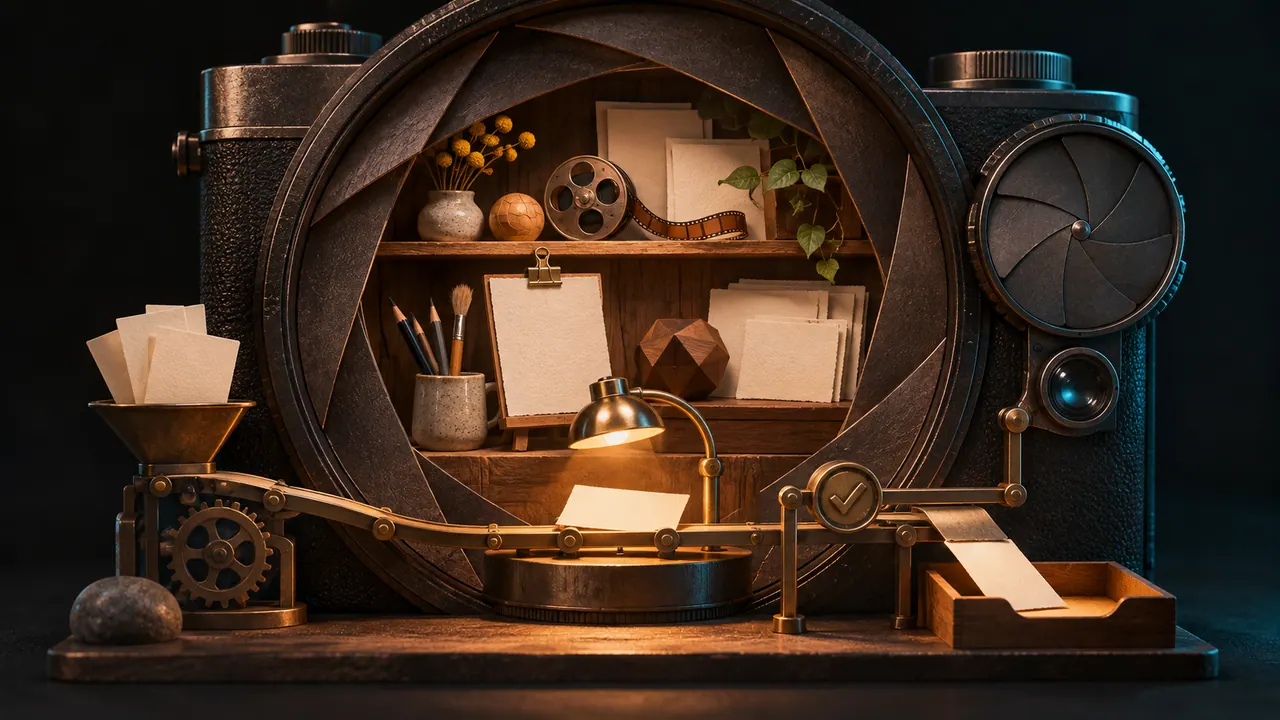
I rebuilt my personal website around a clearer question: where would you like to point the camera? The interface uses a camera frame, exposure controls, responsive illustration and distinct destinations to introduce my systems, worlds, games, published work and learning. The metaphor gives the site a personality; the routes give that personality somewhere useful to go.
A visitor should leave with more than a memorable interface. They should understand what a project does, how it connects to the rest of the work and where to go next. The publishing system beneath the camera keeps selected work, credits and history coherent, while leaving a draft separate from something I have chosen to make public.
Point the camera towards the kind of work you want to explore
The homepage offers six destinations. Choosing or keyboard-focusing one changes the illustrated subject's pose and caption. A short guided sequence introduces the options, then stops when the visitor takes over. It also respects reduced-motion preference and stops when the page is hidden or resized.
That makes the movement do a job. It draws a connection between a destination and the work behind it. A person using a keyboard receives the same meaningful relationship through focus; touch input has its own behaviour rather than inheriting an awkward desktop hover assumption.
The camera frame continues through the shell. Exposure switches the light or dark theme. Accent choices persist and change the favicon. Power moves through an aperture transition to a rest screen and back. These are website interactions expressed through a camera metaphor, with ordinary navigation beneath them.
There is a locally calculated moon background, too. It derives an illuminated-disc shape from time and updates its view without asking a network service. It adds atmosphere without turning the homepage into another queue of remote requests. The moon has enough responsibility already; I gave it no sales targets.

Discovery: focus on a destination, explore its work and follow a normal route.
Give a visitor context they can trust
A creative archive mixes very different kinds of facts. A film has credits and a cut. A tool has capabilities and availability. A development milestone records progress, while a publication event records a different decision. Flattening them all into a date and a thumbnail is convenient until the timeline starts inventing a career.
I gave the work catalogue room for those distinctions. Dates carry their precision, including an unknown value when the evidence does not support a particular day. Credits, versions, related work and publication history belong to the record rather than floating in unrelated page copy.
Visitors receive the selected details that help them understand the work. Withheld records stay out, and a defined field list keeps internal authoring material out of the public projection. Routine edits cannot casually rewrite identity, routes or original publication history; older addresses lead into retained context. That helps the site change without making yesterday’s account of the work inexplicably disappear.
That is one of the build's useful lessons: a portfolio is an editorial view of the work. It needs a data model that can preserve the detail while showing visitors the part that helps them understand it.
Keep editing and publication deliberate
The owner editor supports two publication paths. A configured private storage adapter tracks revisions and separate save and publish operations. The alternative GitHub path prepares repository edits through a branch and pull request. In that lane, saving the edit creates work for review; it does not quietly declare the website updated.
Revision identities help detect conflicting edits. The server checks owner access and validates the selected content type. Those checks make the editing workflow more deliberate than a text box connected to a large “hope” button.
This is especially useful when several kinds of work share one public identity. Updating a description should not unexpectedly change an original publication record. Preparing a draft should leave a clear next action. The interface needs to tell the same story as the storage underneath it.
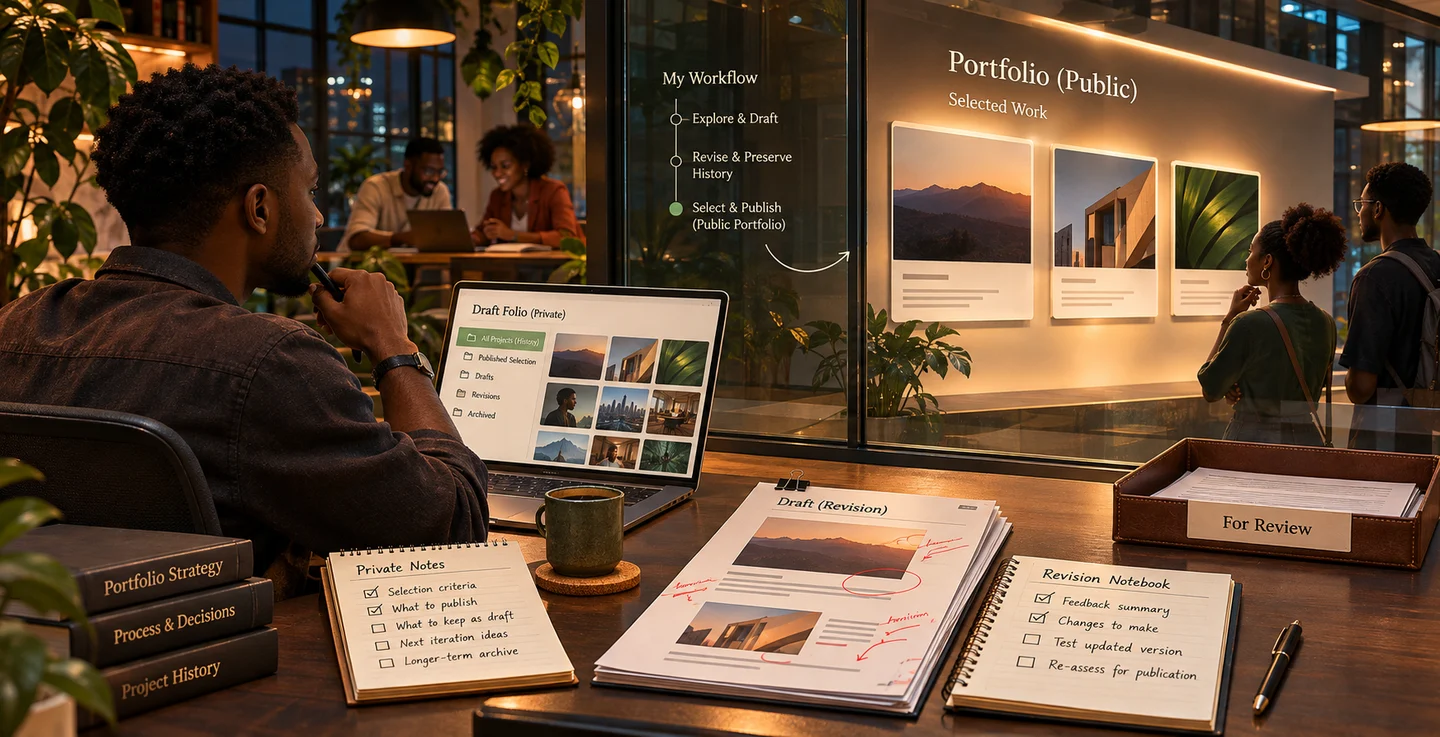
Editorial work: preserve the record, prepare a revision and choose the publication boundary.
Contact needs an acknowledgement
An enquiry form has one particularly irritating failure mode: it announces success because somebody pressed Submit. That is a very small standard for correspondence. By the same logic, an unsent letter is practically a friendship.
The contact implementation validates the request, checks a signed challenge and sends a structured envelope to the configured relay. It waits for an explicit acknowledgement before reporting success. When delivery cannot be confirmed, the intended flow preserves the visitor's text and explains the uncertainty.
Consent-aware insights follow a similar principle of deliberate activation. Analytics loads after permission, respects relevant browser privacy preferences and stops tracked requests when consent is withdrawn. These are implemented controls, with their hosting and operational behaviour still requiring verification in their actual environment.
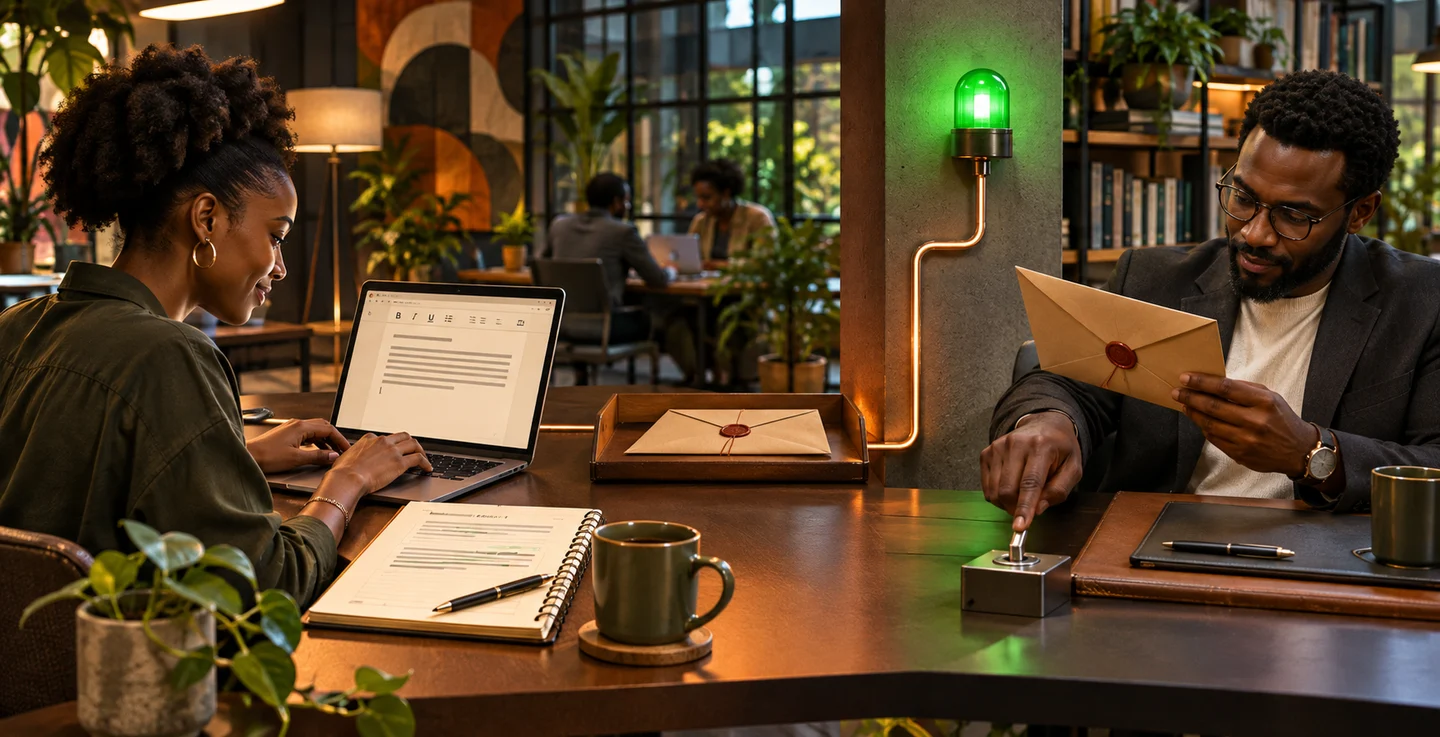
Contact: validate the request, keep the message and report delivery only after acknowledgement.
What the implementation says about the work
The site uses JavaScript, React and Next.js, with CSS for the camera shell and SVG for illustration and interface geometry. Node.js-side modules handle content projection, editor adapters and contact validation. Locally hosted type and generated catalogue assets support a site that can present its selected work without exposing the private authoring collection.
I retained historical source as lineage while moving the active site onto the newer components and content structure. Keeping an old integration in the repository does not make it an active feature. That distinction helped the redevelopment preserve evidence without promising behaviours the current routes do not provide.
This project brings together two parts of my practice I want a collaborator to see: visual storytelling and attention to what the interaction actually promises. Camera controls need accessible navigation. An archive needs useful context. Editing needs a publication boundary. An enquiry needs an acknowledgement. The visual idea becomes more valuable when each attractive surface takes responsibility for something practical.
existing favicon used as its identity.
Keep the work in focus
The website gives a visitor several ways into a varied practice without asking them to reconstruct it from a pile of links. They can follow a world, inspect a system, explore a game or find something to learn.
The camera metaphor makes the invitation memorable. The content and publishing rules make the destination more dependable. That combination is the point of the project: help people see the work clearly and give its history enough care to remain recognisable.
The lost-property office can keep its “More” button. I would rather give the visitor a focus control.
Back to the story’s beginning ↑
Project details
An interactive camera-style portfolio connects a structured work catalogue, editorial publishing, consent-gated insights and a verified contact relay.
Inside the workflow
An interactive camera-style portfolio connects a structured work catalogue, editorial publishing, consent-gated insights and a verified contact relay.
Have something in mind?
Bring the problem, the audience and what you want to make possible.
Discuss your project