Creative Tools · ICUNI Labs
NoteCinema
A cinematic way to discover and revisit NotebookLM media.
The build story 9 minute read
NoteCinema: Watch, Listen and Pick Up Where Your Notebook Left Off
At a glance
- Purpose
- A cinematic way to discover and revisit NotebookLM media.
- The build
- The Electron interface combines account-backed NotebookLM discovery and generation with cinematic browsing and playback history. Browser-driven automation is separate from the underlying provider service.
In this story
By Menelek Makonnen · ICUNI Labs
NoteCinema helps people find, watch and listen to the media they already have in NotebookLM, with notebook context and playback progress kept nearby. It turns discovered account artifacts into a desktop cinema and podcast library, with a separate lane for generation requests and deliberate local downloads.
Research can produce useful explanations and then leave them waiting behind another navigation trail. I built NoteCinema because content being available does not mean I am going to remember where it is, what I was watching or why I opened that notebook in the first place. My memory has declined the position of unpaid cinema manager.
For a learner, researcher or creator revisiting a topic, the value is a more inviting route back: choose the notebook, find the artifact and continue from a useful point. Audio can remain in the mini-player while I browse elsewhere.
NotebookLM still supplies the remote media and generation. My product work is the library, extraction and consumption experience around it. That focus distinguishes NoteCinema from AutoNotebook's production-oriented story queue.
Start with the work that already exists
The application begins with account login and notebook discovery. Electron maintains the service session and reads the visible notebook structures through browser-backed flows. The renderer receives notebook identities, titles and available source or date metadata.
That is a service-interface adapter. It depends on the signed-in experience and page structure, rather than a direct documented NotebookLM REST API. The library should describe the notebooks it discovers, not imply that every inaccessible or undisplayed item has somehow been indexed.
Selecting an unloaded notebook starts its artifact scan. The app opens the notebook’s Studio surface, reads the available library elements and builds records for the cinema or podcast views.
For a creator who has generated material across several research topics, the value is practical. I can browse the artifacts as media, choose a notebook in a contextual rail and reach its corresponding row without repeatedly hunting through the source website’s navigation.
The notebook remains useful context. A playback card should help me recognise both the media and the research collection it came from, instead of presenting a mysterious thumbnail with a play button and unreasonable expectations.
Design for watching and listening
Cinema and Podcasts provide different browsing contexts, while Dashboard, Automation and Player give the rest of the application defined destinations. The notebook rail filters titles and groups available media according to the current context.
The rail collapses through a button and has a separate reopen tab. That is a deliberate width transition, rather than a draggable workspace merely because a resizing dependency exists elsewhere in the project.
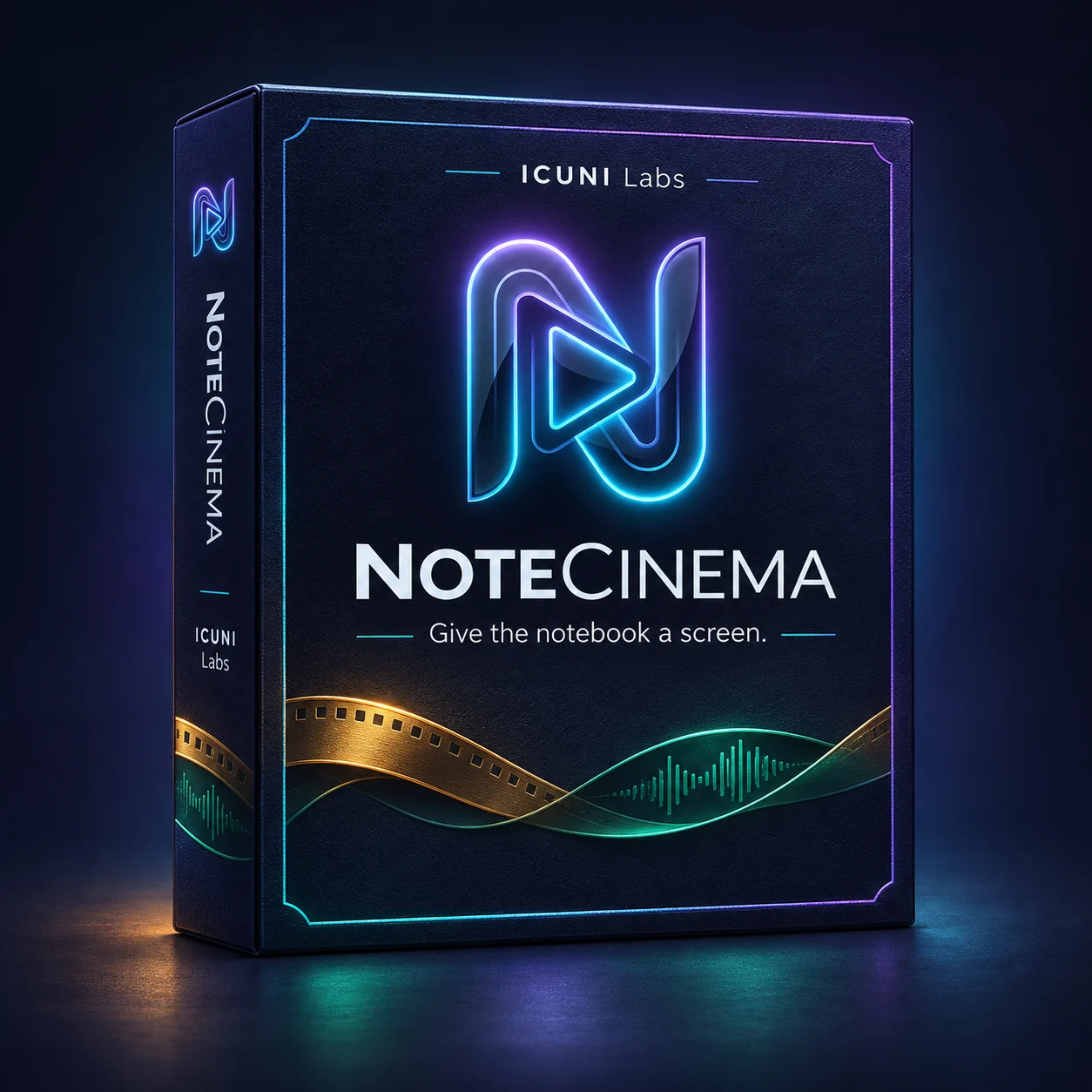
Near-black navy, indigo, translucent panels and a canvas-drawn space background create the cinema atmosphere. Amber and emerald distinguish video and audio. The existing luminous N/play identity belongs beside that experience; the media should remain the main attraction.
A persistent audio mini-player continues outside the full Player view. It gives a listening session a place in the desktop frame without forcing the user to remain on one full-screen page. The mini-player is an application surface, not an operating-system taskbar.
For me, this is a useful product distinction. A generation interface is organised around making the next artifact. A media library is organised around choosing, resuming and understanding the artifacts already available. NoteCinema gives that second job its own attention.
Resolve the playable material when it is needed
When I choose an artifact that has no playable source yet, NoteCinema locates the relevant notebook and Studio item and attempts extraction through media interception and DOM inspection. That is the bridge between recognising a card and actually watching the material. It depends on the current service interface, so a failed extraction needs a clear state rather than an old URL wearing a success badge.
The renderer records extraction state and clears a failed URL rather than leaving an old value to look successful. Cached URLs can be reused where appropriate, with a forced extraction path when another attempt is needed.
Scans and extraction share a background browser window. The store waits for active scanning to settle within a timeout before continuing. That is a practical coordination guard, with limits, rather than an unlimited exclusive lock over every possible interaction.
The result is still session-dependent media. A cached source URL may expire. A playable remote address is not the same thing as a permanently saved offline asset.
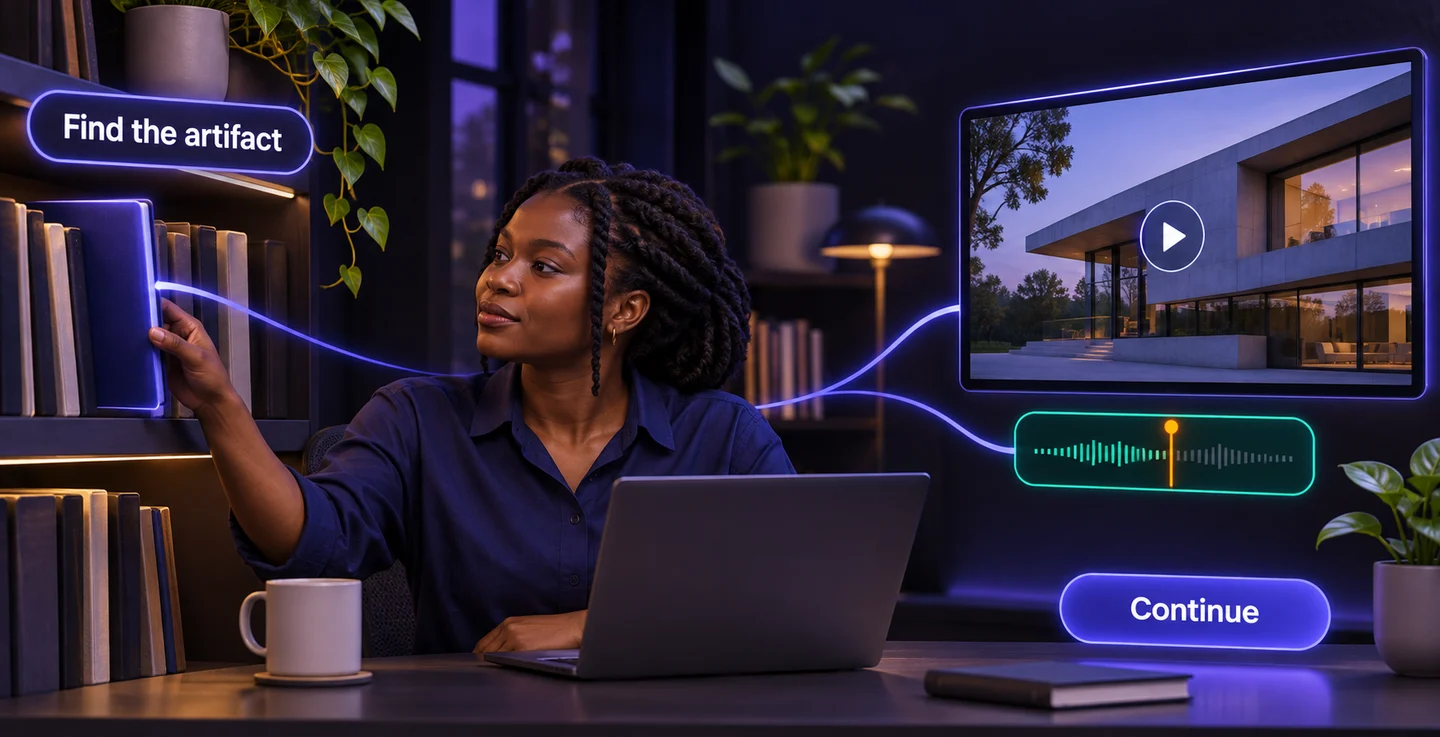
Find and continue: connect an existing artifact to its notebook context and playback state.
Give playback a memory
NoteCinema records position, duration and last-played time by media identity. Continue Watching and Continue Listening select partially consumed items and order them by recency, giving the resume shelves a concrete rule rather than a decorative title.
The video player supports familiar controls: Space or K for play/pause, arrow keys for seeking or volume, M for mute and F for fullscreen. Playback speed is available too. Those details serve repeated use; they reduce the effort of returning to an explanation rather than merely making the first screenshot look complete.
An audio artifact can stay in the mini-player while I choose the next notebook. For a research-heavy creative project, that makes it possible to revisit a generated discussion without rebuilding the navigation trail every time.
Persistence retains notebook metadata, thumbnails, play history, progress and selected mini-player state in versioned browser storage. The service authentication lives separately in Electron’s persistent partition. Saving the library’s view of an item does not make the account session or media URL permanent.
Identity also has a current constraint: artifact records use notebook identity plus element position. Rescanning replaces the notebook’s media list and can reset fields, so changed service ordering can affect continuity. I keep that separate from a claim of immutable artifact identity across every refresh.
Save a file as a separate action
Download sanitises the item title, chooses the media-type extension and asks the main process to save it. A returned local path is recorded on success. Batch download works serially through selected items, extracting and downloading each in turn.
That gives an artifact a route beyond playback, while preserving the difference between remote availability and local output. The selected extension is part of the naming path.
For my own work, the useful loop is to choose the relevant artifact, extract it, inspect playback and deliberately save what belongs in the project. A local copy is worth checking as a file rather than trusting the confidence of its suffix.
Keep generation in its own lane
Automation adds a queue for requesting video generation through NotebookLM’s browser interface. The job carries a notebook URL, prompt and video type into the main handler, which finds the Studio controls, supplies options and triggers the remote request.
The processor takes another job only when generation is not active and its quota state permits work. Quota-related wording pauses further requests; other failures are logged so the queue can move on according to its flow.
That is service automation, not an internal video renderer. The model and content generation belong to NotebookLM. NoteCinema coordinates the request and monitors the available page state around it.
Polling checks periodically within a timeout. The current status path looks at Studio markers around the first or newest artifact, which is weaker than correlating an immutable artifact key to one submitted job. A changed page order can affect the answer.
A completed marker therefore belongs to the remote status story. The creator still needs to inspect the candidate; the service cannot outsource taste to an optimistic status label.
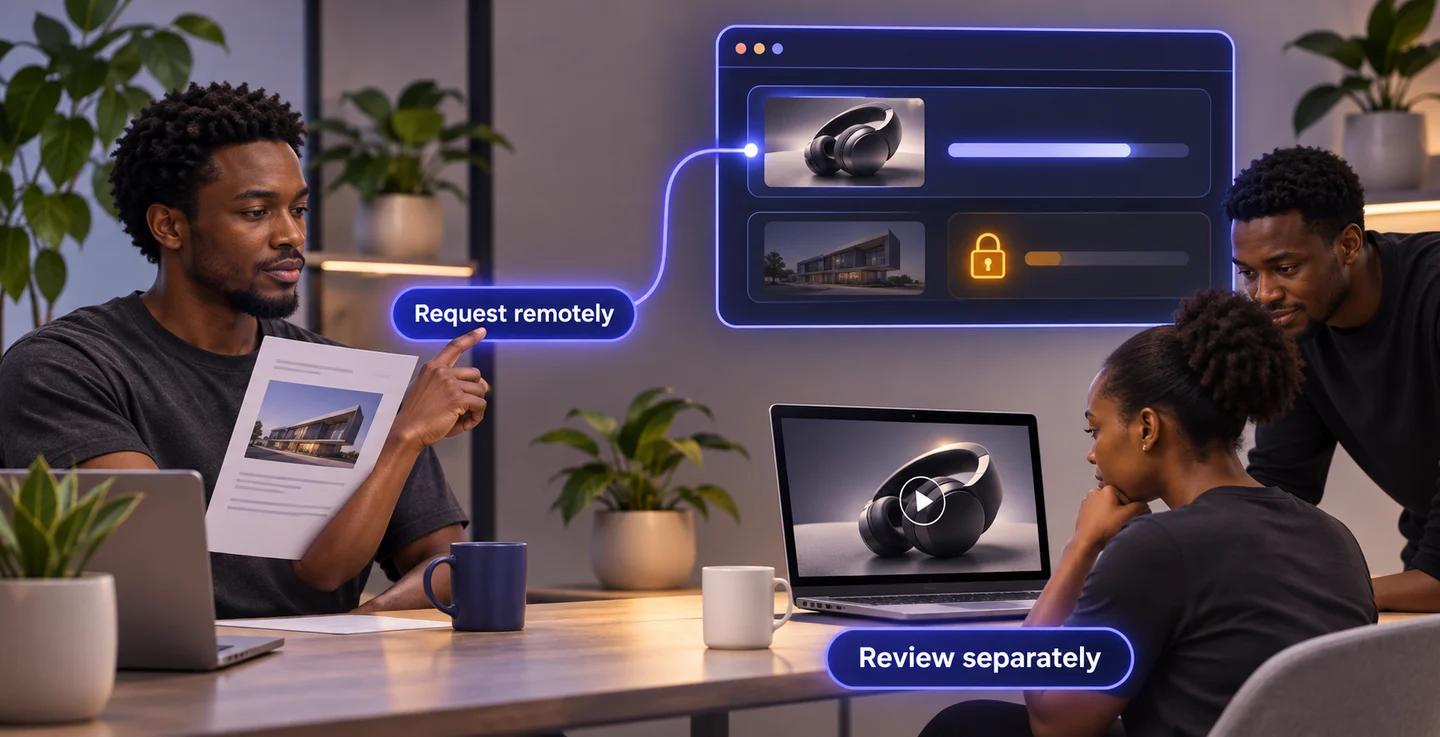
Generation lane: request through the service, respect waiting state and review the candidate separately.
Preserve the states that actually persist
The app saves generation logs, prompts and schedule configuration, but the current persistence selection does not retain the active generation queue and in-flight state. A schedule-shaped object is also distinct from an accepted background scheduling service.
Those boundaries shape how I use the product story. It contains a generation interface with explicit quota and failure states, while restart recovery and job-specific artifact correlation remain their own engineering work.
This differs from AutoNotebook’s production-oriented queue focus. NoteCinema centres the discovery and consumption experience around a notebook’s media, then adds a generation lane nearby. Similar service context does not make the two applications interchangeable.
I built NoteCinema with React, JavaScript, Zustand and Electron, with a constrained preload connecting the interface to service-backed browser work. The most interesting challenge was keeping the library’s identity, extraction state and playback memory aligned across that boundary.
What the screen adds
The useful lesson was how much product work comes after generation. A learner needs recognition, a place to continue and enough context to decide whether an explanation is worth another listen. I enjoyed designing those everyday joins because they turn an accessible artifact into something a person may actually return to.
That is a strength I enjoy bringing to creative software: turning a technically accessible collection into a coherent experience without claiming ownership of the service that produced it. Playback, persistence and context are substantive product work.
Make returning easy
NoteCinema gives existing research media a place to be chosen and continued: cinema for video, podcasts and a mini-player for audio, and notebook context alongside both. Local saving and generation remain separate actions with their own dependencies.
Building it sharpened my interest in the experience around useful content. I did not need to invent the underlying model to make its output easier to revisit; I needed to understand the person trying to use it.
The notebook can keep growing. My memory no longer has to manage the entire cinema.
Back to the story’s beginning ↑
Project details
A desktop NotebookLM interface combines account-backed discovery, generation, playback history and browser-driven automation.
Design and technical decisions
The Electron interface combines account-backed NotebookLM discovery and generation with cinematic browsing and playback history. Browser-driven automation is separate from the underlying provider service.
Inside the workflow
A desktop NotebookLM interface combines account-backed discovery, generation, playback history and browser-driven automation.
Have something in mind?
Bring the problem, the audience and what you want to make possible.
Discuss your project