
Websites · ICUNI Consult
Savere
A consulting website with an editorial studio that gives staff a structured way to publish.
The build story 6 minute read

Savere: Keep the Website and the Work Behind It in the Same Conversation
At a glance
- Purpose
- A consulting website with an editorial studio that gives staff a structured way to publish.
- The build
- A consulting website and separate CMS Studio with public content projection, enquiry triage, role-based actions and audit-aware support.
In this story
By Menelek Makonnen · ICUNI Consult
Savere connects a consulting website with a content Studio, helping visitors understand the offer while authorised staff maintain pages and follow up enquiries. The public site introduces services, team, workshops and insights; the Studio gives the business a working place to keep that information current and manage incoming questions.
I built the two surfaces together because the work continues after someone clicks Contact. A team still has to receive the question, review it and respond. It also has to update the site as its offer evolves. A handsome button is a surprisingly unreliable colleague, particularly when asked to cover the inbox while I admire its hover state.
The split architecture developed through the June 2026 repository milestones: the backend became a JSON service, while the public site and Studio lived in a separate frontend. The practical purpose is to give public communication a manageable working side, rather than making every update a fresh development request.
Help a visitor understand the service before starting a conversation
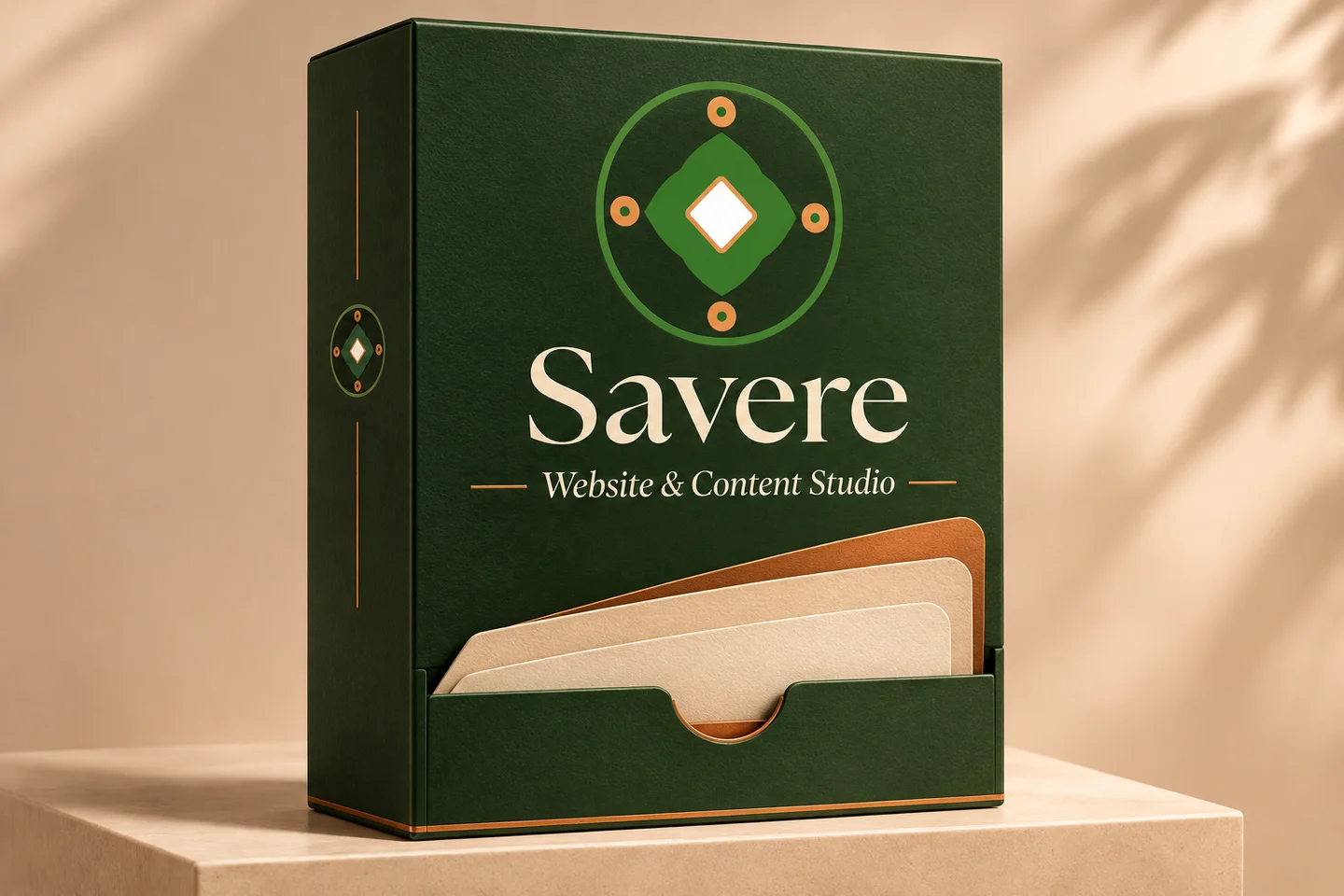
Savere uses forest green, cream and copper-orange, with Bricolage Grotesque, Manrope and Newsreader serving different typographic roles. The long-form presentation combines a canvas hero, service rail, page sections and article material.
The visual movement supports that editorial structure. Scroll progress, reveals and card interactions provide rhythm, while reduced-motion and coarse-pointer paths limit effects that would become an obstacle. Navigation and responsive layouts carry the content into smaller screens.
The existing brand mark anchors that visual system. Services, workshops, people and articles sit within a recognisable editorial identity, so a visitor can move between the offer and the thinking behind it without feeling they have wandered into a different business.
Let the team maintain content without a fresh development request
The Studio has collection-driven editors for pages, services, blocks, value cards, workshops, team material, statistics and posts. Field definitions produce appropriate controls, while record identities remain separate from the text somebody is editing.
Page saves require a slug. Posts can derive a slug from the title, and keyed upserts help avoid creating another row every time somebody saves the same record. The common write path uses a lock, clears the public cache and appends an audit event.
For the team, the practical benefit is a repeatable route from an edit to the public content. A service description, workshop or team record can be maintained in the appropriate editor, with cache invalidation connecting the saved records to the next public read. Saving the same record should not create a small dynasty of near-identical rows.
Editors need to choose publication state deliberately. Public post detail rejects drafts, but saving can default content to published unless explicitly set otherwise. This version does not provide a separate human approval workflow. I would rather make that behaviour clear than let a friendly Save button develop ambitions as an unauthorised press secretary.

Author, maintain and read the public projection.
Keep a prospective client's question available to the team
The contact route asks for name, email, phone, service, optional business context and a message. The backend trims and bounds the inputs, validates required contact fields, normalises service choices and throttles repeated email/message fingerprints.
On the normal accepted path, it writes a new enquiry under the script lock before attempting team notification and an auto-reply. If email fails after persistence, that failure does not erase the enquiry record.
That gives staff a retained enquiry to review even if the notification email fails. The prospective client's question belongs in the working records, rather than depending entirely on a mail service feeling sociable that afternoon. Notifications help the team notice a request; the stored record helps them continue handling it.
Studio users with the relevant role can see enquiries, open a detail view, add internal notes and change status among new, read, replied and archived. Opening a new enquiry attempts the read transition. Failures remain visible in the working interface.
A staff member can open the request, add context and record how far the response has progressed. That is the working loop I wanted behind the public form: a question has somewhere to go and a state someone can follow. The implementation describes that loop.

Capture the enquiry, retain its record and review the next response.
Give staff the right working access
The Apps Script router maps actions to public access or minimum roles. It resolves the session, checks the role and applies governance before running the handler. The browser's visible role chip is therefore different from the server deciding whether an operation is permitted.
Password and one-time-code sign-in have separate source paths. Session and feature-flag lookups can use cache while their records remain sheet-backed. Governance controls can disable the Studio or freeze ordinary content writes, while preserving relevant exit actions.
Role preview and impersonation also remain different operations. A preview changes the interface's visible affordances. Impersonation creates a server session for the target context while retaining the real actor for audit. That distinction prevents a useful demonstration feature from being described as the same thing as acting through another identity.
No live user state, credential configuration, access policy or production deployment was exercised here. Implemented role gates are a meaningful engineering contribution, with fresh operating acceptance still a separate task.
What I learned building both sides of the conversation
I used HTML, CSS and browser JavaScript for the clients, with Google Apps Script providing the JSON API and Google Sheets holding content, sessions and enquiries. It is a split website/CMS system, rather than a static site with a disguised form.
Building Savere taught me to follow the promise a website makes. “Read about our work” needs content the team can maintain. “Talk to us” needs an enquiry the team can find and handle. Different roles need appropriate access to those jobs. The record identities, cache behaviour, intake and session controls are how I connect those promises to an actual working design.
I enjoy working at that join: an editorial site with its own character, backed by specific content and intake operations. The attractive public surface and the everyday staff workspace can support each other without asking either to become generic.
Give the button a colleague
Savere helps a consulting business explain its offer, maintain that explanation and keep track of the conversations it invites. Visitors get a coherent introduction; authorised staff get a place to manage the continuing work.
The contact button can stay handsome. It finally has a clearer job description and somewhere practical to send the conversation.
Back to the story’s beginning ↑
Project details
A consulting website and separate CMS Studio with public content projection, enquiry triage, role-based actions and audit-aware support.
Inside the workflow
A consulting website and separate CMS Studio with public content projection, enquiry triage, role-based actions and audit-aware support.
Have something in mind?
Bring the problem, the audience and what you want to make possible.
Discuss your project