
 Software
MMMedia Pro
Creative Tools · ICUNI Labs
An editing desk that keeps generated cuts open to human refinement.
The build story 8 minute read
MMMedia Pro: Turn the Clips You Have into the Video You Need
At a glance
- Purpose
- An editing desk that keeps generated cuts open to human refinement.
- The build
- The local Electron editor supports importing and curating source media, generated cuts and manual refinement. Projects remain editable and can export locally or hand an edit job to a sibling Ender queue.
In this story
By Menelek Makonnen · ICUNI Labs
MMMedia Pro helps creators turn a folder of footage into a video they can review, refine and deliver. It is the original desktop editing foundation behind MMMedia Pro 2: choose usable moments, apply a simple treatment, build a draft around a purpose and continue editing in a multitrack Sequence view.
That is useful when the shoot is over and the social post is still waiting. When a film needs a trailer. When a collection of AI-generated clips needs to become one coherent edit rather than a very expensive screensaver. The source can vary; the need for timing, selection and a point of view does not.
I built it because footage is exceptionally good at sitting on a drive and developing a reputation as “content”. I am less interested in owning a larger folder than in giving the material a route to an audience.
Simple, Producer, GodMode and Sequence offer different amounts of help and control. None removes the editor from the job. A first arrangement is useful precisely because I can question it, keep the best moments and make the cut my own.
The original editing foundation
MMMedia Pro established the editing environment that MMMedia Pro 2 continues. The original already brought together local media handling, trimming, templates, generated edits, timeline refinement and a relationship with the separate Ender rendering application.
That matters when describing the successor. Pro 2 develops the control architecture around the existing creative foundation, including Rust-based native control and structured MCP operations. The arrival of that successor does not turn the original's media library or Sequence editor into newly invented features.
I wanted continuity because useful editing behaviour accumulates in small decisions. Which part of the source should survive? Which trim should remain when the folder is reopened? How does a generated clip become an ordinary timeline clip? Those decisions are the product, rather than incidental furniture around a generation button.
This article is about that original working foundation: the route from material on disk to an edit I can continue to change.
Begin with what is worth using
Import is more than adding filenames. MMMedia Pro probes local video and audio, records dimensions, orientation and duration, and keeps source identity and paths. Reopening a folder can refresh existing records while recognising newly imported material.
The curation step lets me approve sources, trim ranges and mark included or excluded segments. Those decisions persist with the media record and are mirrored by source path for later use. The kept-duration summary reflects usable ranges instead of treating every selected file as equally available material.
For a behind-the-scenes edit, that is an important distinction. A thirty-second clip may contain a perfect two-second interaction surrounded by a camera being carried past a wall. I want the interaction. The wall has other opportunities.
For externally generated footage, the same approach helps separate the useful result from the unusable tail. Importing the whole file need not mean authorising every frame to appear in the cut.
This is one of the most valuable product choices: remember the source judgement before asking a generator to assemble anything from it.
Simple: give a moment a useful treatment
Simple Editor provides the focused route when I want to work directly with selected material. Its templates combine defined operations into treatments for social, creator, cinematic and motion-oriented jobs.
I can start with a clip, trim it, apply the appropriate treatment and keep it connected to the project. The model patches the relevant properties while preserving canonical clip fields, which matters when a straightforward edit later needs more detailed timeline work.
A short rehearsal moment might need a cleaner presentation and a vertical composition. A product detail might need a restrained treatment before it joins a sequence. Simple gives those jobs a place without requiring every adjustment to begin as a full editing session.
The useful principle is progression. A simple beginning should leave the material available for the particular decision that inevitably arrives next. “Quick edit” is a statement of intent; the footage has never signed the agreement.
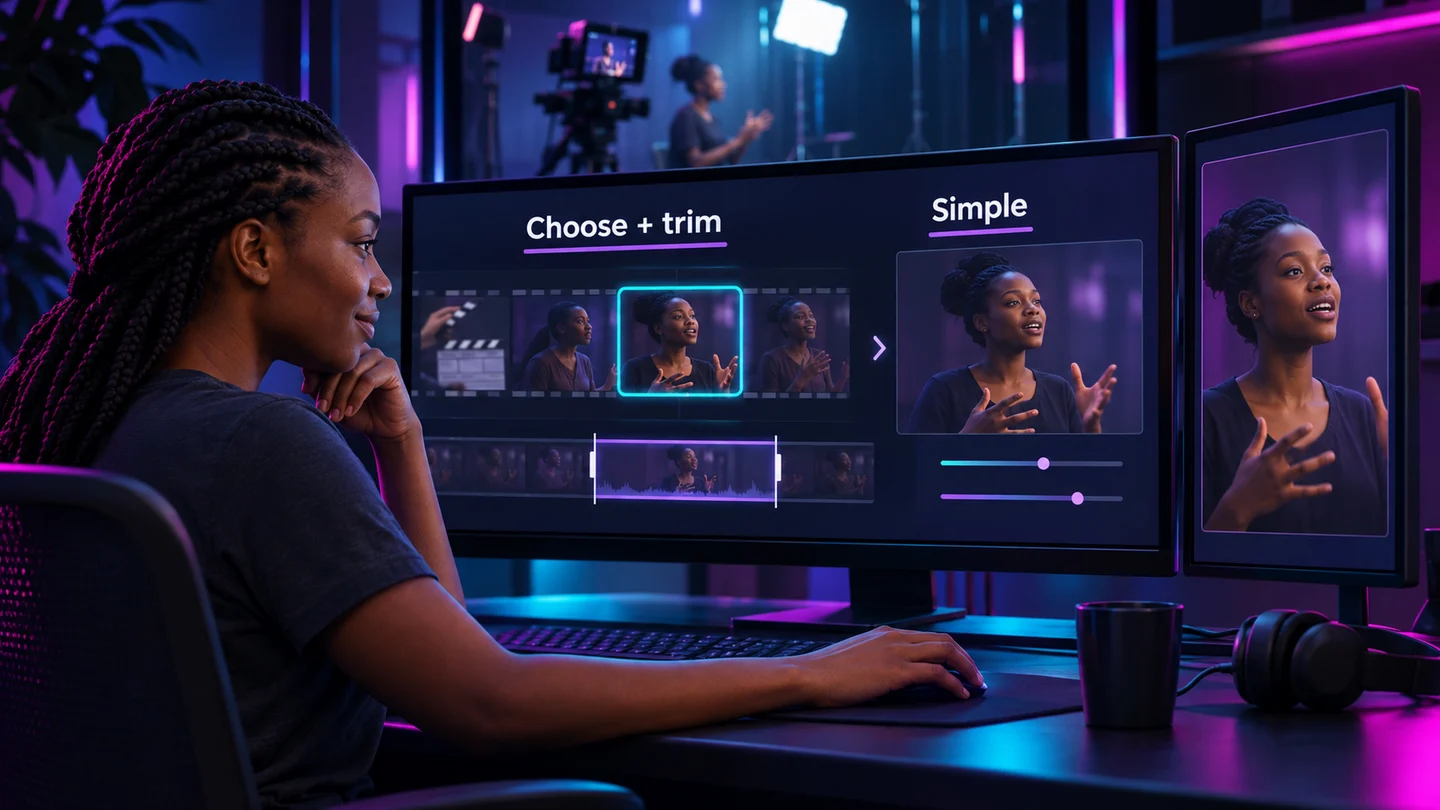
Simple: choose a moment, shape its treatment and retain editable project material.
Producer: ask for an edit with a purpose
For a creator facing a lot of clips, Producer provides a first arrangement to work against. I choose the editing mode and settings, request a draft and send it toward preview, Sequence, rendering or staging. The request retains its choices and seed, and cancellation is checked before a result is committed. Changing my mind should stop the old edit from barging into the project late.
Different modes serve different editing intentions. A music-led cut can use audio analysis and beat information. Social and behind-the-scenes work can organise selected source material around their own timing and structure. A general variant search has technical eligibility checks before its candidate can be committed.
I still decide what the edit communicates. A generator can make a valid arrangement and miss the performance that gives it life. The value is having a draft that remains open to source judgement and timeline refinement.
The engineering follows that editorial logic. An aborted request should not commit half an edit, and a technically invalid result should not be waved through because it reached the end of a progress bar. The bar is enthusiastic. It has no qualifications in cinema.
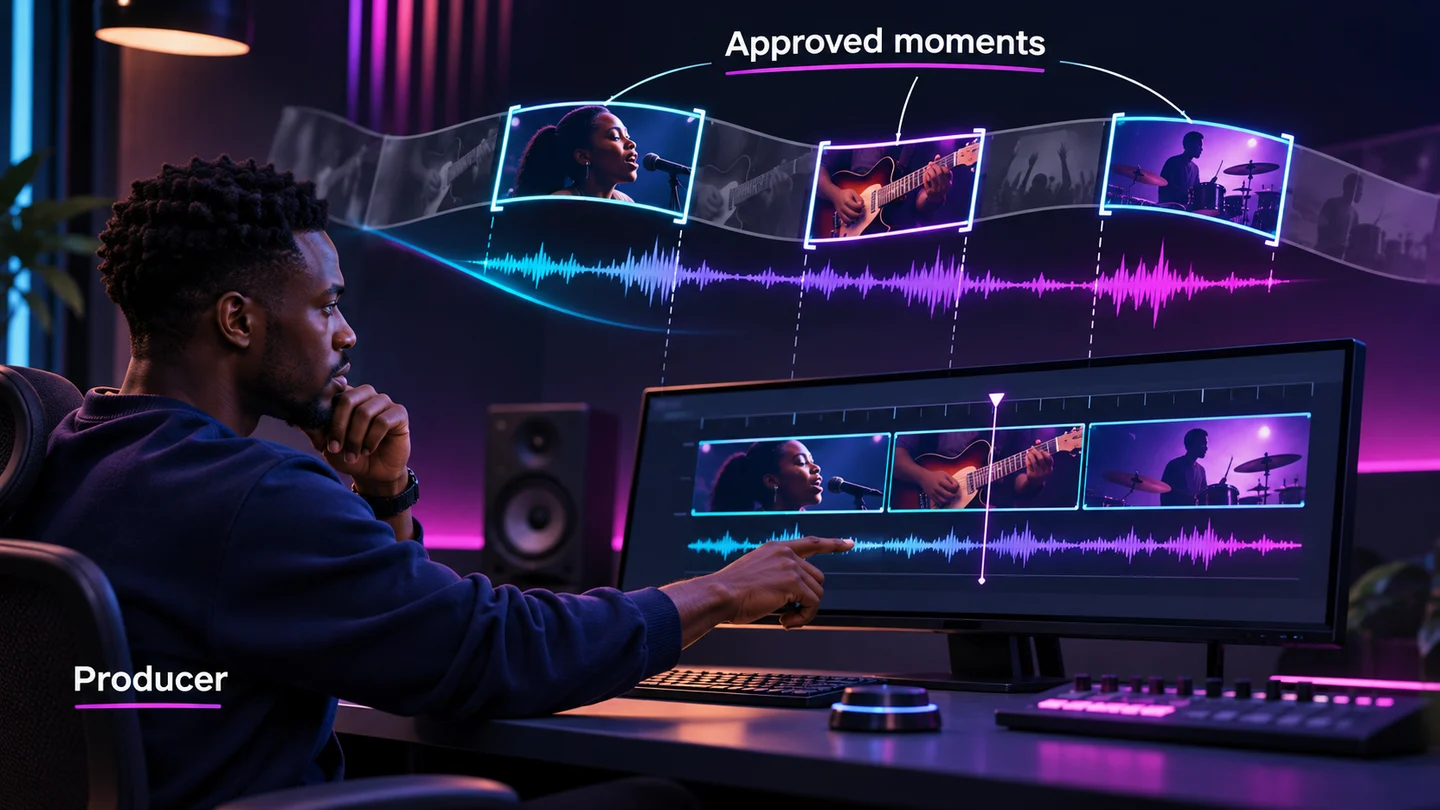
Producer: give approved material and timing a direction, then review the proposed arrangement.
GodMode: analyse the material, compare the proposal
GodMode is the separately surfaced analysis-led workflow. Its local Smart Engine queues media analysis, uses bounded FFmpeg passes and retains cached observations about the source. Audio analysis contributes energy and beat information.
In Fusion, I can describe the intended piece through a brief, duration, aspect and energy, then bring in selected audio and the source preferences I already made. It produces candidate edits for comparison. Beat measurements inform the timing where available, with a fallback grid when they are not. That gives me alternatives to judge without pretending every cut came from a profound understanding of the scene.
The name is deliberately bigger than the mechanism. Fusion generation uses local computation, rather than proof that a remote model understands the footage. A deterministic weighted scorer is useful without requiring celestial job titles.
This route is interesting for exploring the shape of a music-led or montage edit. I can compare alternatives, choose a candidate and continue in Sequence. The commit path also distinguishes human-owned audio from generated audio, preserving the former when the latter changes.
I like that distinction because automation should carry a memory of what the person deliberately put there. Replacing a proposal is a different action from evicting the soundtrack someone chose.

GodMode/Fusion: use local observations to explore draft arrangements, then choose what deserves further editing.
Sequence: the cut becomes yours
Sequence provides the multitrack editing surface: preview, track headers and clips, effects, audio controls, scopes and markers. Resizable panels and configurable shortcuts support the more detailed part of the job.
This is where a generated beginning becomes a particular film. I can change a cut point, reshape pacing, preserve a reaction, manage sound and inspect the image. A trailer might need its reveal withheld. A social edit might need its strongest moment earlier. A music-video draft might need one performance to hold through the rhythm instead of obeying every beat like a frightened metronome.
That is why I wanted manual refinement beside generation. The first arrangement has a purpose; the final judgement belongs to the editor.
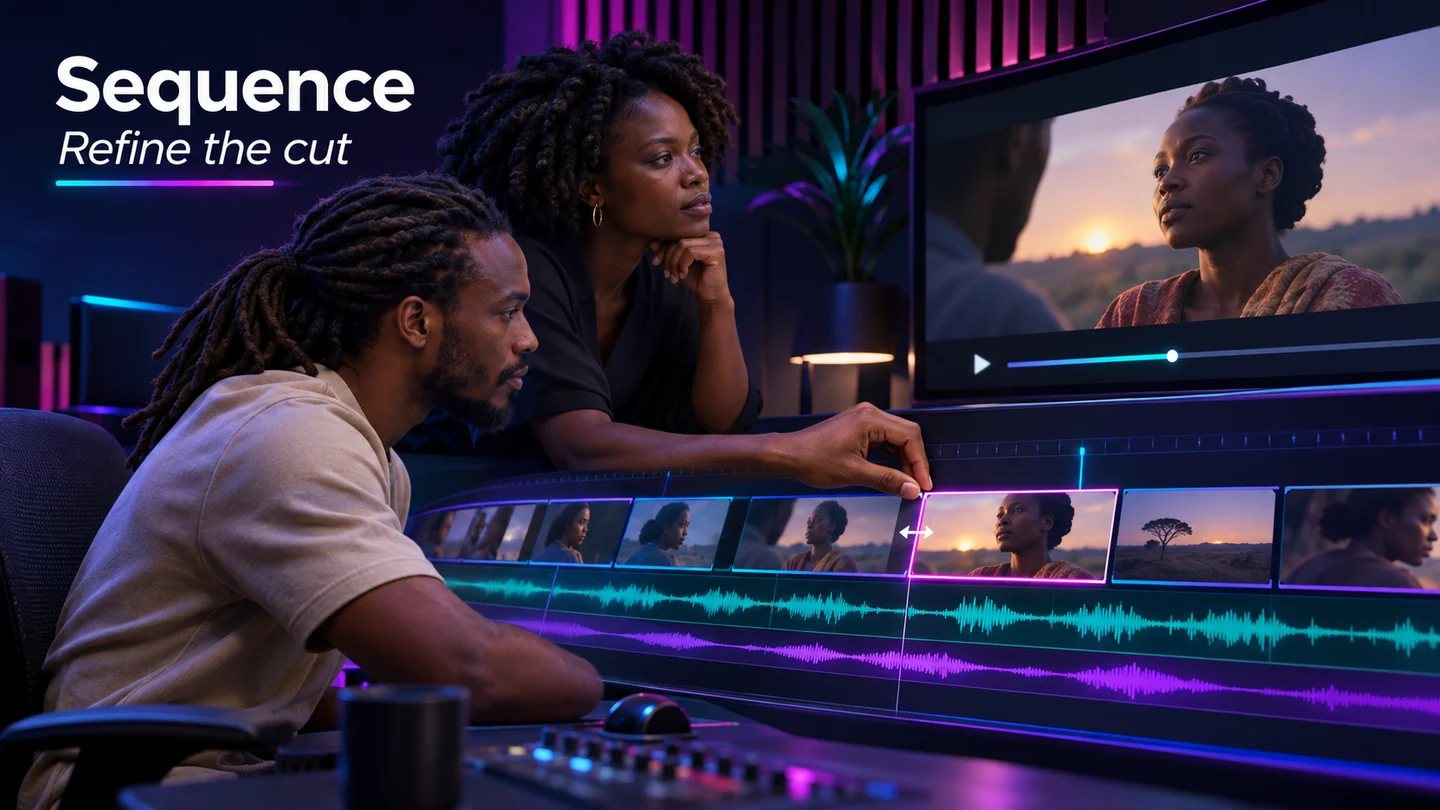
Sequence: refine the timing, image and sound through ordinary timeline decisions.
Preserve the project, explain the delivery
Projects record source references, selections, settings and timeline state in local archives, with a separate workspace autosave. Writes stage a temporary file and retain a previous generation for recovery. Missing source folders can remain represented so a project can open for relinking instead of simply losing its history.
Those archives refer to source media; they do not magically include every original file. Portability therefore includes keeping the media available. A project file is a map, and moving the country still requires some attention.
Export offers several local routes with different capabilities. The interface can warn when a selected engine will not preserve particular effects; the internal WebCodecs route has its own video-only boundary. Ender provides a separate handoff path for prepared render work. Queue acceptance remains distinct from a finished output.
Underneath, the application uses React, TypeScript, Electron and local media tooling, with state stores for the project and clips. The engineering lesson is to preserve intent between stages: source curation, generated settings, canonical clip fields, recoverable project state and explicit export rules.
Give the footage a next step
MMMedia Pro makes the journey from source folder to deliberate edit easier to follow: choose the useful ranges, shape a moment, inspect a generated draft and refine picture and sound in Sequence.
That combination is what I carried forward into Pro 2. The original already had the library, curation, generation and timeline foundation; the successor develops its control architecture rather than inventing those creative needs all over again.
I built the tools around the way an edit actually grows: from material, through a useful first attempt, into decisions worth keeping. The footage has had enough time to think. I would like it to have an audience.
Back to the story’s beginning ↑
About the work
An editing desk that keeps generated cuts open to human refinement.
A local desktop editor for importing and curating media, generating or manually refining edits, saving projects and exporting locally or through an Ender queue.
Design and technical decisions
The local Electron editor supports importing and curating source media, generated cuts and manual refinement. Projects remain editable and can export locally or hand an edit job to a sibling Ender queue.
Connected work

Software
Orchestra
A production control room for the long journey between an idea and a prepared release.