
 Software
Orchestra
Creative Tools · ICUNI Labs
A production control room for the long journey between an idea and a prepared release.
The build story 9 minute read

Orchestra: Bring the Creative Brief, Tools and Next Steps Together
At a glance
- Purpose
- A production control room for the long journey between an idea and a prepared release.
- The build
- Durable production runs, graph automation and media tools share an Electron workspace, with publish preparation, Orbit integration and an Orion scheduler.
In this story
By Menelek Makonnen · ICUNI Labs
Orchestra helps creators coordinate a production across specialist tools without losing the brief, the source material or the next decision. Plan a piece, choose its media and output, reuse a workflow graph and follow the stages through one desktop workspace.
That is useful for campaign work and recurring creative production, where writing, media selection, generation, assembly and delivery may each live somewhere different. I built Orchestra because six tools interpreting the same brief independently can become a relay race in which every runner has brought a different baton.
Its purpose is continuity from intention to action: what are we making, with which material, and what happens next? “Control plane” describes some of the architecture. A creator mostly needs the work to stop behaving like a group project with no shared notes.
Turn the brief into a paused production
Quick Create collects a title, brief, workflow, intended channels, output profile and approval policy. Saved recipes can provide planning defaults, while the source requirements depend on the route.
An MMMedia assembly route requires a direct source folder or an Archive select set, plus its song. Choosing one source option clears the other. That makes the intended material part of the plan instead of a problem discovered after the application has already announced it is making a film.
The compiler creates a route preview and a spend basis. An amount of zero can mean a provider quote is pending, an operation is not priced or the route is local-only. It is not a surprise voucher from the cloud provider.
Confirming the plan gives me a saved draft, not an accidental start. The service creates it with start:false and stores the validated brief, route and creation event together in SQLite. That lets me prepare a production when I have the idea and start it when the material, costs and decisions are ready.
The next review offers a separate start decision or the option to keep the draft. Starting advances the lifecycle; missing source material can put the run into a waiting state with a concrete source-selection prompt.
For a campaign piece, this gives the team a useful first artifact: the production route, sources, intended output and decision policy. It is a plan that can be reviewed before generating, editing or spending becomes the main activity.
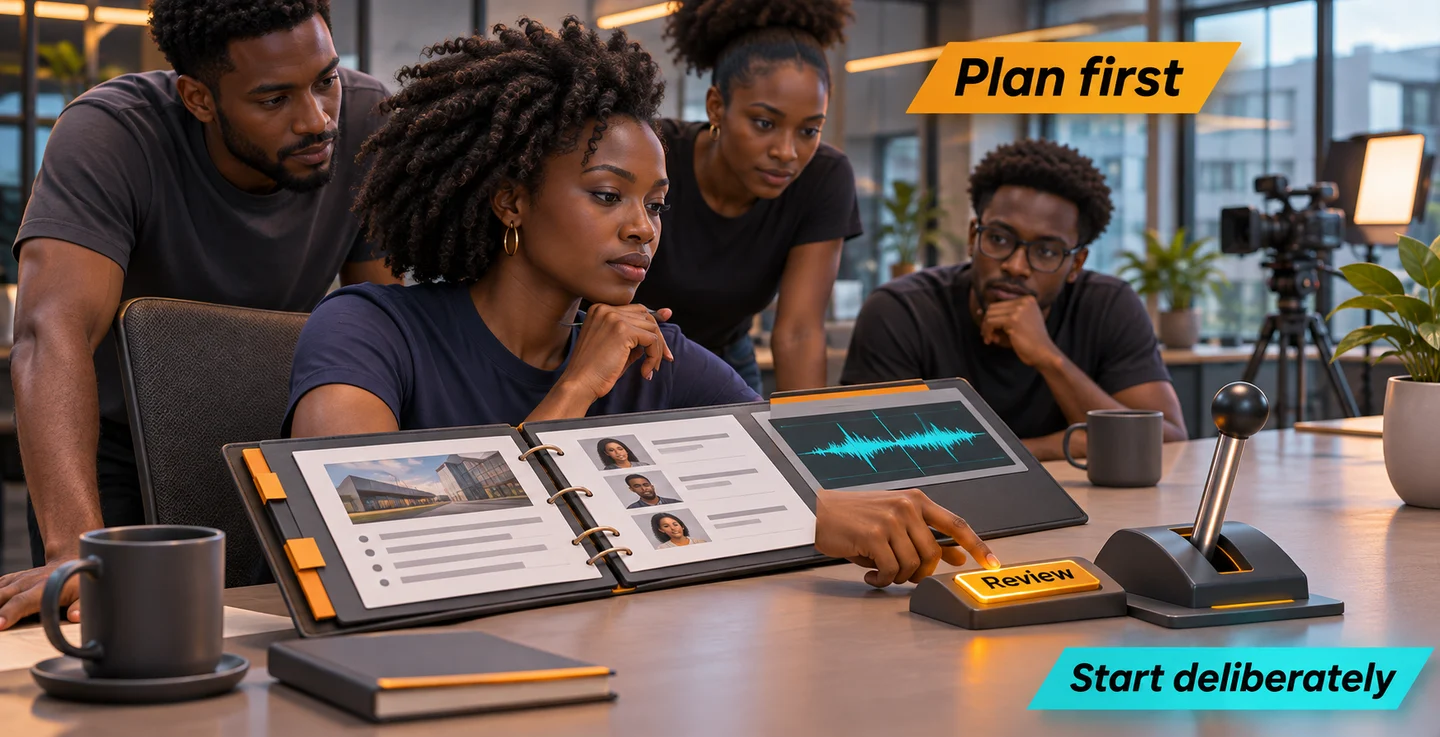
Plan first: preserve the production’s inputs before starting its next stage.
Give the run a history beyond the latest status
Production stages retain lineage and source identities. Continuing a workflow can create a related run instead of overwriting the earlier route’s identity. The useful question becomes which artifact this stage received and which work it is expected to produce.
That matters when writing leads to visual planning, visual work leads to assembly and an edit leads to delivery. “The video” is not a sufficiently precise handoff once several revisions exist. The receiving tool needs a concrete source and a defined task.
Orchestra’s interface brings Home, Board, Production, media/archive work, Workflow Studio, publishing preparation and resident operations into the same shell. Those destinations organise the work.
I use amber for creation, cyan for media and violet for the assistant and resident-operation context, with explicit production states. Waiting, blocked and failed are different conditions. They should not be flattened into one spinner that has developed a permanent tenancy.
Make a graph that remembers its definition
Workflow Studio turns recurring work into saved graphs. I can begin from a template or a blank definition, configure nodes, map inputs, move them around the canvas and export or import .orchestra.json definitions.
Imported graphs begin as drafts. Running saves current edits and pins the workflow version, normalised inputs and lineage to that run. I can later ask which plan produced the result, even after editing the reusable graph for the next campaign. The canvas is a way to design the work; the run remembers the particular design I actually used.
Validation checks known node kinds, unique identities, mappings and edge endpoints. Subworkflows need valid pins, and cycles require an explicit Loop node. The graph should describe intentional repetition instead of discovering recursion as a new production genre.
The executor advances eligible nodes and branches through defined ports. It records the attempt and input before doing the work, then retains output or error afterward. That gives the operator a place to inspect one failed stage without reducing the whole graph to a single red summary.
For media selection, the ranking is concrete: query-token matches, ratings, selections and favourites contribute to a score, while rejected material is excluded. Calling the filter smart does not entitle it to invent a mysterious taste model.
Put the decision where the consequence occurs
Human approval is a workflow state that can wait durably. Archive handoff requires a saved select set, a supported destination and successful upstream approval. A rejection fails the relevant run instead of being interpreted as a slightly more hesitant yes.
Publish preparation validates the account, platform and export, creates a locked draft and can request a dry-run upload proof. That preparation still returns finalPostAuthorized:false. Reaching a ready-to-post position is a useful milestone; it is not permission for the final action.
The distinction makes the graph more practical. A production can assemble its material and evidence while leaving the consequential decision visible to the owner at the appropriate point.
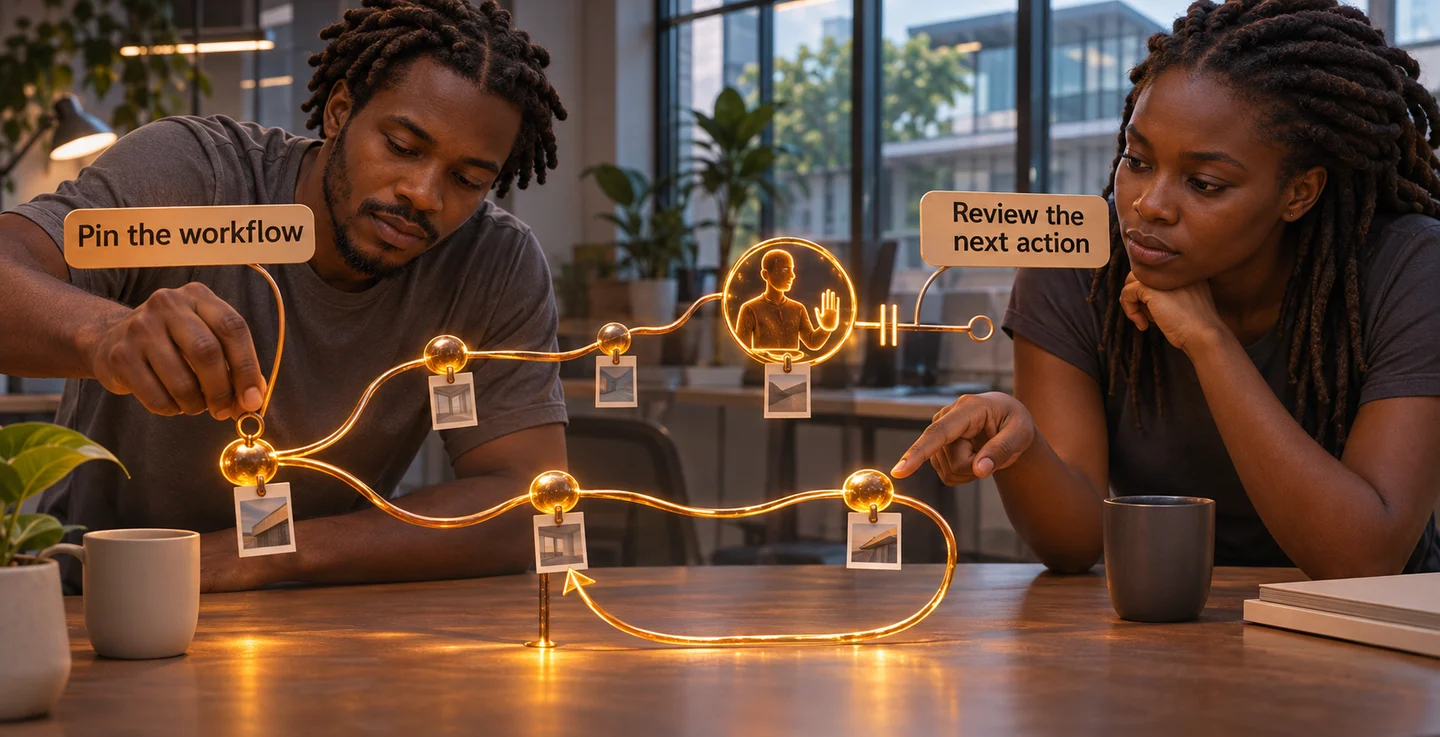
Workflow Studio: pin the definition, retain node evidence and review consequential actions.
Recover according to what may already have happened
Restart recovery is where a workflow’s verbs become serious. Repeating a read is different from repeating a provider request, launch, mutation or publication step that may already have reached its destination.
Orchestra limits automatic replay to an explicit deterministic read-only allowlist. Interrupted side effects and unknown operations require inspection and an owner decision, such as marking the result complete or failed, or forking the work.
A workflow-version mismatch fails closed on restart. The system should not resume an old run against a newly edited definition and then describe the result as if the same plan had been followed throughout.
Cancellation prevents queued nodes from starting, while acknowledging that an in-flight side effect may finish. That is a specific control boundary. A local cancelled label cannot travel backwards in time and unspend a provider request.
Read-only retry has bounded handling; consequential work needs a more deliberate recovery story. The evidence record makes that next decision possible instead of encouraging the operator to keep pressing Run until the uncertainty becomes expensive.
Bring resident work into the review loop
Orchestra hosts an embedded Orion operations arm with Mission, Flow, Calendar, Controls and Activity views. This is its nested Orion implementation, distinct from the older Labs-level Orion project.
The resident scheduler and manual actions have separate gates. Defaults pause schedules, keep automatic approval disabled and leave launch-at-login off. A manual sync request is not the same thing as activating all scheduled work.
The AutoNotebook lane prepares requests against current notebook selection, health and a shared video quota. Approval rechecks capacity. If the available capacity has changed, the proposal returns to review rather than borrowing permission from an earlier snapshot.
Accepted requests are submitted through the worker adapter and receive run/event records. Gramer remains quarantined in this integration; its sync request becomes a foreground review with the account and scope decisions still visible.
For an operator managing recurring creative tasks, the benefit is one place to see a proposal, understand the current constraint and approve the specific next action. The calendar should not be a way to conceal authority inside a small coloured square.

Resident operations: refresh capacity and review the proposal before submission.
Let the assistant propose a supported action
Orchestra’s deterministic commands can navigate and request defined operations. Free-form instructions use a bounded Orbit bridge to obtain a constrained proposal with relevant workflow and visible-control context.
The application retains a pending plan with an expiry and asks for confirmation. It stops on failure, and final live-post steps are excluded from those confirmable plans. The configured assistant supplies reasoning; Orchestra supplies the supported action contract and decision boundary.
I built the control plane with React, TypeScript and Electron, using context-isolated bridges and main-process services around SQLite. The operator pocket, graph and production screens are different views into that work rather than independent authorities.
The current database recovery path can mount an in-memory recovery shell while pausing providers, siblings and automation when the primary database is unavailable. A damaged operational memory should not be treated as an invitation to improvise production state.
What conducting the work taught me
The key lesson was that orchestration is largely about preserving meaning between stages. A plan is not a quote. A draft is not a started run. A prepared upload is not a post. An interrupted mutation is not automatically safe to repeat.
That is distinct from MMMedia Suite’s fixed media-control desk, and from Orchestra Pro’s separate filmmaking workspace. Orchestra develops durable production and automation runs around specialist tools. Similar naming does not make the projects interchangeable or establish a replacement release.
The strength I bring here is connecting creative ambition to operational state. The system should help a person coordinate more work while still being able to answer the ordinary question: what exactly are we about to do?
Keep the brief connected to the result
Orchestra gives a creator a way to prepare a production, connect its material, reuse a process and follow the specific stage that needs a decision. A durable approval can wait; a failed node can explain itself; an interrupted side effect can ask for inspection instead of silently repeating the bill.
Building it drew on the same strength I value across my tools: joining creative intent to practical operations. The technical state is useful when it lets the person understand the work and direct its next step.
The specialists can keep their tools. I would like them to agree on which baton they are passing.
Back to the story’s beginning ↑
About the work
A production control room for the long journey between an idea and a prepared release.
A desktop control plane combines durable production runs, graph automation, media tools, publish preparation and a scheduled worker.
Design and technical decisions
Durable production runs, graph automation and media tools share an Electron workspace, with publish preparation, Orbit integration and an Orion scheduler.
Connected work

Software
Orbit
The builder’s companion. Keep prompts, IDE conversations, projects and development sessions together, with AI entirely optional.


Software
Screenwritr
A writing workstation where scenes, story-world entities and drafts stay connected.

Software
Storytellr
Turning a screenplay into a space where shots, cameras and timing can be explored.