Business Systems · ICUNI Consult
Print Innovations
Giving design review its own place in the journey from a print request to production.
The build story 6 minute read

Print Innovations: Know When the Job Is in Design, Review or Production
At a glance
- Purpose
- Giving design review its own place in the journey from a print request to production.
- The build
- A dedicated design-intake and review lane routes approved work into physical production. Design and production timestamps retain the distinction between those handoffs.
In this story
By Menelek Makonnen · ICUNI Consult
A print-workflow system that gives design, customer review and physical production their own responsibilities.
Print Innovations helps a print business move work from customer request through design, customer review, physical printing and finishing without confusing those stages. Staff can see their next responsibility, and the job record gives a clearer account of what is actually happening.
“In progress” is an admirably flexible status. The designer may be adjusting a logo, the customer may be considering it, or a printer may be turning paper into finished work. Everybody is technically correct. Nobody knows when to collect the banners.
I developed Print Innovations around a more useful distinction: making the artwork and making the physical product are different kinds of work. They need different people, different actions and an explicit handoff between them.
A request takes the right route
Customers can choose catalogue or custom items, quantities, notes, files and design or delivery requirements. Staff can refine the quote with cost and discount adjustments, design services, cutting and expenses. The front desk receives enough structure to ask a useful question rather than starting the conversation again.
Payment begins as pending. An authorised staff member records confirmation; the application does not independently settle an online payment. Once confirmed, the job takes a route based on whether design is required. Design work goes to the designer's intake. Print-ready work can proceed to production intake.
That branching rule is small enough to explain in one sentence and consequential enough to shape the whole queue. A printer-ready file should not wait behind artwork development simply because the older model had one common “approved” bucket. Equally, paying a bill does not make unfinished artwork ready for a machine.

Intake: review the request, record payment confirmation and route according to the work required.
Give design room to be design
A designer starts a job from the appropriate intake state. The system records when design begins, when a proof is submitted and when the customer responds. The customer can approve the sample or request changes with feedback. Changes return the work to design; approval moves it towards production intake.
This is an important distinction in the customer relationship. Sending a proof is an invitation to decide. It should not double as a quiet declaration that printing has started. In the canonical lifecycle, a rejected design cannot progress into production or finishing, and a staff acknowledgement cannot substitute for the customer's decision.
The current review handlers check the job and its pending-review state. I keep those capabilities separate: Print Innovations implements clearer routing; that does not automatically give it cryptographic proof of which design bytes were approved.
For the team, those are different assurances. A review state tells the queue where to go next; a file-bound receipt establishes which bytes received the decision. I want that difference clear before a designer or technician relies on it. The software already has enough responsibilities without being assigned unpaid fictional work.
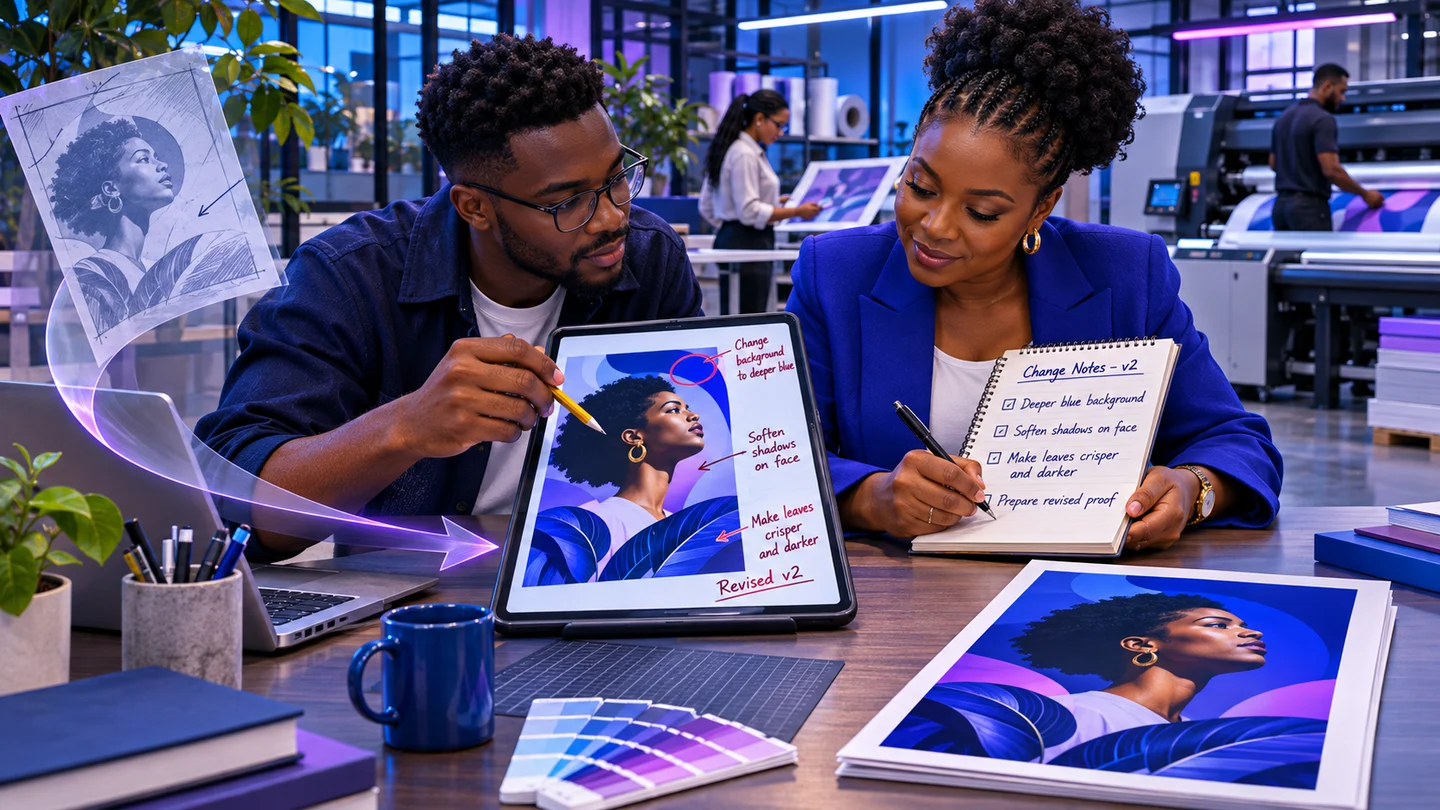
Design and review: get the decision, preserve the feedback and route rework to the person who can act on it.
Let the print room start production
Production begins when the print-room role starts an eligible job. The backend checks the current stage and role and records the production start time. Completion then moves to finishing, where the finishing role can close the job.
The queue mirrors those responsibilities through separate lanes for payment, design intake or rework, design work, review, production intake, production and finishing. Search and filters help staff find the ticket. Buttons request explicit transitions; the columns are not a drag-and-drop performance in which moving a card changes reality.
Current source also reserves production-facing notifications for the moment the print room actually starts physical work. That is a practical language choice. A customer hearing “in production” should not have to ask which philosophical school the shop follows.
Cancellation requires a reason and preserves the job in the audit record. Legacy status values can move into the newer lifecycle through the next valid action. The goal is continuity without letting an older label weaken the current role and stage rules.
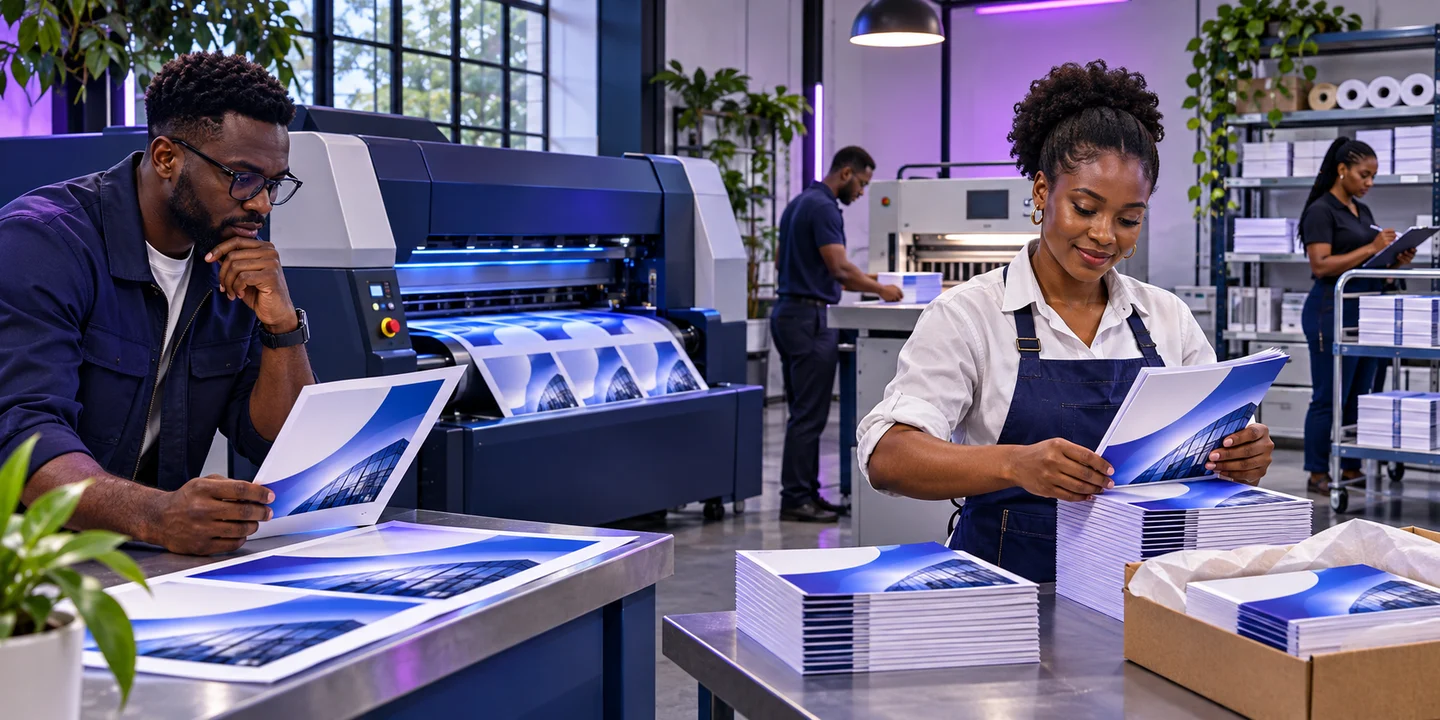
Physical production: start the eligible job, print, inspect and finish through named staff actions.
Keep the queue in agreement with the work
The interface uses JavaScript, React and Next.js. A server-side proxy forwards defined actions to Google Apps Script. Monthly Google Sheets job records hold operational details and timestamps, while Drive provides case folders and files. Established libraries support charts, images and document output.
The backend enforces the mutations; the interface mirrors those rules. That makes the queue a view of the operation rather than its sole authority. Related storefront code and visual foundations are shared with PrintFlow instances, with Print Innovations serving as the authoritative physical-production lifecycle in this family.
The strength in the split
This build sharpened a habit I bring to operational systems: listen for the words people use to mean several different things, then untangle them. Payment confirmation, proof submission, customer approval and production start need distinct actors and consequences. Otherwise I have merely digitised the phrase “somebody is handling it,” which has a remarkable ability to leave everybody handling nothing.
The practical reward is visible in the working day. Staff can identify the next responsibility, timestamps explain where a job has been, and compatibility lets older records continue through the clearer lifecycle. I want the person taking over a job to inherit the context, rather than the mystery.
Print Innovations.
Progress that says what is happening
Print Innovations gives the print journey a more precise vocabulary. A request becomes a quote. Confirmed payment chooses an intake. Design earns a customer decision. The print room starts physical production. Finishing completes its own work.
That is the clarity I want the team and customer to share. “In progress” can still describe the day. The job ticket should be able to do better.
Back to the story’s beginning ↑
Project details
A print storefront and production dashboard with a dedicated design-intake/review lane and recorded design-to-production handoffs.
Part of the PrintFlow family. Related versions and implementations have their own entries.
Design and technical decisions
A dedicated design-intake and review lane routes approved work into physical production. Design and production timestamps retain the distinction between those handoffs.
Inside the workflow
A print storefront and production dashboard with a dedicated design-intake/review lane and recorded design-to-production handoffs.
Related work
Have something in mind?
Bring the problem, the audience and what you want to make possible.
Discuss your project