 Software
Storytellr
Creative Tools · ICUNI Labs
Turning a screenplay into a space where shots, cameras and timing can be explored.
The build story 9 minute read
Storytellr: Plan the Film Before You Pay to Shoot It
At a glance
- Purpose
- Turning a screenplay into a space where shots, cameras and timing can be explored.
- The build
- A React/Three.js workspace connects screenplay structure to storyboards, camera planning and animatics. A revisioned local Node service and content-addressed media support controlled edits and browser-rendered jobs.
In this story
By Menelek Makonnen · ICUNI Labs
Storytellr helps filmmakers, writers and small creative teams turn a script into shots they can see, time and discuss before production. Import the scene, arrange the action in 3D, compare camera angles and assemble an animatic with sound. It gives “I can picture it” something another person can actually look at.
That matters because an expensive misunderstanding often begins as a very agreeable meeting. Everyone nods at the script. Everyone imagines a different film. Eventually somebody hires equipment to discover whose imagination has the correct door dimensions.
I built Storytellr to bring that discovery forward. A conversation can become timed boards; a board can retain its own camera and staging; movement and audio can reveal whether the scene holds together. I still direct the choices. The tool lets me inspect them while changing my mind is affordable.
It is useful for short films, interviews, animated explanations and pitches: anywhere the next person needs more than my most persuasive hand gestures.
The page needs somewhere to go
Start with a short dialogue scene. Two characters are meeting, somebody is withholding something, and the script contains an extremely economical phrase such as “a tense silence”. On the page, that costs three words. On screen, it needs a duration, a face, a frame and a reason to stay there.
Storytellr accepts Fountain, Final Draft XML and plain text. The screenplay parser identifies scene headings, action and dialogue, then creates timed boards. That gives the words a working structure inside the project: scenes to navigate, boards to edit and an initial duration to challenge.
I deliberately keep that first translation concrete. Parsing a character cue is one problem; deciding how that character should behave is another. The imported boards are a starting point for direction. I still choose the cast, the staging and the coverage. Software that treats an uppercase name as proof of dramatic understanding is one caps-lock key away from an identity crisis.
For a filmmaker, this is useful before a shoot. For a writer, it is useful during a rewrite. A scene that feels short in a document can become strangely long when the action has to occupy time. For an explainer or a pitch, the same workflow helps reveal where narration needs an image, where an image needs breathing room and where both are politely repeating each other.
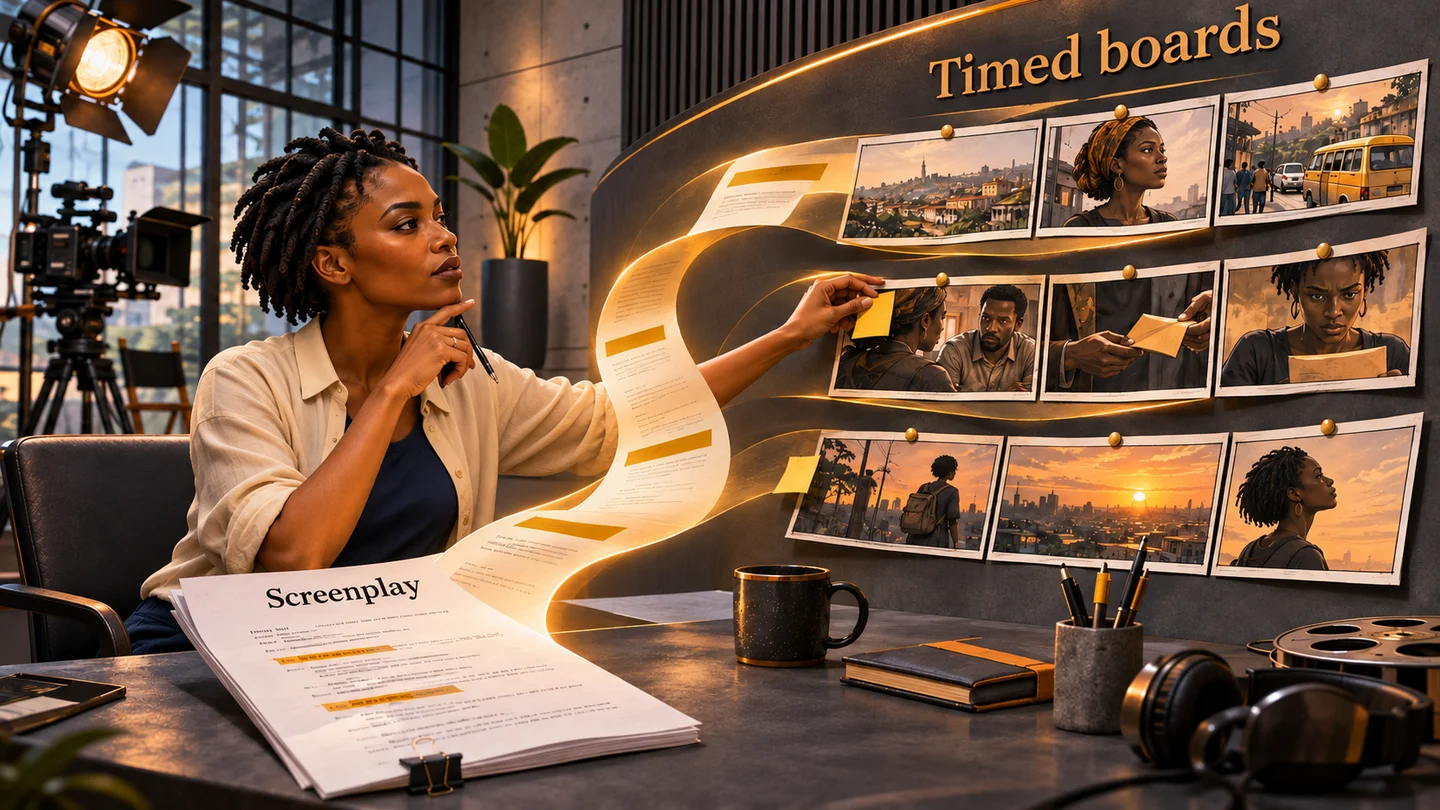
Screenplay to boards: organise the written material, then make the visual decisions.
Put the scene on its feet
Once the scene exists, I can arrange a stage. The workspace brings together a local asset library, a central 3D view and an inspector for the selected object, scene or shot. Camera and overhead Plan views let me move between the image and the geography behind it.
That distinction matters. A close-up can look excellent while making the next shot impossible. Moving into Plan view makes the spatial relationship explicit: where the people stand, what the camera is pointing at and what is likely to get in the way. I can adjust pose, placement, lens, camera target, lights and room before capturing the shot.
Capture creates an independent stage snapshot for the board. I wanted each shot to retain its own setup, because trying another angle should not quietly rewrite the angle I already chose. Notes, action, dialogue and timing travel with that shot. Drawings can sit over the image, which is useful when a rough gesture communicates more than a very carefully positioned primitive.
The practical result is a place to block a conversation, test an interview setup, sketch a short film or work through an animated explanation. The scene remains something I can manipulate. I am not asking a flat image to remember how the room was arranged.
Explore coverage without outsourcing direction
Storytellr offers repeatable coverage views and a more detailed Shot Explorer. These serve different jobs. A small set of coverage rules can give me a useful first pass. Explorer lets me investigate a selected subject and frame through camera choices grounded in the scene geometry.
For coverage, I can compare camera candidates based on the subjects and space already in the shot, with framing information and warnings alongside them. Those suggestions remember the arrangement they used. If I move the scene, yesterday's camera calculation cannot quietly take over today's staging. That protects the work while giving me more angles to consider.
That is a good example of where I want automation to earn its keep. It should widen the range of choices I can inspect and preserve the connection between a suggestion and the material it used. The final judgement remains visual: does this frame reveal the right information, support the performance and connect to the adjacent shot?
Geometry can identify a blocker. It cannot decide whether a character half-hidden behind a doorway is a mistake or the entire point. I want the tool to flag the doorway and leave the suspense to the director. The doorway has already done enough unpaid acting.
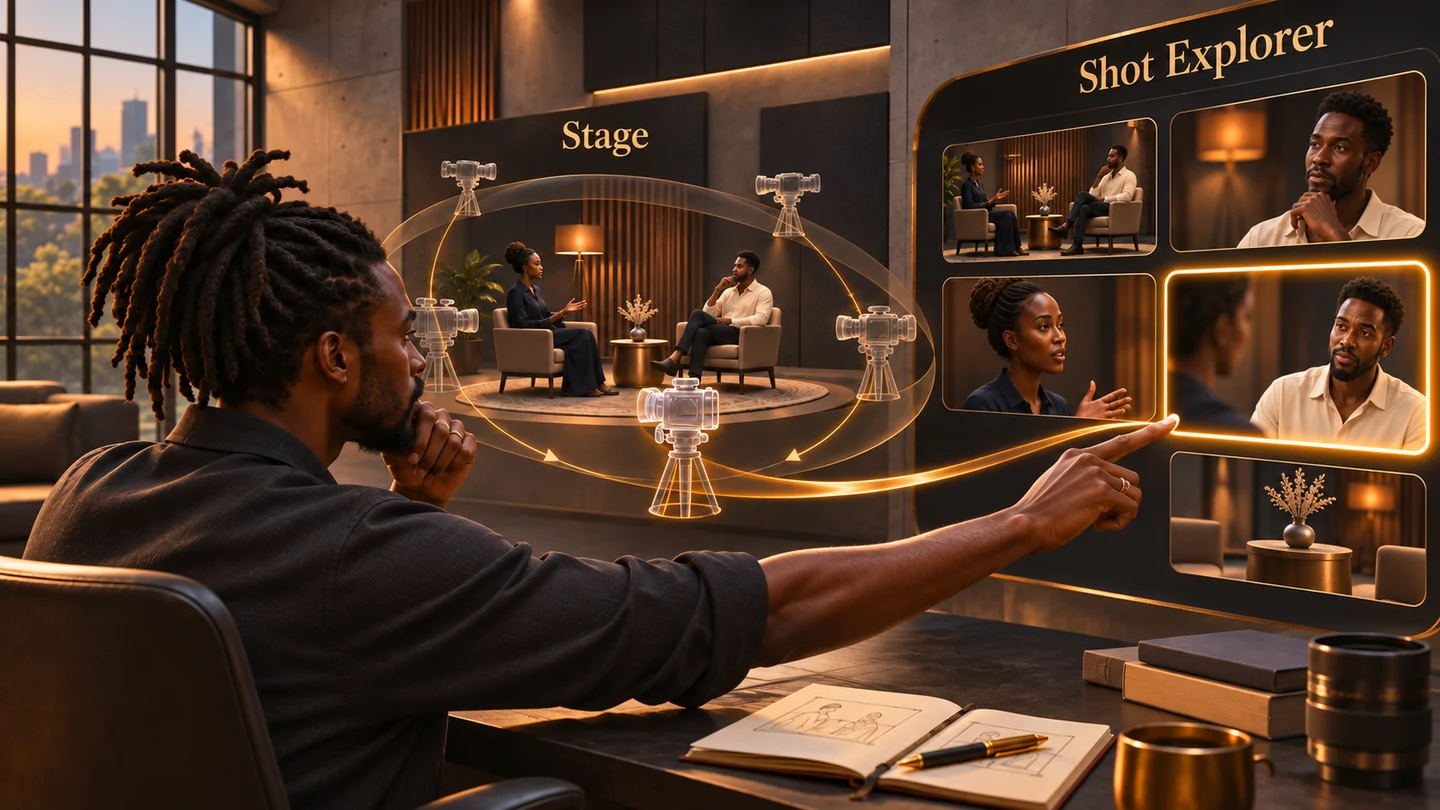
Stage and Shot Explorer: arrange the action, compare camera possibilities and review the composition.
Timing turns a board into a question
Static boards help explain the shot. Animation helps explain what happens inside it.
Storytellr stores manual transform keys, procedural motion clips, expression changes and visibility events as distinct forms of authored state. That separation gives each kind of change a clear job. A movement between positions needs interpolation; a visibility event needs to happen at a chosen frame. The project uses frame-based timing so the shot, the animation and the eventual media assembly share a useful clock.
I can pose an object at a playhead position and record a key, then review the movement across the board. Locks and motion-range rules prevent incompatible edits from quietly fighting over the same object. Procedural actions provide starting material, while manual keys allow more particular decisions.
This is especially useful when a camera move, a reveal or a pause carries the scene. A reveal that works beautifully as two stills can feel like a malfunction when played as movement. Reviewing the timing exposes that difference before I become emotionally attached to a screenshot.
I also keep structural validation separate from visual review. A project can contain valid frames and references while the movement feels dreadful. Passing a schema is a modest achievement for a performance. Most filing cabinets can manage it.
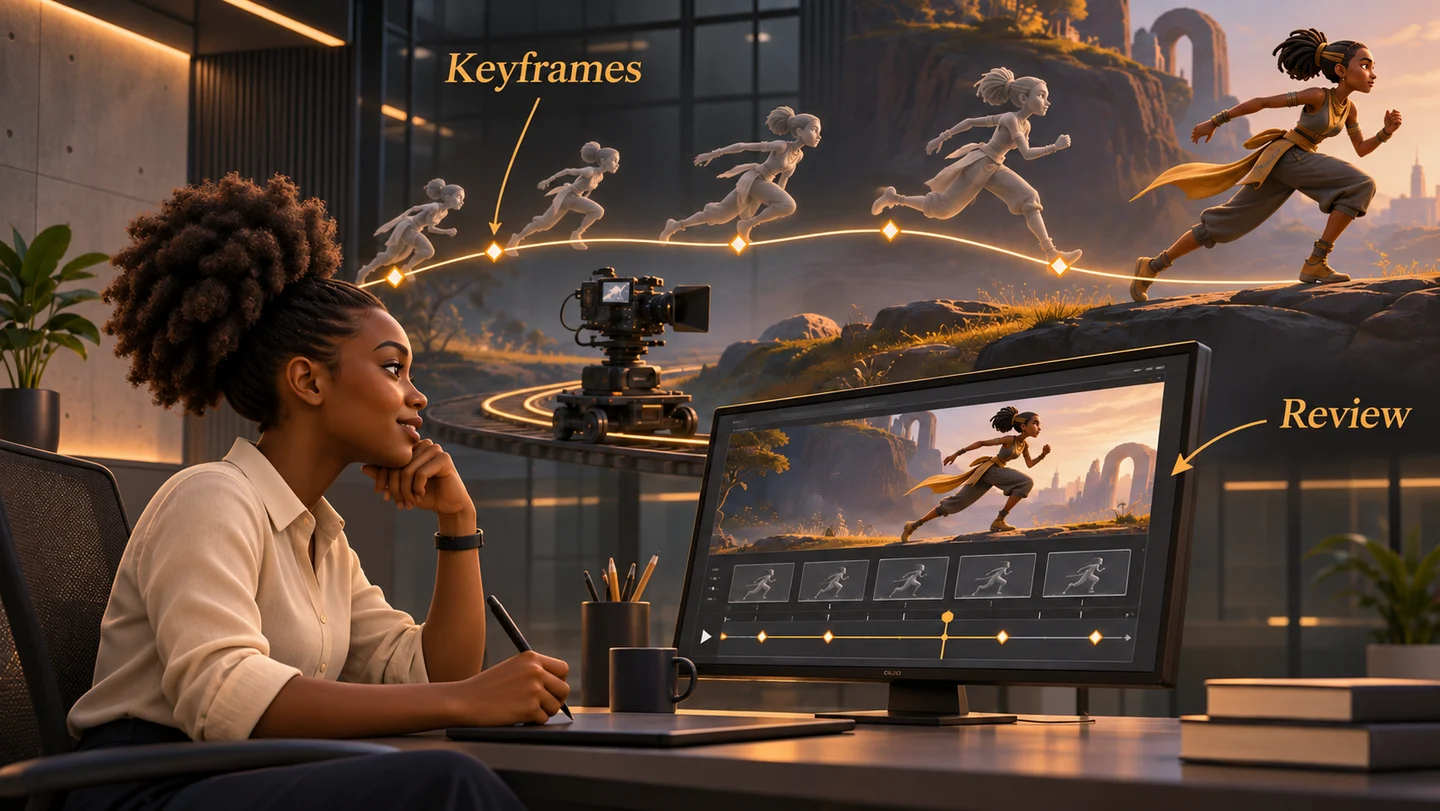
Animate and review: test movement and timing, then judge what the shot communicates.
Let the sequence speak
An animatic becomes much more useful when it has sound. Storytellr brings local audio, video and stills into tracks, with controls for source offsets, duration, gain, opacity, fades and fit. The board sequence can therefore meet a guide voice, a music cue or a reference clip inside the same project.
Imagine planning a short product film. I can board the opening, test the movement, add a temporary voice recording and discover that the intended pause leaves the narration stranded in the previous shot. That is an actionable problem. I can change a duration, move the sound or rethink the image while the project still consists of editable choices.
Render requests capture a project revision as a job. The browser renderer claims the snapshot and renders frames; supported export paths include MP4, stills, GIF and image sequences. Local conversion tools contribute where the format needs them. Completion records the artifact and its hash, connecting the delivered file to the project revision that produced it.
I built that relationship because “exported” needs to mean something more precise than “a button changed colour”. Optional delivery to Ender is a subsequent handoff, with its own queue state. The chain should be understandable all the way from the authored shot to the resulting file.
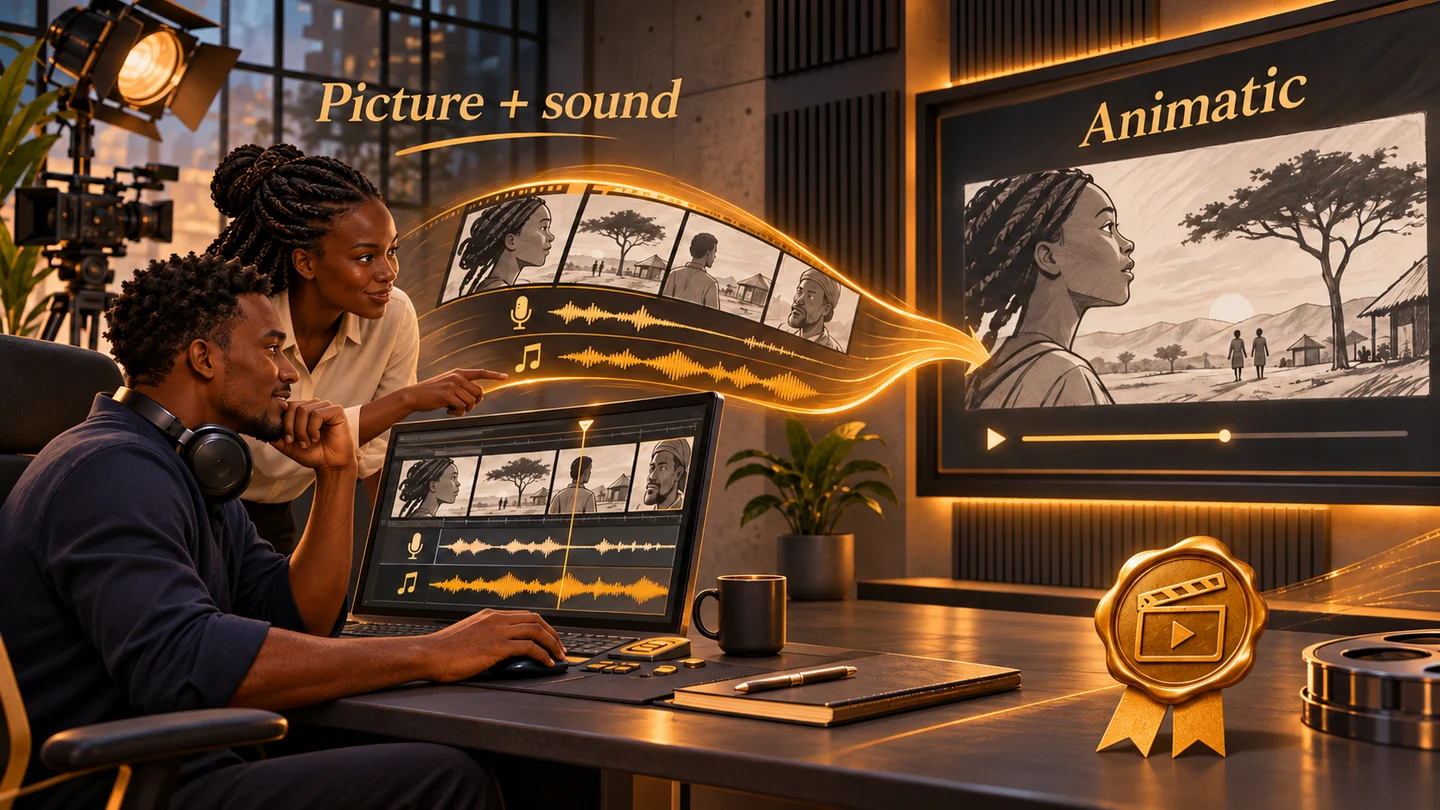
Picture, sound and delivery: build the timed sequence, render a snapshot and retain the resulting file receipt.
What I built underneath the frame
I used React and TypeScript for the editor, Three.js for the stage, Zod to validate project changes and a local Node service for projects, media and render jobs. The practical payoff is continuity: shots retain their state, media has an identity beyond a hopeful filename, and editing has a recoverable history. These are the plumbing decisions that let me move a camera without wondering what else I just drowned.
The same project is available through a structured MCP control surface. An assistant can request defined operations against the editor's rules. Camera planning itself uses local geometry; it does not require a model provider to pretend it has watched the scene. UI and assistant requests meet the same project contract.
Concurrent edits deserve particular care when both interfaces can change a project. Revision checks detect conflicts, and recovery preserves the competing work for a deliberate choice. Browser storage is a recovery copy; the local service remains the project authority. I regard that as creative engineering, because protecting a shot is part of making the editor useful.
Storytellr also carries an explicit provenance boundary. I developed the TypeScript and React implementation with reference to Wonder Unit's Storyboarder, including locally extracted reference models and poses. I credit that lineage and keep those assets out of public article artwork. The illustrations here use fictional creators and original conceptual scenes.
The strongest lesson is that creative freedom depends on quite unromantic machinery: stable shot snapshots, recoverable state, explicit media identity and a render that can explain what it rendered. They are what let experimentation remain experimentation instead of becoming data loss with a dramatic soundtrack.
Typography reflects the existing text-led identity; this is.
Make the misunderstanding cheaper
Storytellr gives a production a shared visual plan: what happens, where the camera goes, how long a moment lasts and what the sound adds. It lets a writer test a scene, a director explore coverage and a small team make decisions around the same material.
Building it brought together my interests in storytelling, spatial design and recoverable creative tools. The engineering earns its place when it makes another experiment possible without sacrificing the shot that already worked.
The room can still turn out to be mostly a door and somebody's elbow. I would rather discover that before paying the elbow a day rate.
Back to the story’s beginning ↑
About the work
Turning a screenplay into a space where shots, cameras and timing can be explored.
A local-first screenplay-to-storyboard and animatic editor with 3D scenes, deterministic camera planning, revisioned editing and browser-rendered jobs.
Design and technical decisions
A React/Three.js workspace connects screenplay structure to storyboards, camera planning and animatics. A revisioned local Node service and content-addressed media support controlled edits and browser-rendered jobs.
Connected work

Software
Orchestra
A production control room for the long journey between an idea and a prepared release.

Software
Screenwritr
A writing workstation where scenes, story-world entities and drafts stay connected.