Creative Tools · ICUNI Labs
MMMedia Pro 2
Exploring creative control through candidate cuts that remain editable in a multitrack sequence.
The build story 10 minute read

MMMedia Pro 2: Turn Your Clips into an Edit You Can Make Your Own
At a glance
- Purpose
- Exploring creative control through candidate cuts that remain editable in a multitrack sequence.
- The build
- The Producer captures a seeded request before generating candidate clips. Source bounds, unique source windows and coverage checks precede committing the edit; snapshot-saved projects can hand off to a separate rendering engine.
In this story
By Menelek Makonnen · ICUNI Labs
From behind-the-scenes footage and social edits to trailers and AI-video compilations: an editing workspace built to get the cut moving, with room to make it yours.
MMMedia Pro 2 helps you turn footage into social videos, behind-the-scenes stories, trailers and compilations of AI-generated clips. Start with direct editing in Simple, give Producer a direction for a generated cut, then refine picture and sound yourself in Sequence. It is a desktop editing workspace for getting from a folder of clips to an edit you can make your own.
I built MMMedia around a familiar editing problem: plenty of footage, a clear need to make something, and a disproportionate amount of work between those two facts. You have filmed the event, the shoot, the rehearsal, or the trip. Now the clips need to become a video someone actually wants to watch.
You can shape the material around a purpose and a soundtrack, then keep working on the same result instead of rebuilding it in another application. The generated take is a starting point you can edit. It is particularly useful when you know what you want to show but do not want to construct every cut from nothing.
There is a particular kind of optimism behind a folder called Final_Final_ActuallyFinal. It suggests that somewhere, despite the evidence, a video editor still believes in closure. I want more of that stubborn attention on the story and less on an archaeological dig through Downloads.
From MMMedia Pro to MMMedia Pro 2
I started MMMedia Pro 2 on 21 October 2026, building on the original MMMedia Pro I had already created.
The first MMMedia Pro brought my editing workflow into one desktop environment: a local media library, source selection and trimming, simple template treatments, generated edits, a multitrack Sequence view, and export. It established the working relationship between the footage, the editing tools, and Ender, the separate rendering application.
With Pro 2, I wanted more ways to direct those tools while keeping source choices and editable results intact. I carried the editing environment forward and developed Rust-based native control and structured MCP operations around it. MCP gives an assistant defined operations it can request; the editor still owns the editing state and rules.
The migration is incremental, with React, Electron, JavaScript, and TypeScript continuing to do substantial work. I chose continuity because an editor's value lives in its behaviour: the source decisions it remembers, the work it preserves, and the control it gives you when a cut needs attention.
A rewrite can have excellent posture and still forget where it put your footage. I prefer the version that remembers.
Four reasons to open it
You need a social edit from a mountain of clips. You have the material and a short turnaround, but little appetite for building every cut from zero. Select the usable footage, choose the direction and duration, bring in your music, and work from a generated sequence you can adjust. For someone who knows what they want to show but struggles with the mechanics of editing, that is a useful starting point.
You want the behind-the-scenes footage to leave the hard drive. The main production is finished; the camera tests, wardrobe moments, crew interactions, and between-take gems are still sitting in a folder. Give those moments their own short edit. They deserve a better retirement plan than “possibly useful someday.”
Your film needs a trailer. Use the trailer and generator workflows to explore pacing and music-led arrangements from selected material, then take control of the story in Sequence. You decide what to reveal, which performance matters, and where the tension lands. A trailer should sell the film without conducting a post-mortem on every plot twist.
Your AI-generated videos need to become one piece. Bring the clips you have generated elsewhere into the media pool, choose the usable ranges, and assemble them into a coherent edit. MMMedia Pro 2 supplies the editing workflow around those assets: selection, timing, sound, sequence work, and delivery.
Simple Editor: get a useful edit moving
Simple is the direct route when a clip needs a treatment and a place in the cut. Choose the material, trim it, shape the look, and build from there.
The template collection covers different intentions. Creator Clean combines light denoising with sharpening. Social Punch adds a faster, sharper treatment. Cinema Soft takes a restrained colour approach, while Vertical Safe frames material for a 9:16 composition. These are concrete combinations of editable operations, with controls for the work in front of you.
Simple also connects to Sequence. Its handoff creates ordinary editable timeline material, and template changes preserve the advanced clip properties they do not replace. That lets a straightforward starting point grow into a more detailed edit.
I like that progression. Starting simply should leave you room to become particular. Every editor eventually meets the shot that turns “just a quick adjustment” into a small constitutional crisis.
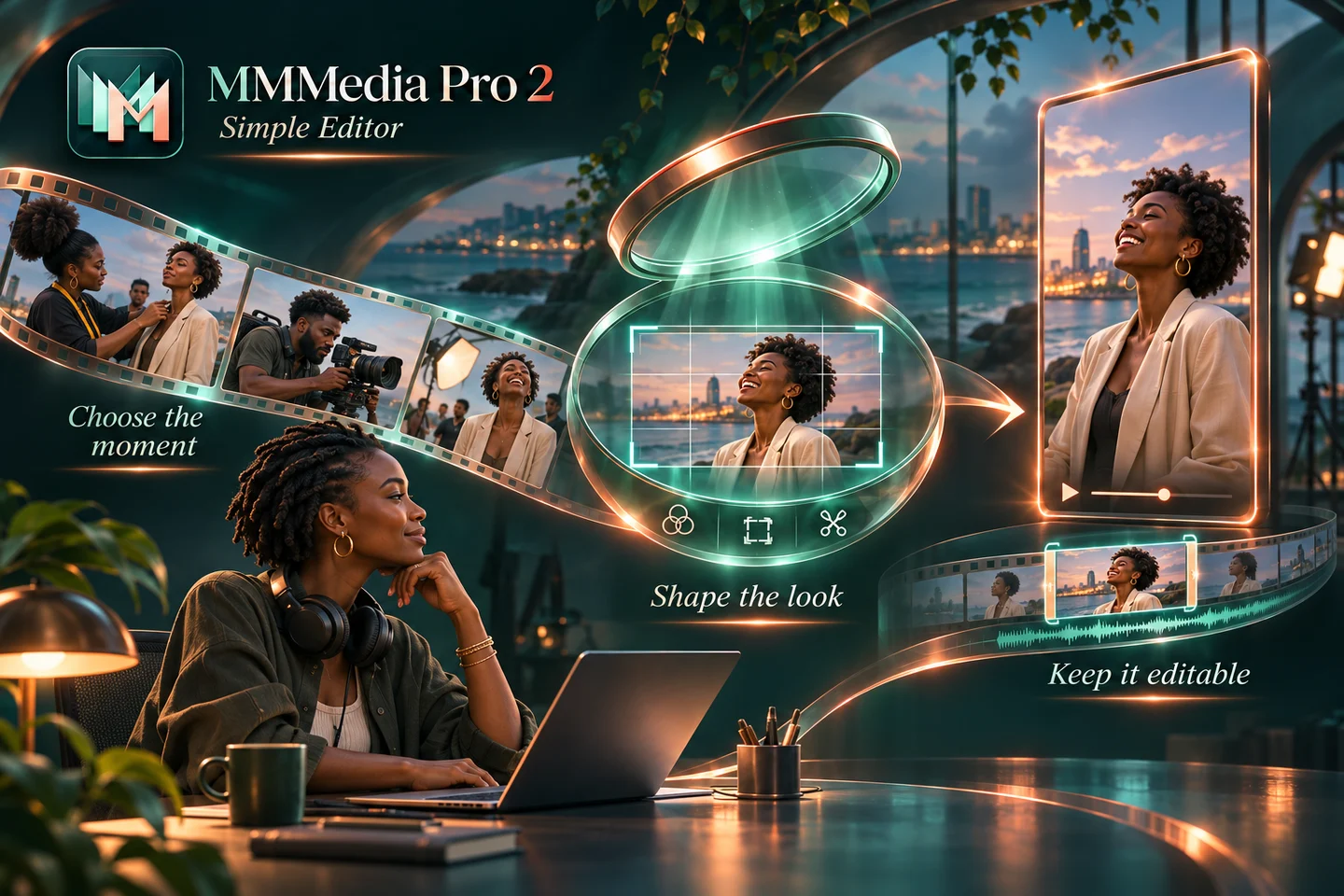
Simple Editor: choose the moment, shape its treatment, and keep the material editable.
Producer: give the edit a direction
Producer is where you tell the system what kind of edit you are making. Choose the mode, target duration, optional audio guide, and style controls. The generation request captures those choices with a visible seed, giving the proposed take a defined starting point.
Before that, the media library lets you approve sources, trim usable ranges, and mark included or excluded segments. Reimporting the same path can refresh metadata while preserving earlier source decisions. The software remembers the distinction between “this file exists” and “use this part of it.”
Audio analysis contributes beat information using the selected sensitivity, pattern, offset, frame rate, and trim bounds. That gives the editing logic a rhythmic guide. A newer generation supersedes the old one, and changes to the selected source pool or policies trigger guards against committing stale work.
The generated clips then pass through timing and source-policy checks. The workflow can repair and revalidate a candidate; an invalid result is refused at the commit boundary. Required coverage, allowed source windows, and relevant reuse rules all matter.
This is where the engineering earns its place in the creative process. If you excluded a span, a repair should respect that choice. If the available material cannot support the plan, the result should expose the problem. A confident button is a poor substitute for a valid cut.
A technically valid sequence can still have the emotional range of a printer test page. That is why the proposal stays open to your judgement—and to further editing.
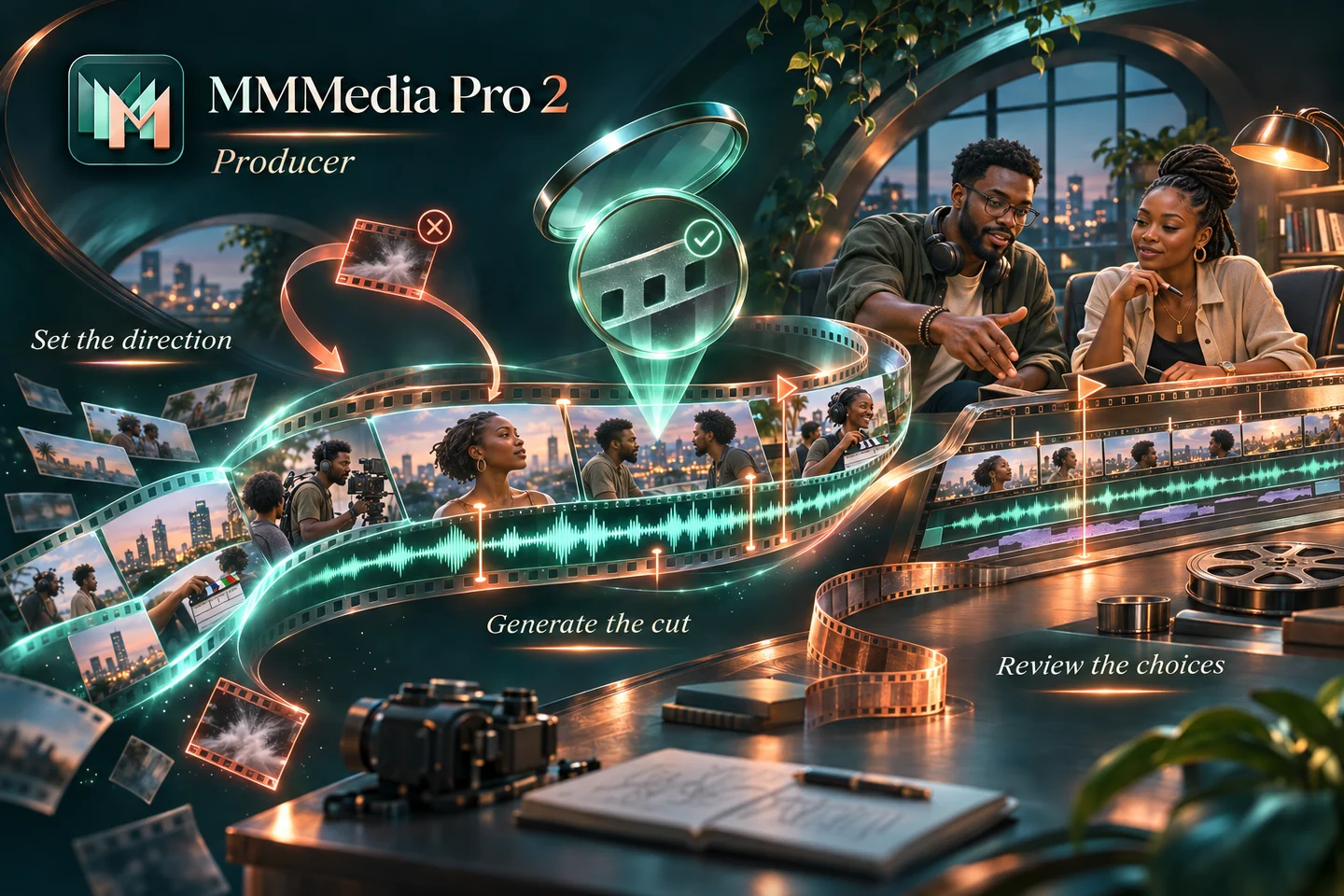
Producer: set the direction, generate a cut, review the choices.
Sequence: take the controls yourself
Sequence is the hands-on editing workspace. It gives you a multitrack timeline, picture and audio controls, trimming and arrangement, effects, markers, and keyboard-driven editing. A generated take becomes material you can refine: move the shot, change the duration, adjust the sound, and give the sequence its final intention.
That means you can do the timeline work inside MMMedia Pro 2. Premiere Pro is optional for this workflow. Sequence handles the familiar job of arranging and refining the edit, so opening a professional editing application elsewhere is a choice about the project rather than a prerequisite for beginning it.
There is also a route onward. The export tools include an MMM Edit handoff to Edia, the Premiere companion, to rebuild the edit in Premiere Pro, alongside manifest and interchange options. You can develop the cut here and continue in a Premiere-based workflow when that is where the production needs to finish. The interchange format determines what carries across; application-specific effects still need checking in the receiving editor.
The workspace itself adapts to the task. Inspector and sidebar regions resize, the timeline boundary drags vertically, and Producer's Smart Engine dock supports pointer and keyboard resizing. The ink, mint, and copper palette gives the application its visual identity; the controls give that identity a job.
During a render, the export view stays mounted so changing pages preserves its progress and log state. A beautiful interface becomes less impressive when switching tabs gives the running job the witness-protection programme.
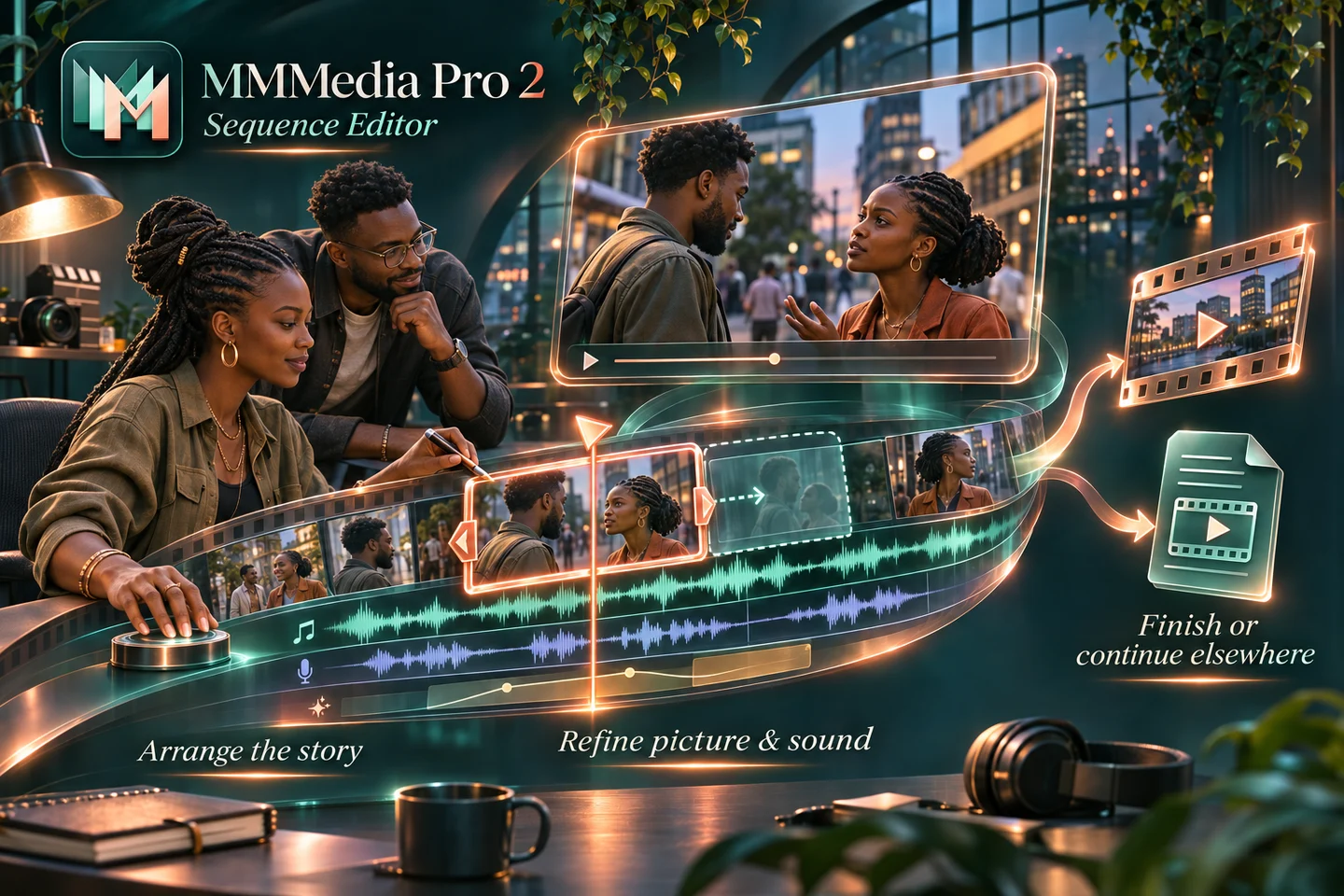
Sequence Editor: arrange the story, refine picture and sound, then finish or continue in another editing workflow.
Save the work, then deliver the film
Projects use .mmm archives, while a smaller workspace sidecar carries current editing changes. The archives retain editable project data, with original media referenced by path. Keep those sources available when you move a project, or relink them in the new location.
The native snapshot route checks the authored state, writes the archive, reads it back, and compares the project payload before registration. That gives saved work a stronger acknowledgement than merely issuing a disk write.
For delivery, choose the engine that fits the job. The internal WebCodecs route produces video without muxed audio and warns when audio tracks are present. FFmpeg-based alternatives and the Ender handoff serve different delivery requirements. Ender remains a separate renderer with its own job and output behaviour.
The final viewing still matters. Check sound, picture, timing, framing, and effects. A file extension is a remarkably cheap costume for success.
How the engineering keeps your choices in the edit
TypeScript and JavaScript carry much of the editor, generation logic, persistence, and integration work. React builds the interface, Zustand manages application state, and Vite handles frontend development and bundling. Tailwind CSS and Framer Motion support styling and motion.
Electron and Node.js connect the interface to desktop capabilities: filesystem access, native dialogs, IPC, and render handoffs. FFmpeg provides media-processing infrastructure. The internal export route uses WebCodecs with Mediabunny adapters.
Rust supplies the MCP service and selected native timeline and control operations, using Tokio, Serde, and the rmcp SDK. Together, these technologies support a desktop creative tool whose manual controls and automation work against the same editing purpose.
For the editor, those layers should add up to something practical: an excluded source range stays excluded, an old generation does not overwrite a newer request and a simple treatment does not discard advanced clip properties. The next handoff should tell you where the work is going. That is how the technical implementation supports the creative task instead of becoming another task to manage.
What building it has taught me
The strongest lesson is that automation needs a precise account of what the creator meant. A source exclusion, a captured request, a stale-state check, and an editable result all contribute to that account. They turn creative intent into something the software can carry through the process.
The move from MMMedia Pro to Pro 2 also reinforces the value of continuity. An established workflow carries knowledge in its defaults, saved data, shortcuts, and awkward exceptions. Native control becomes useful when it works with that knowledge and gives the creator another reliable way to direct the tools.
I enjoy that combination of creative judgement and precise implementation. The interface has to let someone make the edit; the rules underneath have to preserve what they meant. Following the work through saving, generation and handoff is how I bring those responsibilities together.
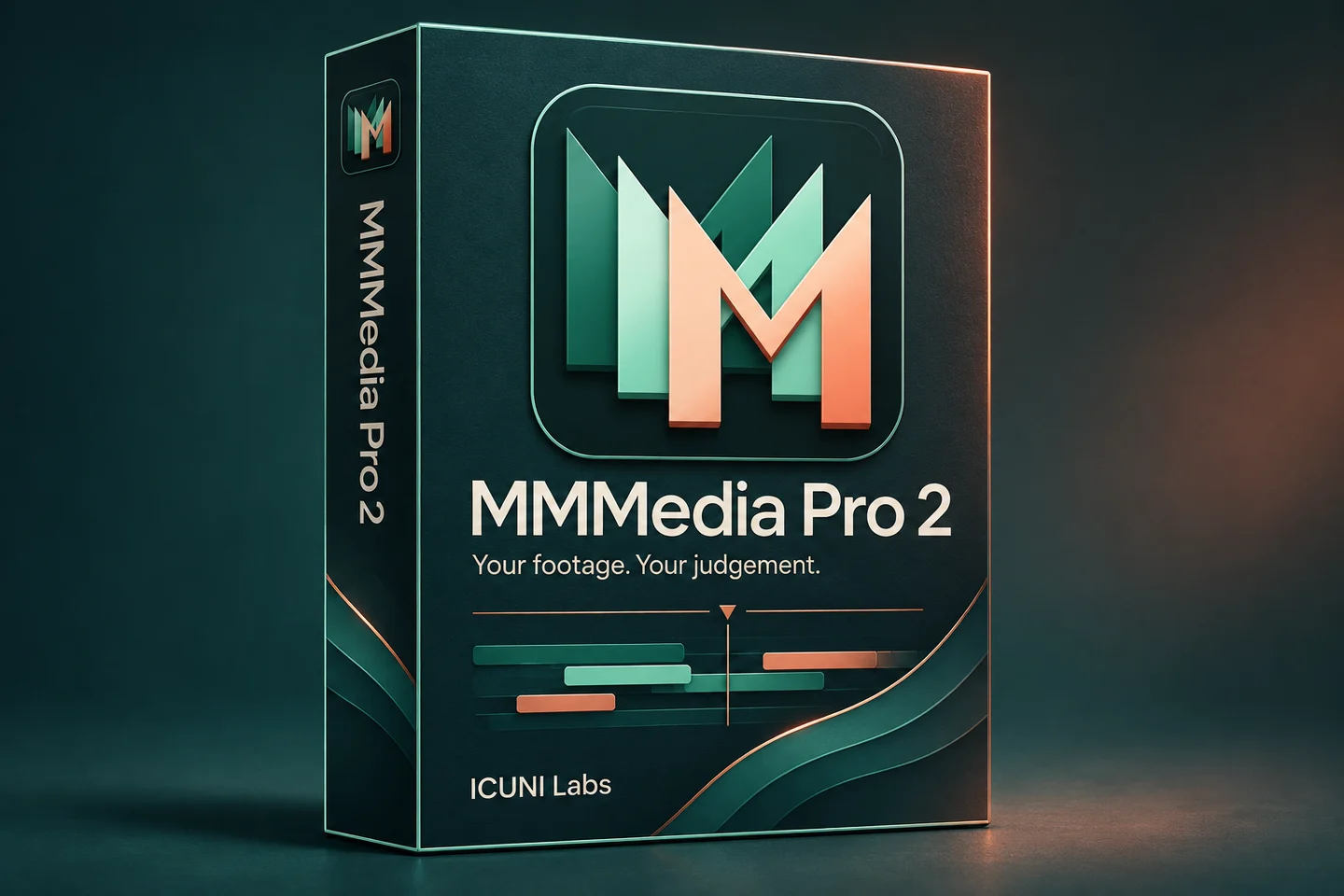
MMMedia Pro 2: your footage, your judgement.
The final cut still belongs to you
MMMedia Pro 2 is for the moments when the footage exists and the edit needs to happen: a social post, a behind-the-scenes story, a film trailer, or a collection of AI-generated clips waiting for a reason to sit together.
Start simply. Give Producer a direction. Take the controls in Sequence. Finish here, or carry the work into a wider production workflow.
The project continues to develop through its native-control migration and delivery work. The principle stays consistent: give the creator useful help, preserve their choices, and leave them room to make the result better.
Somewhere, another folder is about to be named Final_Final_ActuallyFinal. I built MMMedia to help that optimism survive contact with the footage.
Back to the story’s beginning ↑
Project details
A desktop editor that captures a production request, generates candidate clips and checks source bounds and coverage before committing an edit. Projects can be saved and handed to a sibling renderer.
Part of the MMMedia family. Related versions and implementations have their own entries.
Design and technical decisions
The Producer captures a seeded request before generating candidate clips. Source bounds, unique source windows and coverage checks precede committing the edit; snapshot-saved projects can hand off to a separate rendering engine.
Inside the workflow
A desktop editor that captures a production request, generates candidate clips and checks source bounds and coverage before committing an edit. Projects can be saved and handed to a sibling renderer.
Related work
Have something in mind?
Bring the problem, the audience and what you want to make possible.
Discuss your project