
Creative Tools · ICUNI Labs
MMMedia Suite
Giving specialist media tools a shared front door while keeping each craft in its own workspace.
The build story 9 minute read

MMMedia Suite: One Place to Find Your Media and Open the Right Tool
At a glance
- Purpose
- Giving specialist media tools a shared front door while keeping each craft in its own workspace.
- The build
- Media references route to specialist applications while project state stays in the application that owns it. Health views and handoff receipts help distinguish coordination from an actual completed edit or render.
In this story
By Menelek Makonnen · ICUNI Labs
MMMedia Suite helps creators find their local media and reach the right specialist tool from one desktop workspace. Browse an authorised library, route a video toward editing, send a still toward photo work, listen to audio and follow selected Ender render activity without hunting through six applications first.
It connects MMMedia Pro, Ender, Darkroom, Edia Pro, Sloverb and MMMotion Graph. Each keeps its own projects and specialist responsibilities. I built the suite as the common desk that helps me get to the work, rather than a seventh application demanding that I move all the work again.
A growing creative toolset can become a small city with very strong opinions about addresses. A central library, launcher, listening strip and activity view make that city easier to navigate.
The scope stays focused: bounded media browsing, specific launch routes and read-only render observation. It is useful precisely because the creator can understand what the desk helps with and which application still owns the next decision.
Know which application should do the work
The suite connects MMMedia Pro, MMMedia Ender, MMMedia Darkroom, Edia Pro, Sloverb and MMMotion Graph. Its Create and Apps surfaces give those products a common place to be found and launched.
Media routing follows the same idea. A video belongs on a path toward video work, a still toward Darkroom and audio toward Sloverb. An optional known media reference can accompany the selected product launch, keeping the handoff grounded in an actual catalog item.
The launcher uses a fixed product registry. It can prefer a packaged executable when one is present, use the product’s development/start route where appropriate or reveal the source root. A successful spawn is recorded as dispatch; it does not declare that the downstream application has finished opening or editing.
That distinction keeps the central desk useful. It can say which action it took without borrowing completion from an application whose internal workflow it does not control. Reception should be helpful, but it cannot certify surgery because somebody reached the lift.
Give the control room a readable shape
I designed the interface around a graphite and lime identity, a navigation rail, a sticky top bar and a persistent listening strip. Control, Library, Listen, Create, Renders, Apps, Activity and Settings each have a defined job.
The command palette offers a quicker route through recurring actions. Ctrl/Cmd+K opens command search, slash focuses media search and numbered view shortcuts help move around the workspace. Narrow layouts reposition the rail and compress the player rather than assuming one desktop width.
The dashboard gathers selected product health, runtime availability, media counts and recent receipts. It needs to preserve the meaning of each status. Pro and Ender have local bridge probes; other product entries can be based on directory presence. An installed address is a different fact from a live conversation.
Bootstrap errors have a reload/dismiss surface, and view boundaries provide a reset path. The application should be able to explain a missing part without allowing one failed request to turn the whole control room into a blank screen with ambitions.
Authorise a library without handing the UI every path
I choose which folder the suite can browse through a native picker. Core records that approved root and supplies the interface a safe representation, so a media card can help me select work without exposing unrestricted filesystem access to the renderer. The user-facing action is simple; the boundary keeps it specific.
The catalog uses opaque media identifiers and a custom mmsuite protocol for approved streams. That lets the interface preview an image or video while the main process resolves the actual file. A media card can be useful without becoming an unrestricted filesystem request.
Scans are bounded by depth, file count and time, and skip symlinks. Those limits keep the operation specific.
The current library UI requests the first fifty rows and does not expose the service cursor for subsequent pages. Coverage wording also needs care because a non-empty bounded result can be labelled complete. I therefore describe this as a focused media catalog rather than an unlimited asset-management system.
Removing a root removes its authorisation through a confirmed action; it does not delete the original files. A stale media reference can fail and be refreshed. The control room manages access and routing, while the sources retain their own physical existence.
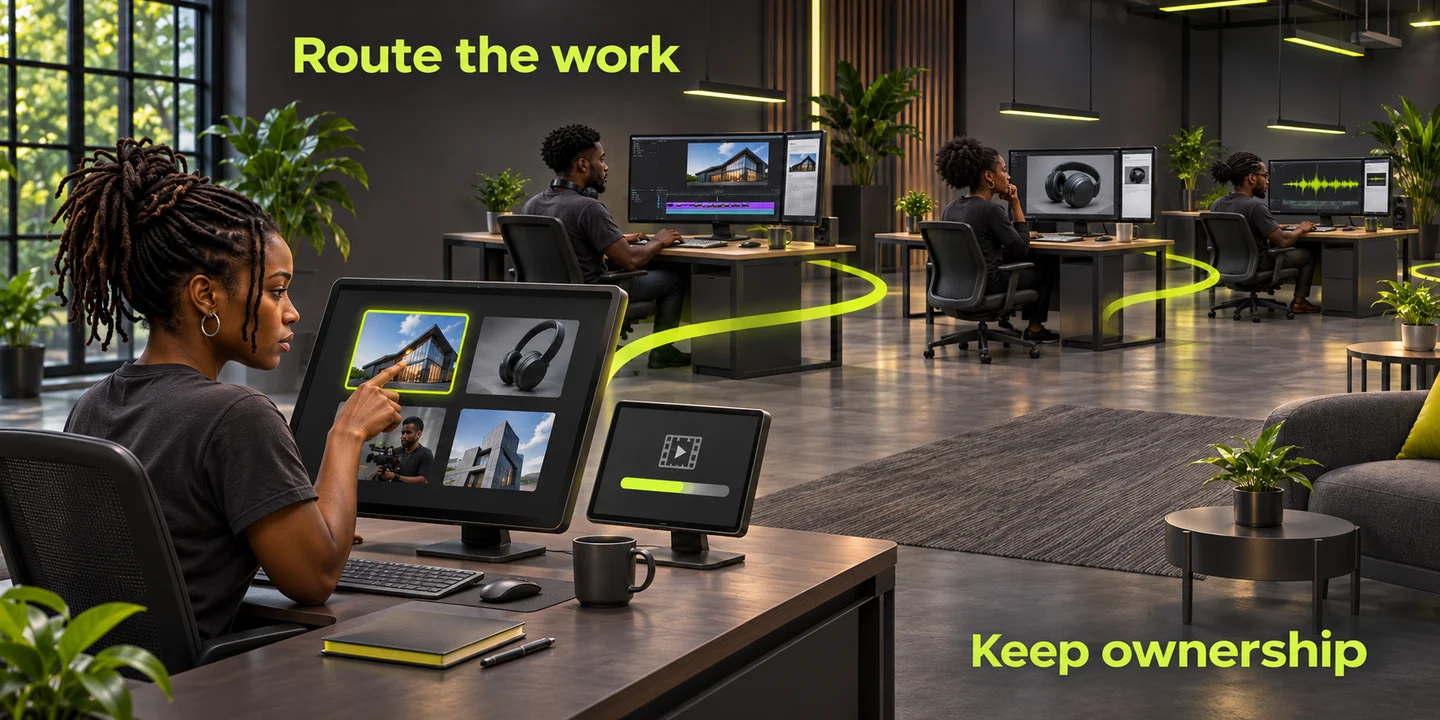
Route the work while keeping project ownership with the specialist.
Acquire deliberately, then listen locally
The Listen workflow adds a focused public-link acquisition path. The user supplies a supported YouTube link and chooses MP3, WAV or MP4. Validation narrows the URL to allowed HTTPS hosts, rejects embedded credentials and derives the video identity.
Core checks the required local yt-dlp and FFmpeg runtimes, limits simultaneous acquisitions and records the operation. The process runs with a fixed executable and an argument array, with shell interpretation disabled. Titles and uploader information are sanitised before becoming part of an output name.
The adapter checks that the expected local output exists and has nonzero size before registering the media reference. That is a concrete file-presence check, rather than a full decode or creative-quality assessment.
The route is for public items; work requiring authentication belongs in Sloverb. It also depends on an external service and the installed downloader. A local control room does not make remote acquisition independent of the provider merely by moving its progress bar into a nicer window.
Once audio is available, the listening strip offers Original, Slowed + Reverb and Slowed + Original Voice. The slowed modes use a defined playback rate, with pitch preservation enabled for the original-voice mode. A local convolution path blends the reverb treatment in real time.
That is a listening effect, not an exported transformed file. The distinction is useful when exploring how a track feels before taking it into another workflow. MP4 remains video and is not played by the audio-only strip, even though it can be acquired and cataloged.
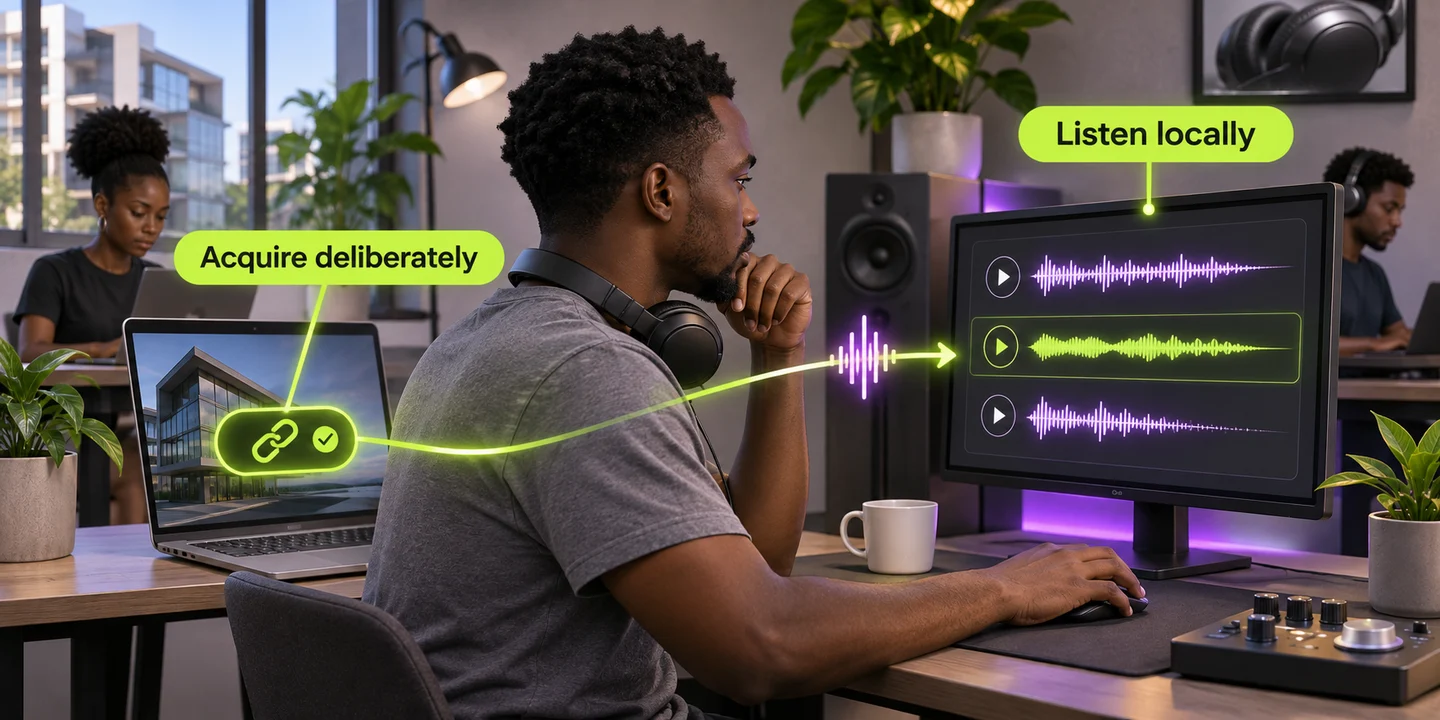
Listen workflow: choose the acquisition and compare playback locally.
Let Ender remain the render authority
Renders queries Ender through a bounded local handshake and accepts a matching queue response. It shows the reported source, state, progress, output or error, with refresh and launch actions.
It does not expose retry or cancel. Queue control stays inside Ender. That is a purposeful authority boundary: a central view can make work easier to follow without becoming an extra place to change another application’s jobs.
Missing capability, unavailable connection or a timeout produces an offline snapshot. A stale or absent answer should not be rendered as current success just because the dashboard would look more reassuring in green.
Closing the control room also does not mean cancelling work in the specialist applications. Their lifecycles remain their own. Coordination becomes more robust when the central shell is allowed to be a view and a dispatch point rather than the sole reason the rest of the system exists.
Record the action the suite actually took
Activity presents append-only operation receipts with intent, outcome, source, time and next action. Launch and download operations have start/finish events, so the local desk can account for its own behaviour.
A launch receipt means a process was dispatched. An acquisition receipt follows its adapter’s file checks. Neither should be repurposed as evidence that a native edit or render later completed. Those outcomes belong to the receiving product and its relevant checks.
Receipt reads are bounded, and malformed rows can be tolerated without making the whole history disappear. Structured logs redact sensitive fields and rotate. The goal is a useful operational record, not a second unbounded archive of paths and private configuration.
I used TypeScript, React, Electron and Zod-validated shared contracts to make that common desk useful without giving it every specialist privilege. Electron main owns Core, the renderer uses a constrained preload API without Node integration, and typed media references connect the views to permitted actions. The creator can choose the next step without having to handle a bridge token or canonical path.
Keep a preview from impersonating the system
Browser-only mode uses fixtures when the Electron preload is absent. It supplies sample media, app states, receipts and simulated acquisition for interface preview.
MMMedia Suite also remains distinct from Orchestra. Its scope is a fixed media-tool control room, with specialist ownership kept intact. It is not a general orchestration layer that happens to begin with six applications.
What a central desk should understand
The most useful lesson was that integration needs an ownership model before it needs another dashboard card. Who owns the project? Who may change the queue? What does a status actually observe? Which action did this application itself complete?
Answering those questions gave the product a clearer shape. Authorised media stays behind Core, specialist apps retain domain state and Ender remains the delivery authority. The suite can coordinate without claiming to be every tool it connects.
That reflects a strength I bring across the portfolio: designing useful shared interfaces while preserving the contracts that make each specialist reliable. A common desk should reduce navigation work, not multiply arguments about whose version of the project is real.
Find the right door
MMMedia Suite is a place to start a media task: find a selected item, choose the appropriate specialist, listen locally or check the render state Ender reports. It reduces navigation work while leaving projects and queue control with their owners.
The build taught me that a shared interface earns its place through clear handoffs. Bringing tools together is useful when I spend less time finding them and still know where to make the actual edit.
The city can keep its specialists. Finding the right door no longer needs its own production schedule.
Back to the story’s beginning ↑
Project details
A desktop coordinator routes media references to specialist applications, monitors Pro/Ender health and records handoffs. Each application retains its own project state.
Part of the MMMedia family. Related versions and implementations have their own entries.
Design and technical decisions
Media references route to specialist applications while project state stays in the application that owns it. Health views and handoff receipts help distinguish coordination from an actual completed edit or render.
Inside the workflow
A desktop coordinator routes media references to specialist applications, monitors Pro/Ender health and records handoffs. Each application retains its own project state.
Related work
Have something in mind?
Bring the problem, the audience and what you want to make possible.
Discuss your project